For local NSFW AI in 2026, you need 8GB VRAM minimum (12GB comfortable, 16GB+ for Flux), 16-32GB system RAM, and an SSD for fast model loading. The best value GPU is a used RTX 3060 12GB. NVIDIA is the smoothest path; AMD and Mac work with extra setup.
Running NSFW AI image generation locally means no credit limits, no content filters, complete privacy, and a one-time hardware cost instead of an ongoing subscription. The barrier is that one-time cost, and the question everyone asks first is what hardware they actually need. The good news is the requirements are more modest than people fear, and you almost certainly do not need a top-tier GPU.
This guide breaks down VRAM tiers, system RAM, storage, and GPU picks by budget, plus how quantization lets low-VRAM cards punch above their weight. If after reading you decide local is not for you, our cloud GPU rental guide covers renting hardware by the hour instead.
VRAM Is the Number That Matters Most
VRAM, the dedicated memory on your graphics card, is the single most important hardware spec for AI image generation. The entire model and the image being generated must fit in VRAM. If they do not fit, you either cannot run the model at all or you fall back to slow low-VRAM modes. Raw GPU speed matters too, but it is secondary. A slower card with more VRAM beats a faster card with less.
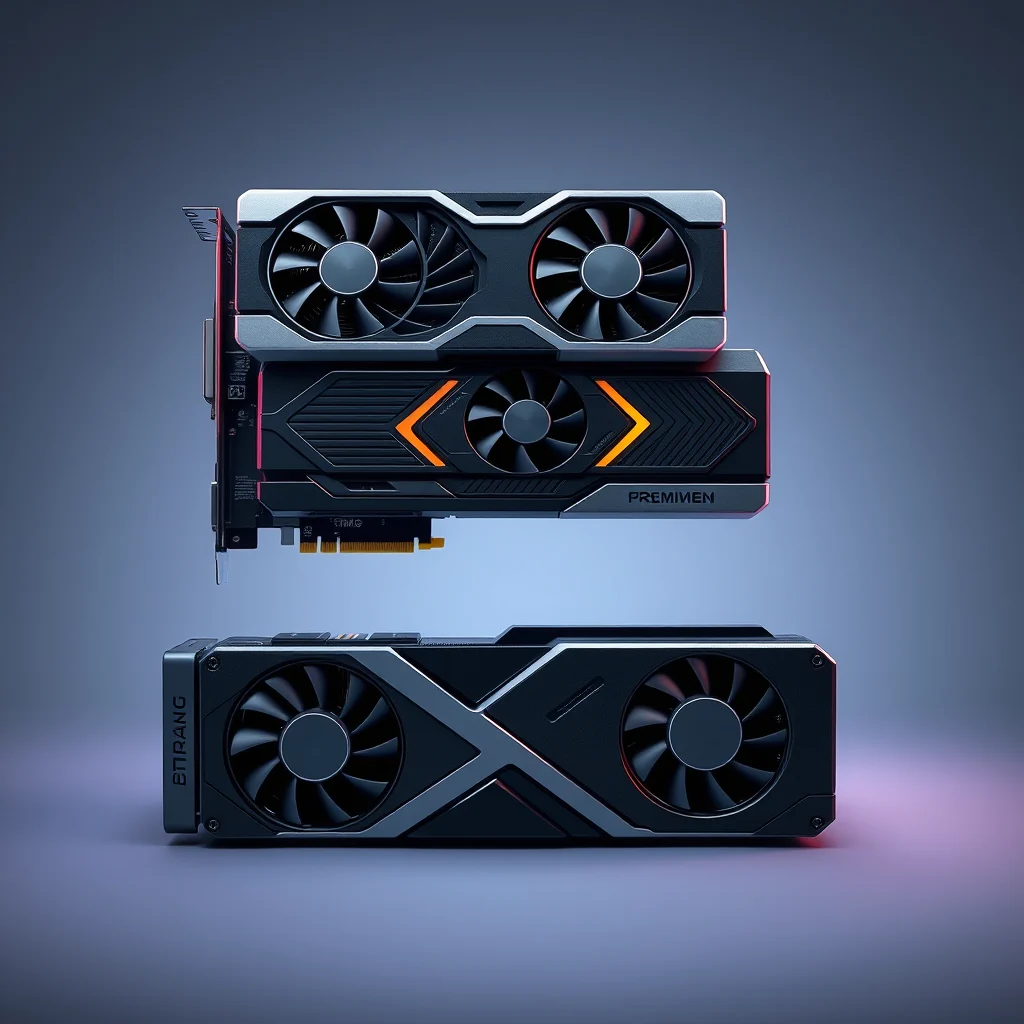
Here are the practical tiers. 8GB VRAM is the entry point. It runs SD 1.5 checkpoints comfortably and SDXL models like Pony Diffusion and Illustrious XL with low-VRAM flags enabled. Expect slower generation and limited batch sizes, but full quality. 12GB VRAM is the comfortable tier. SDXL runs at full speed, LoRA stacking is unconstrained, and 1024px generation with Hires Fix is smooth. This is the sweet spot for most users. 16GB and above is the headroom tier. It handles Flux comfortably, supports heavy LoRA stacks, large batches, and high-resolution work without compromise.
System RAM and Storage
System RAM is separate from VRAM and also matters. Models are loaded from disk into system RAM before being moved to the GPU, and switching checkpoints shuffles large files through RAM. 16GB of system RAM is the workable minimum, but 32GB is strongly recommended and cheap to add. With 32GB you can switch models freely and keep a browser and other apps open without slowdowns.
Storage is the quietly important piece. Each SDXL checkpoint is 6GB to 7GB, each SD 1.5 checkpoint around 2GB, and LoRAs add up fast. A real working library easily passes 100GB. More importantly, load speed depends on the drive. Loading a 7GB checkpoint from a mechanical hard drive can take over a minute, while an NVMe SSD does it in a few seconds. Keep your models folder on the fastest SSD you have. Plan for at least 250GB of free SSD space if you intend to build a serious library.
GPU Picks by Budget
Budget: A used RTX 3060 12GB is the standout choice. It pairs 12GB of VRAM with a low used-market price, and that VRAM lets it run every SDXL model. It outperforms pricier 8GB cards for AI work despite being slower on paper. This is the best entry GPU in 2026 for most people.
Mid-range: The RTX 4060 Ti 16GB gives generous VRAM and modern efficiency, comfortably handling Flux and heavy workloads. A used RTX 3090 with 24GB is the value enthusiast pick if you can find one well-priced, since 24GB of VRAM is luxurious headroom for the cost.
High-end: The RTX 4090 and RTX 5090 deliver both speed and large VRAM, generating images in a fraction of the time. They are overkill for casual NSFW generation but worthwhile if you do high-volume work or also train LoRAs. For most readers, a 12GB or 16GB card is the smarter spend, and the saved money can fund a cloud GPU for occasional heavy jobs.
| Tier | GPU | VRAM | Good for |
|---|---|---|---|
| Entry | RTX 3060 (used) | 12GB | SDXL at full speed, best value |
| Entry-budget | RTX 4060 / 3060 Ti | 8GB | SD 1.5, SDXL with low-VRAM mode |
| Mid-range | RTX 4060 Ti | 16GB | Flux, heavy LoRA stacks |
| Value enthusiast | RTX 3090 (used) | 24GB | Everything, LoRA training |
| High-end | RTX 4090 / 5090 | 24-32GB | High volume, fast training |
GGUF Quantization for Low-VRAM Cards
If your card is short on VRAM, quantization is the technique that rescues you. Quantization compresses a model by storing its weights at lower precision, shrinking the VRAM it needs. The GGUF format is the common quantized format, and it makes a real difference for large models. Flux, which normally wants 16GB or more, can run on a 12GB or even an 8GB card in a quantized GGUF build, with only a modest quality trade-off.
Quantized models come in levels, often labeled Q8, Q6, Q4 and so on, where a lower number means more compression and less VRAM but slightly more quality loss. Q8 is nearly lossless, Q4 is aggressive. Start with the highest quant your card can fit and step down only if you run out of memory. Our Flux NSFW guide covers running quantized Flux in detail.
NVIDIA, AMD, or Mac
NVIDIA is the path of least resistance. CUDA, NVIDIA’s compute platform, is supported by every major AI tool out of the box, so an NVIDIA card just works. AMD GPUs are capable but need extra setup: ROCm on Linux delivers strong performance, while DirectML on Windows works but is slower. Apple Silicon Macs run generation through Metal, which is usable but slower than comparable NVIDIA hardware and lacks CUDA entirely.
If you are buying specifically for AI, buy NVIDIA. If you already own an AMD card, our AMD GPU setup guide walks through ROCm and DirectML. If you are on a Mac, the best local NSFW AI generator guide and our Apple Silicon coverage explain what to expect. Whatever platform you choose, prioritize VRAM, add an SSD, and put 32GB of system RAM behind it, and a local NSFW AI setup will serve you for years.
When Your Hardware Falls Short: the Cloud Option
If your current GPU cannot comfortably run the models you want, you do not have to buy a new card immediately. Renting a cloud GPU by the hour is the practical bridge. A rented RTX 4090 or A40 with 24 to 48 GB of VRAM runs every current NSFW model including Flux at full quality, and costs roughly 30 to 50 cents per hour. For occasional generation sessions that is far cheaper than a hardware upgrade, and it lets you test whether a heavier model is worth buying for.
Cloud rental also sidesteps the VRAM ceiling entirely, so you can run Flux or large SDXL merges that would never fit on an 8 GB card. The tradeoff is setup time per session and ongoing cost if you generate daily. Our best NSFW AI generators guide weighs local versus cloud for different usage patterns.
Future-Proofing a Local Build
If you are buying hardware now, VRAM is the spec that ages best. A 12 GB card handles everything comfortable today, but model sizes have trended upward every year, and Flux already wants more headroom than SDXL did. If the budget allows, 16 GB buys real future runway and removes the need for aggressive quantization. System RAM matters less for quality but should be at least 32 GB so model loading and swapping do not bottleneck.
Storage is the quietly expensive part. A serious checkpoint and LoRA library grows past 200 GB quickly, and it should live on a fast NVMe SSD because model load time is disk-bound. Budget a dedicated 1 TB NVMe drive purely for AI models. With enough VRAM, enough RAM, and fast storage, a local build stays viable for years, and the techniques in our LoRA training guide become practical once the hardware is in place.
Laptop GPUs and Thermal Limits
A laptop can run local NSFW AI generation, but with caveats. Laptop GPUs carry less VRAM than their desktop equivalents, so a laptop RTX 4070 may ship with only 8 GB where the desktop card has 12. Sustained generation also pushes laptop thermals hard, and many thin laptops throttle clock speed within minutes, slowing each image. If you generate in long sessions, a desktop card or a rented cloud GPU will be both faster and cooler than a laptop pushed to its limit.
Whatever hardware you land on, run one realistic test generation before committing to a long session, so you know your real per-image time and can plan batches around it.
For model downloads and community resources, see Hugging Face.
Frequently Asked Questions
How much VRAM do I need for local NSFW AI?
8GB of VRAM is the practical minimum for local NSFW AI in 2026, enough for SD 1.5 and SDXL with low-VRAM modes. 12GB is comfortable for SDXL models like Pony and Illustrious at full speed. 16GB or more is recommended for Flux, heavy LoRA stacks, and high-resolution work without compromises.
Can I run NSFW AI on 8GB of VRAM?
Yes. 8GB runs SD 1.5 checkpoints comfortably and SDXL models like Pony Diffusion with the medvram or low-VRAM flag enabled. Generation is slower and very large batches are limited, but quality is unaffected. Forge handles 8GB cards better than AUTOMATIC1111 thanks to smarter memory management.
How much system RAM do I need?
16GB of system RAM is the minimum, and 32GB is strongly recommended. RAM is used to load and swap models, and SDXL checkpoints are large. With only 16GB you may hit slowdowns when switching models or running other apps. 32GB removes those bottlenecks and is inexpensive to add.
Do I need an SSD for AI image generation?
An SSD is strongly recommended. Checkpoints are 2GB to 7GB each and a working library quickly reaches tens of gigabytes. Loading a model from a hard drive can take a minute or more, while an SSD loads it in seconds. An NVMe SSD is ideal. Keep your models folder on the fastest drive you have.
What is the best budget GPU for local NSFW AI?
A used RTX 3060 12GB is the standout budget pick, offering 12GB of VRAM at a low price, which beats more expensive 8GB cards for AI work. For new cards, the RTX 4060 Ti 16GB gives generous VRAM. For AI generation, VRAM capacity matters more than raw speed, so prioritize it over a faster 8GB card.
Can I run NSFW AI without a dedicated GPU?
Technically yes, on CPU, but it is impractically slow, often several minutes per image versus seconds on a GPU. If you have no suitable GPU, renting a cloud GPU through RunPod or Vast.ai is far better. Integrated graphics cannot run these models effectively. A dedicated GPU or cloud rental is effectively required.
What is GGUF quantization and does it help low-VRAM cards?
GGUF is a quantization format that compresses a model so it uses less VRAM, with a small quality trade-off. It is especially useful for running Flux on cards that could not otherwise fit it. A quantized GGUF version of a large model can bring an 8GB or 12GB card into range for models that normally need 16GB or more.
Is an NVIDIA GPU required, or do AMD and Mac work?
NVIDIA is the smoothest path because CUDA is universally supported by AI tools. AMD GPUs work through ROCm on Linux or DirectML on Windows, with some setup effort. Apple Silicon Macs run AI generation through Metal, slower than NVIDIA but usable. NVIDIA remains the recommended choice for the least friction.
More NSFW AI fixes:
Ready to train your own model? Related guides:
Ready to sharpen your results? Related guides:
Building or upgrading your rig? Related guides: