Quick verdict: Five methods exist for keeping a NSFW AI character consistent across many images in 2026, ranked by effort versus payoff: LoRA training (highest fidelity, two hours one-time setup, two dollars compute), IP-Adapter or FaceID (medium effort, single reference image), Textual Inversion embedding (low effort, weak consistency), ControlNet reference-only (no training, moderate consistency), seed plus detailed prompt (entry-level, weakest). For commercial creator workflows, LoRA training is the only method that delivers truly stable output across hundreds of generations. For one-off projects, IP-Adapter or ControlNet reference suffices.
This guide walks through why consistency is hard, the five methods with hands-on comparison, side-by-side same-character output from each, outfit and pose variation while preserving face, body-shape consistency (often skipped), multi-character scene consistency, and a decision tree for picking the method that fits your use case and budget.
Why character consistency is hard in diffusion models
Diffusion models generate from random noise conditioned on text. Even with identical prompts and identical seeds, slight numerical differences in samplers or interface versions produce slightly different output. For a character to look the same across many generations, the model needs additional signal beyond text plus seed. The five methods below all inject that signal differently. Wikipedia’s diffusion model overview covers the technical reason consistency requires more than prompting.
The practical effect: a prompt like 1girl, blue eyes, blonde hair, athletic build will give you a different-looking woman in every generation. Consistency requires injecting a specific face signature.
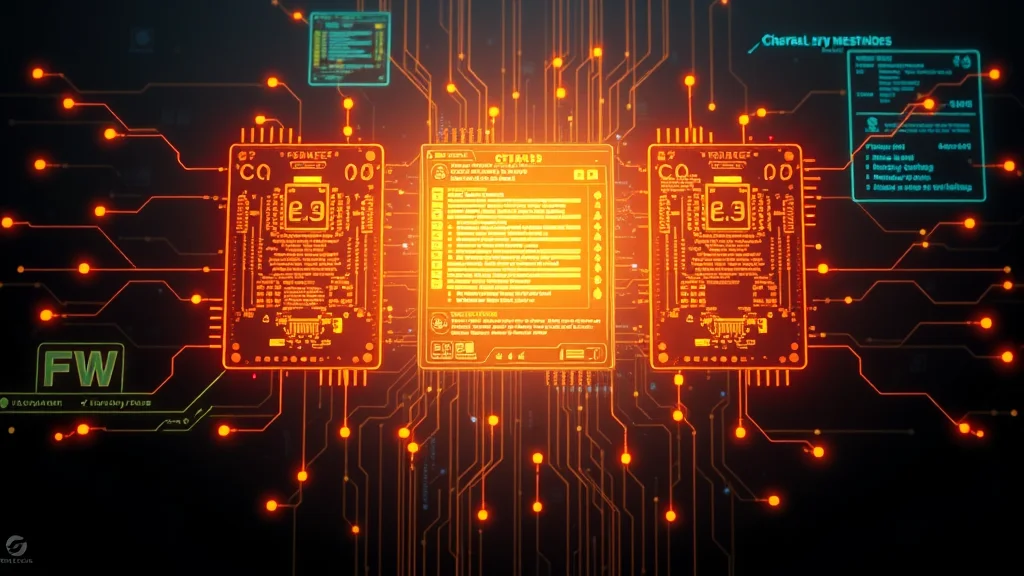
The 5 methods compared
| Method | Setup | Cost | Fidelity |
|---|---|---|---|
| LoRA training | 2 hr | $2 once | Highest |
| IP-Adapter / FaceID | Minutes | Free | High |
| Textual Inversion | 1 hr | $1 once | Medium |
| ControlNet reference | None | Free | Medium |
| Seed + detail | None | Free | Low |
1. LoRA training (highest fidelity)
Train a small LoRA on twenty to thirty reference images of your character. The LoRA captures face, body type, and identifying features. Apply at strength 0.7 to 0.9 for the most consistent output. Setup time is two hours (dataset prep plus training); compute cost is two dollars on Fal.ai or RunPod. Once trained, you can generate hundreds of images that all look like the same person.
See our LoRA training guide for the full pipeline. This is the only method that delivers production-grade consistency at scale.
2. IP-Adapter and FaceID (medium effort, single reference)
IP-Adapter is a class of techniques that take a single reference image and inject it as conditioning during diffusion. FaceID is the face-specialty variant. Drop a reference image into the IP-Adapter slot of Automatic1111, ComfyUI, or Forge, set strength to 0.7 to 0.9, and generate. The output preserves face and styling from the reference while letting pose, outfit, and background vary freely.
Strength of this method: no training required. Weakness: less consistency than LoRA, especially as you move to dramatically different poses or lighting. Best for one-off projects with five to twenty generations.
3. Textual Inversion embedding (low effort)
Textual Inversion creates a custom token (like my_character_xyz) that the model associates with a specific concept after training on five to ten reference images. Use the token in any prompt afterward and the model produces the character. Cheaper than LoRA training (under one dollar of compute), smaller file size (few kilobytes), but weaker consistency than LoRA.
Best use: when you want a quick custom token and do not need pixel-level consistency. Less effective on SDXL than on SD 1.5.
4. ControlNet reference-only (no training)
The reference-only ControlNet preprocessor takes a single reference image and uses it as a structural guide during generation. Drop your reference into ControlNet’s reference-only slot, set weight to 0.7 to 0.9. The model produces output that resembles the reference in style and major features without explicit face encoding.
Strength: zero training, works with any reference. Weakness: less precise than IP-Adapter for face matching. Best for style consistency rather than identity consistency.
5. Seed plus detailed prompt (entry-level)
The simplest method: write a very detailed character description (1girl, exactly 23 years old, oval face, slightly upturned nose, hazel eyes with green flecks, shoulder-length wavy chestnut hair with bangs, athletic 5 foot 6 build, small mole below left eye, faint freckles) and reuse the same seed. Output will be roughly consistent for the same prompt and seed but will drift dramatically with prompt changes.
Best as a starting point before committing to LoRA training, or for very small projects (one to five images).
Outfit, pose, and scene variation while keeping face
The hardest test of consistency is varying everything except the face. Recommended workflow: pin the character with a LoRA at strength 0.8 (or IP-Adapter for one-offs), then vary the rest via prompt. [character LoRA]:0.8, 1girl, beach setting, bikini, sunset versus [character LoRA]:0.8, 1girl, office setting, business suit, daytime. The face should stay constant; everything else changes. If face drifts, raise LoRA strength to 0.9 or include a face-anchor phrase in every prompt.
Body-shape consistency: the often-skipped detail
Most consistency methods focus on face. Body shape (build, height proportions, bust size, hip width) often drifts even when face is stable. The fix: include body-shape tags in every prompt (athletic build, hourglass figure, average height) and train your LoRA on images showing varied poses so the body shape is reinforced across the training set. Without this, your character’s face stays constant but the body morphs scene to scene, which breaks immersion in creator-economy workflows.
Multi-character scenes
Two-character consistency is harder because the LoRA gets diluted across multiple subjects. Workflows: train two separate LoRAs and apply both at lower strength (0.5 each); or use IP-Adapter with two reference images, one per character; or use regional prompter to assign different LoRAs to different image regions. Multi-character scenes are the use case where AI image consistency still falls short of dedicated character design pipelines.
For related techniques see the how-to pillar, negative prompts master list, and LoRA training guide.
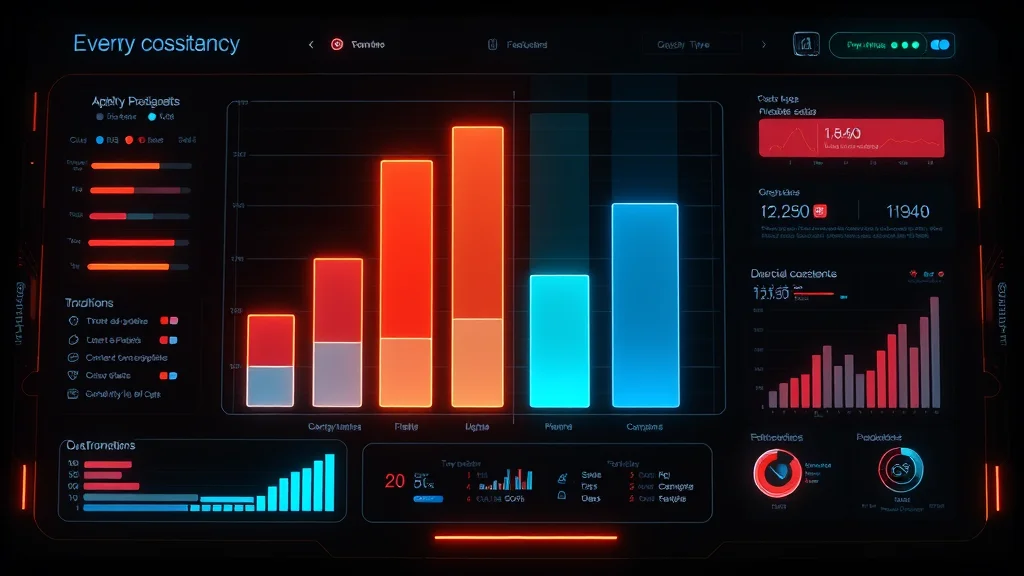
Decision tree: which method for your use case
If you need hundreds of consistent images: train a LoRA. Two-hour setup pays back within the first dozen images.
If you need ten to fifty images of one specific reference person: IP-Adapter or FaceID with a single high-quality reference.
If you need style consistency more than identity consistency: ControlNet reference-only.
If you need a quick custom token without training overhead: Textual Inversion (better on SD 1.5 than SDXL).
If you are exploring before committing: seed plus detailed prompt as a baseline test.
Frequently asked questions
How do I make AI character consistent across many images?
For production-grade consistency at scale, train a custom LoRA on 20-30 reference images. For one-off projects of 10-50 images, use IP-Adapter or FaceID with a single reference image. LoRA is the only method that delivers stable output across hundreds of generations.
LoRA vs IP-Adapter for character consistency: which is better?
LoRA produces higher fidelity and works at any scale but requires two hours of setup. IP-Adapter is faster (no training) but less consistent on dramatic pose or lighting changes. Choose LoRA if you need more than fifty consistent images; IP-Adapter otherwise.
How many training images do I need for a consistency LoRA?
Twenty to thirty hand-curated images. Below 15 the model has too little signal; above 40 returns diminish. Images should vary pose, outfit, background, and expression but keep the character face and body consistent.
Can I get character consistency without training?
Yes. IP-Adapter or FaceID with a single reference image. ControlNet reference-only with a structural reference. Both are zero-training methods that work directly in Automatic1111, ComfyUI, or Forge.
What ControlNet methods help with character consistency?
Reference-only preprocessor for style and major-feature consistency. T2I-Adapter for specific pose or composition. Combine reference-only with IP-Adapter for face plus structural consistency in a single generation.
Why does seed alone not produce consistent characters?
Seed plus identical prompt produces identical output. As soon as the prompt changes, the seed alone cannot maintain consistency because the prompt change moves the latent starting point. Seed is necessary but not sufficient.
How do I handle multi-character scenes with consistency?
Train one LoRA per character and apply both at 0.5 strength each. Or use regional prompter to assign different LoRAs to different image regions. Or use IP-Adapter with one reference per character. Multi-character is the hardest consistency case in 2026.
How much time should I budget for setting up character consistency?
LoRA training: two hours one-time. IP-Adapter setup: minutes. Both are one-time setups that pay back over many generations. Add 30 minutes to test the result and tune the strength setting per scene.
Consistency in motion: video and animation
2026 brought serviceable AI video generation into the consumer space, and character consistency in video is meaningfully harder than in still images. The four working approaches: Stable Video Diffusion with IP-Adapter conditioning for short clips (4-8 seconds) preserving a single character; AnimateDiff with motion LoRAs plus a character LoRA for the deepest custom workflow; Pika 1.5 or Runway Gen-3 with reference image for cloud-hosted convenience; and frame-by-frame img2img on each video frame using ControlNet for shorter sequences.
For NSFW video the local approach is essentially mandatory because the cloud video providers (Pika, Runway, Sora) all block NSFW. AnimateDiff on a local install running a character LoRA produces the most coherent NSFW video output in 2026, at roughly two-minute generation time for an eight-second clip on a 24GB GPU. The AnimateDiff documentation covers the setup specifics.
Identity locks for ongoing creator workflows
For creators running long-term workflows (months of content of the same character), three identity-lock practices prevent slow drift. Version your LoRAs: when the base model updates (Pony XL 6.5 to 7.0, Illustrious-SDXL minor revisions), retrain on the new base. Older LoRAs work but slowly degrade as the base evolves. Maintain a reference grid: keep a 9-cell grid of canonical character images and re-check every twenty generations to catch drift early. Document your seed sweet spots: certain seeds produce the most on-model output; save them and reuse.
For practical creator workflows, see our creator workflow guide. For the underlying technique on training the LoRA in the first place, see the LoRA training guide. For style versus identity discussions, the catgirl style guide covers palette-consistency techniques that complement identity lock.
Practical drift detection: catching consistency loss early
Character drift happens slowly. By the time you notice the LoRA’s character looks different from where it started, you have already generated dozens of off-model images. The practical detection workflow: maintain a canonical reference grid (3×3 grid of the character in distinct settings, locked early in the project), compare every fortieth generation against the grid visually, and retrain or adjust strength immediately when drift appears.
Two failure modes that look like drift but are not. Style drift: the character face is consistent but the art style has changed. Fix the style LoRA strength, not the character LoRA. Lighting drift: the character is consistent but always looks slightly different due to lighting changes. This is normal and usually accepted; do not over-correct.
For deeper character technique see our LoRA training guide, the creator workflow guide, and the upstream Stable Diffusion model release notes from Stability AI which document base-model changes that can cause drift.
Consistency quick-reference decision card
Decision card for 2026 NSFW character consistency: Need 100+ images of one character: train a LoRA (see training guide). Need 10-50 images: IP-Adapter or FaceID with one strong reference. Need style consistency more than identity: ControlNet reference-only. Need a quick test before committing: detailed prompt plus seed lock. Need multi-character consistency: train two LoRAs and apply both at 0.5 each, or use regional prompter to assign LoRAs by image region.
For creator-economy applications see our OnlyFans creator workflow guide. For the underlying IP-Adapter technical documentation see the official repo.
Final consistency tip from production: the single highest-leverage practice for long-term character consistency is documenting your stack. Write down the exact base model version, LoRA file names and strengths, sampler, steps, CFG, and seed range that produces on-model output for your character. Keep this in a text file next to your LoRA. When you come back to the character three months later (after base-model updates and tool changes), you can reproduce the output instead of re-discovering it. For broader workflow integration see Automatic1111’s repo and our how-to pillar.
Related guides:
Related guides:
More AI influencer guides:
More control and editing guides:
Related guides:
More NSFW AI picks by use case:
New to NSFW AI? Learn the basics: