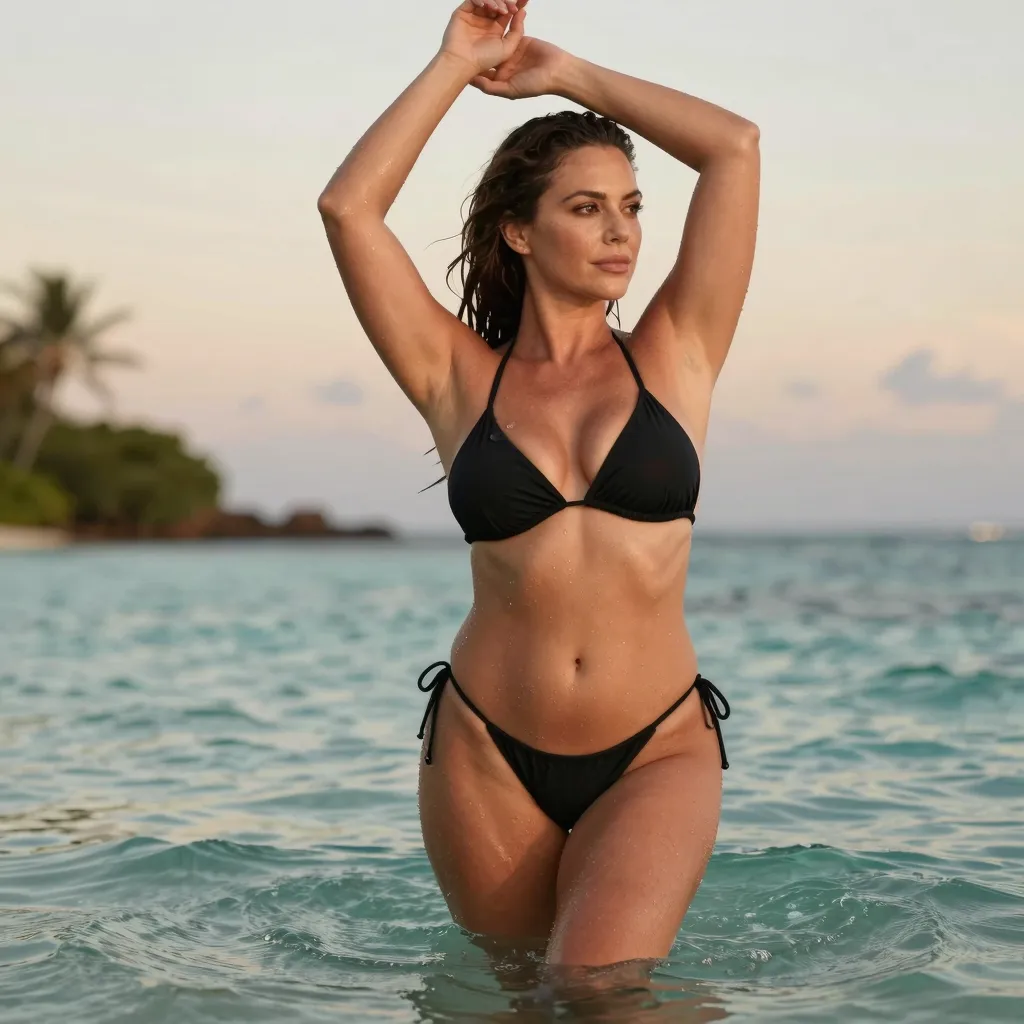
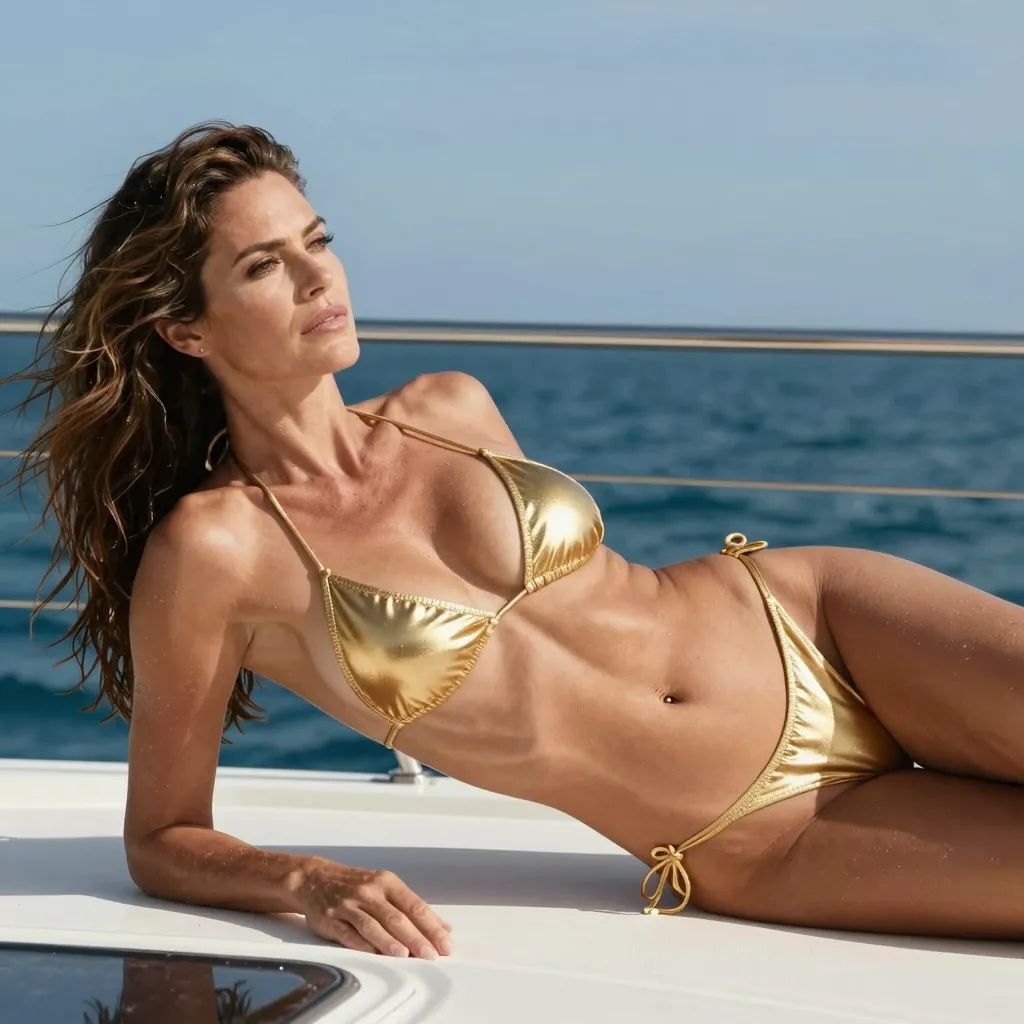
A curated gallery of photorealistic NSFW images generated in-browser with the Z-Image-Turbo model, a fast 4-step distillation of the Z-Image family run via an embedded HuggingFace Space. The examples show the realism, lighting, and detail you can produce yourself. No sign-up, no payment, and no installs needed.
A curated showcase of photorealistic NSFW images created with our free AI image generator. Every image below was generated with the Z-Image-Turbo model. No sign-up, no payment, no installs needed. These examples illustrate the realism, lighting, and detail you can produce directly in your browser.
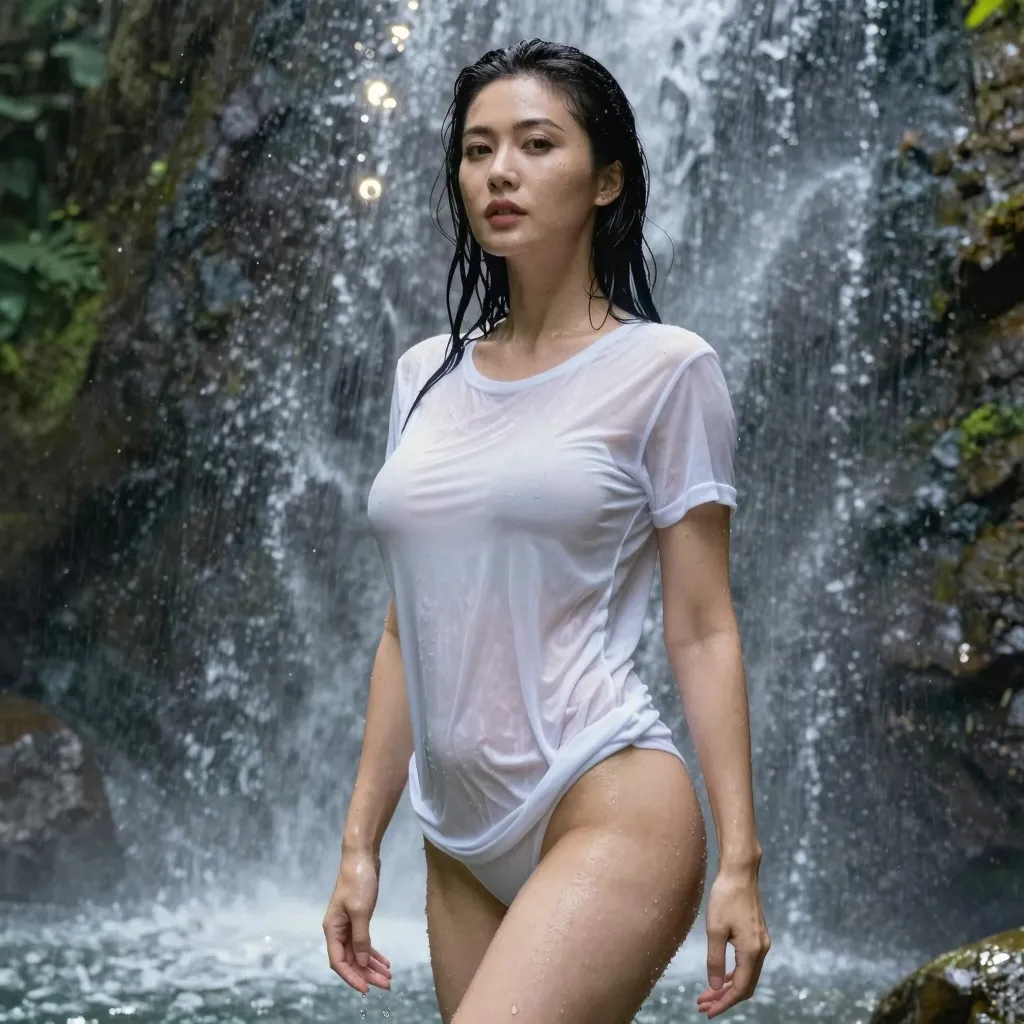
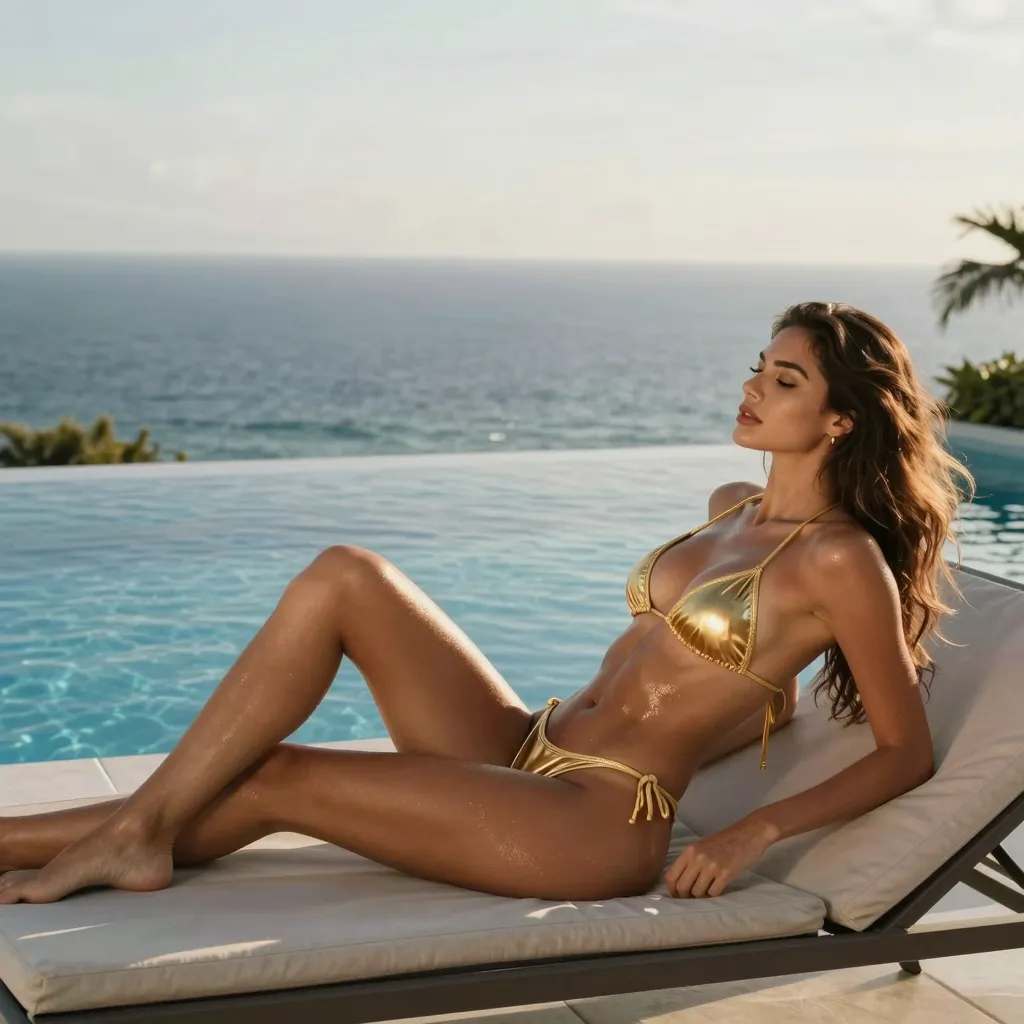
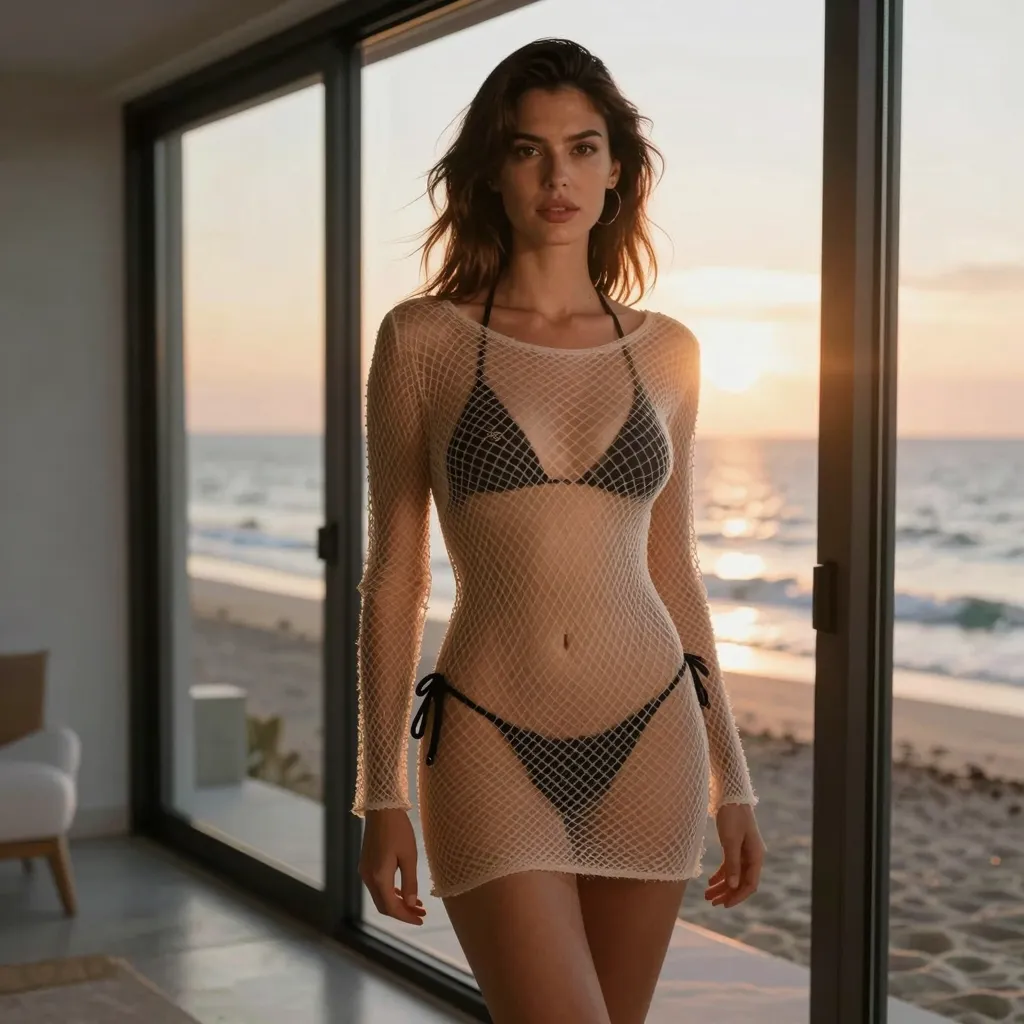
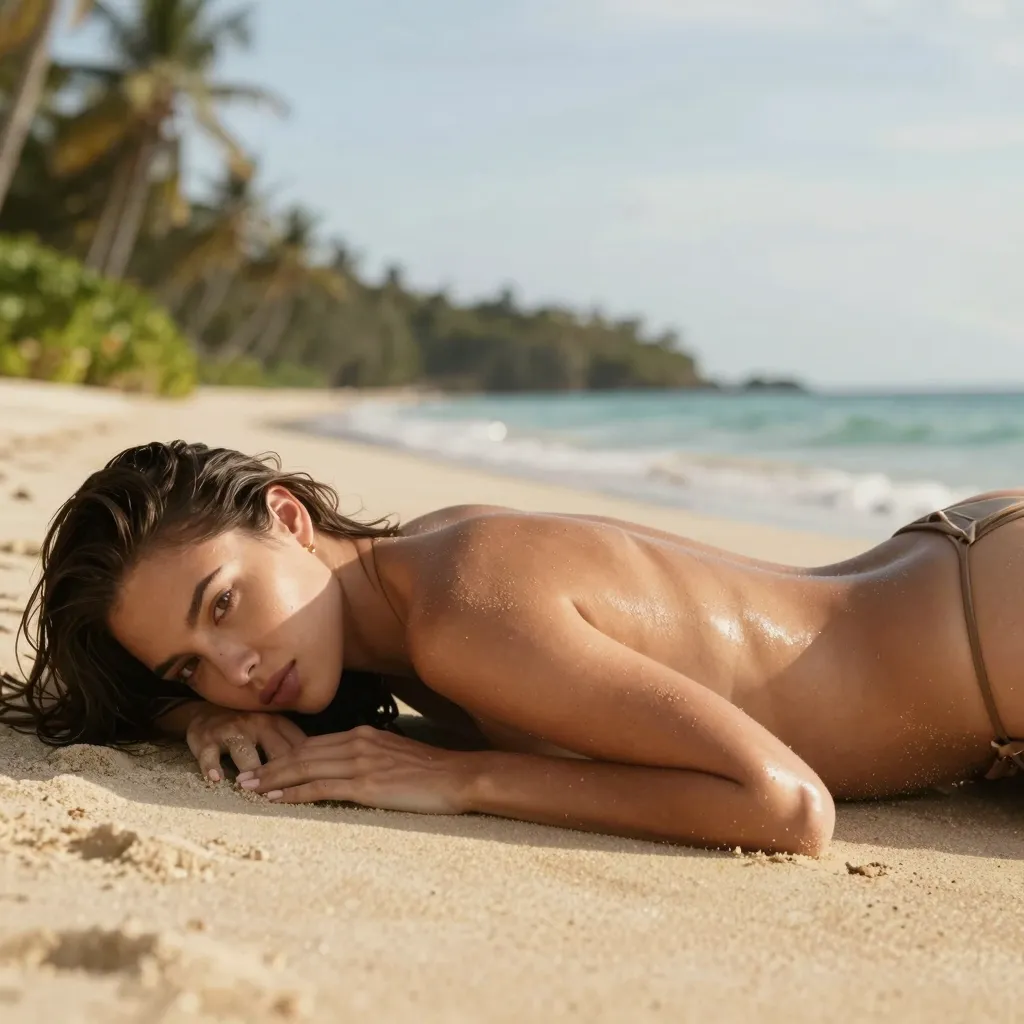
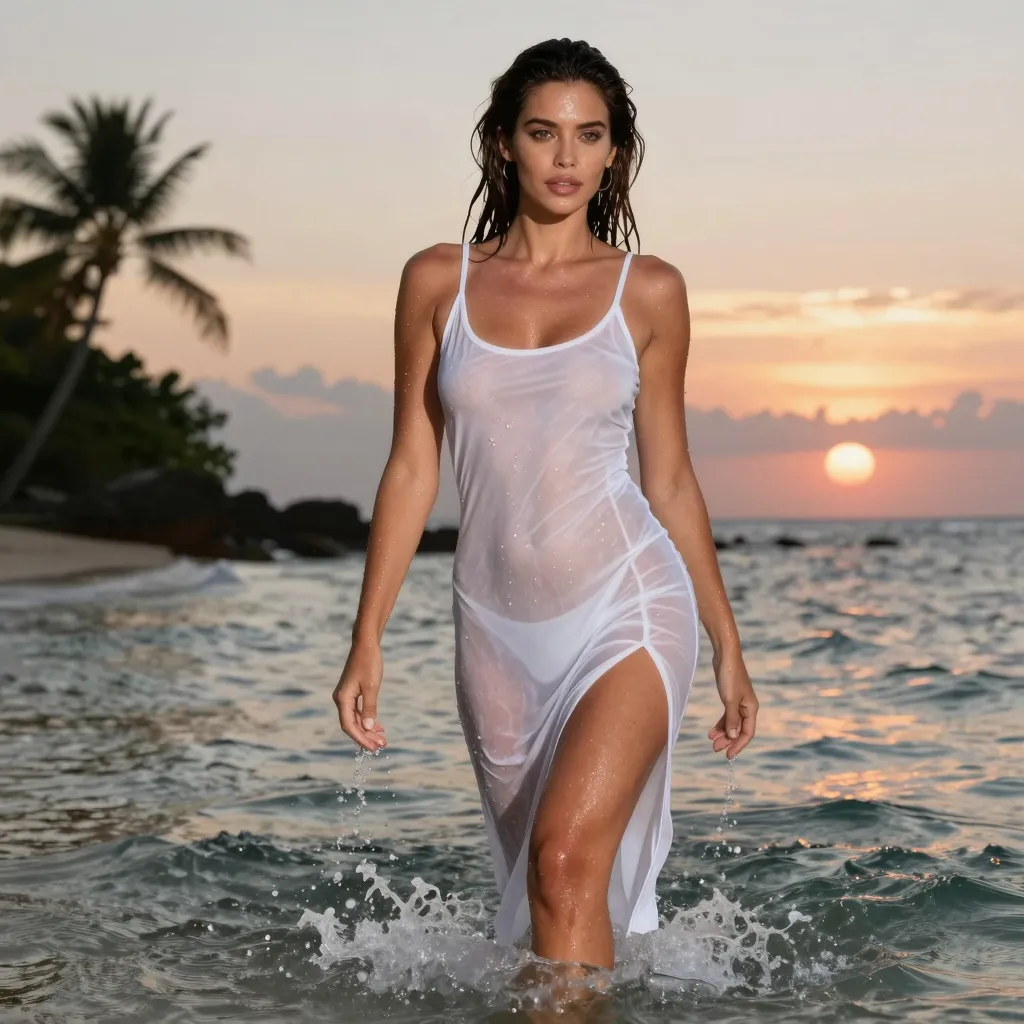
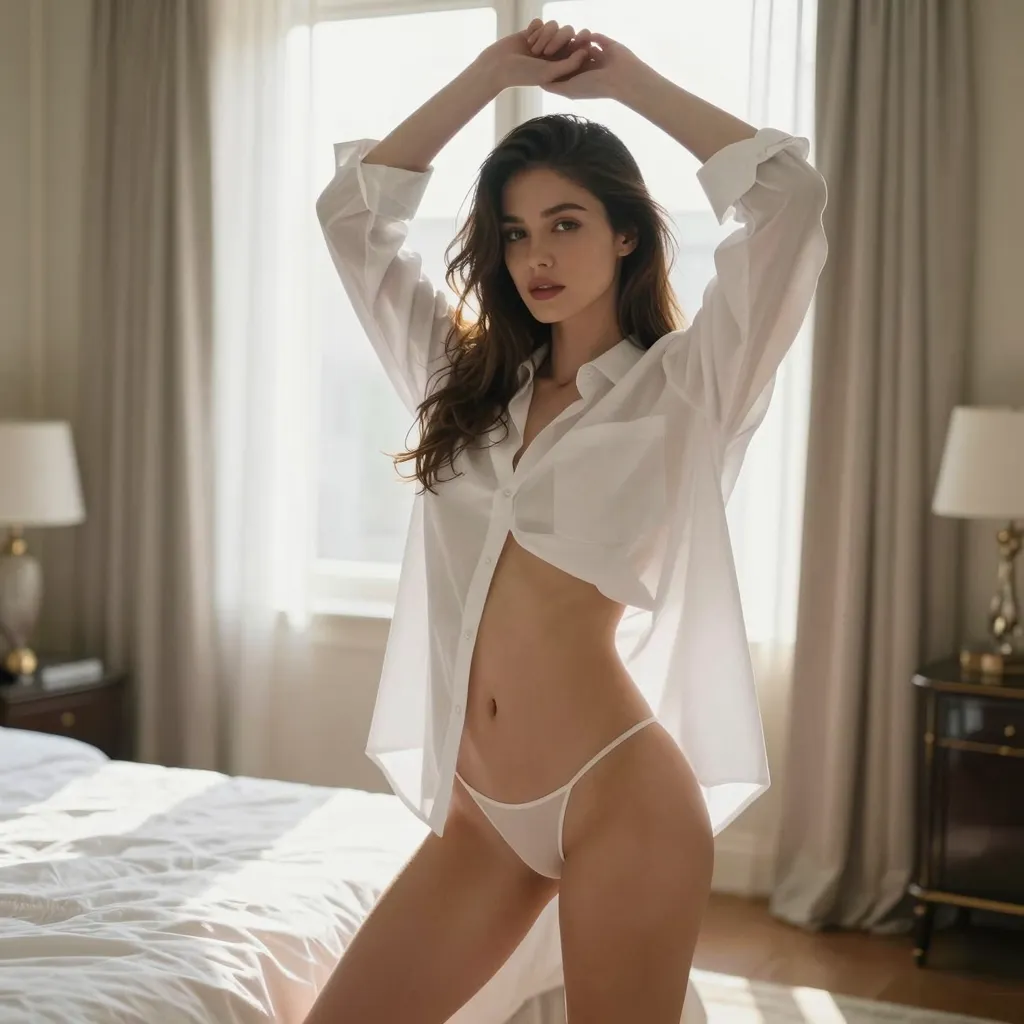
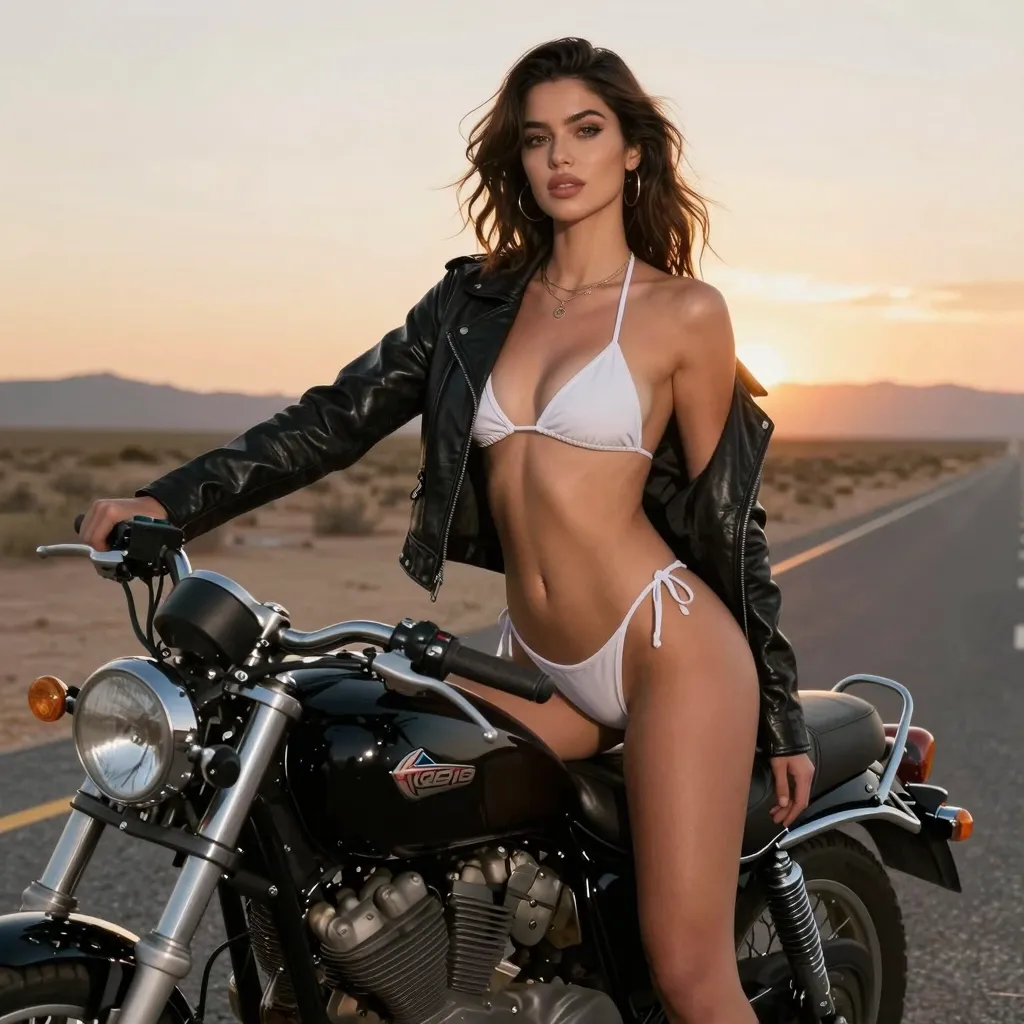
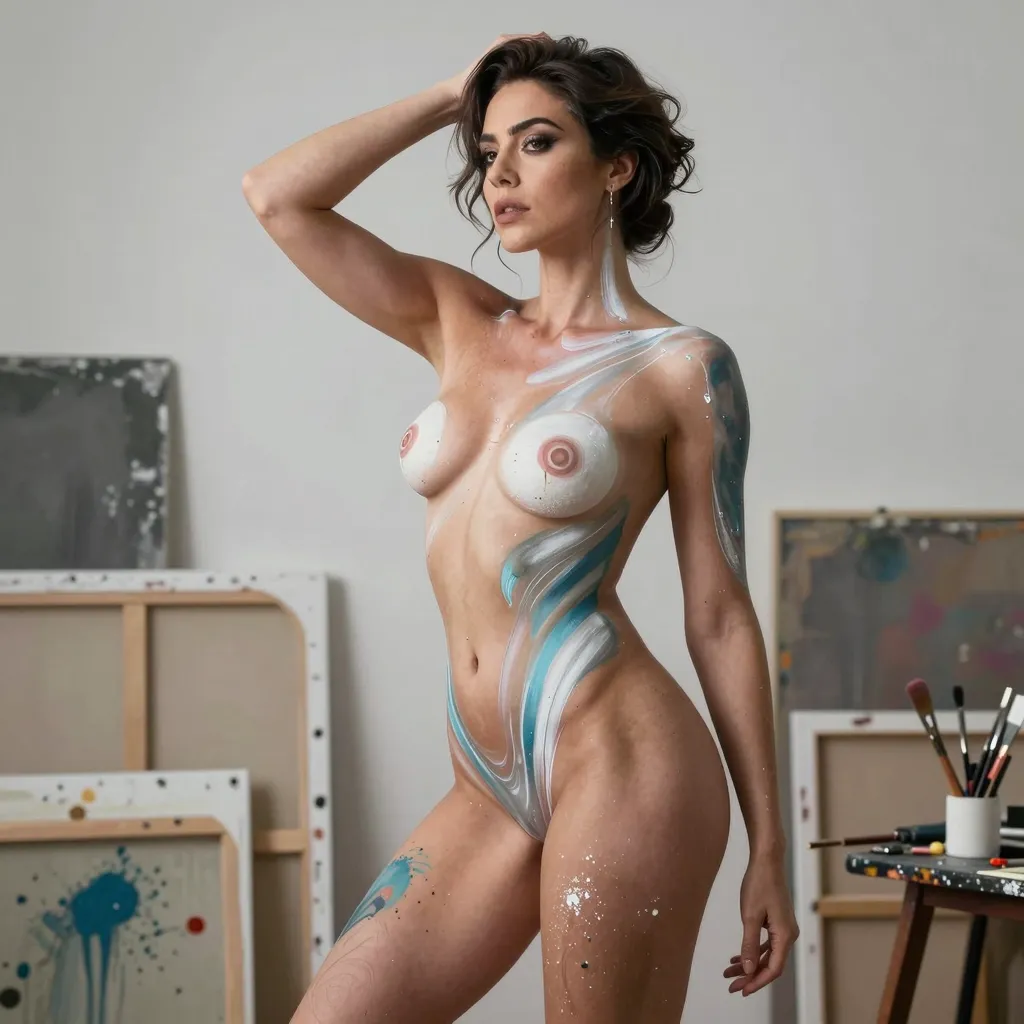
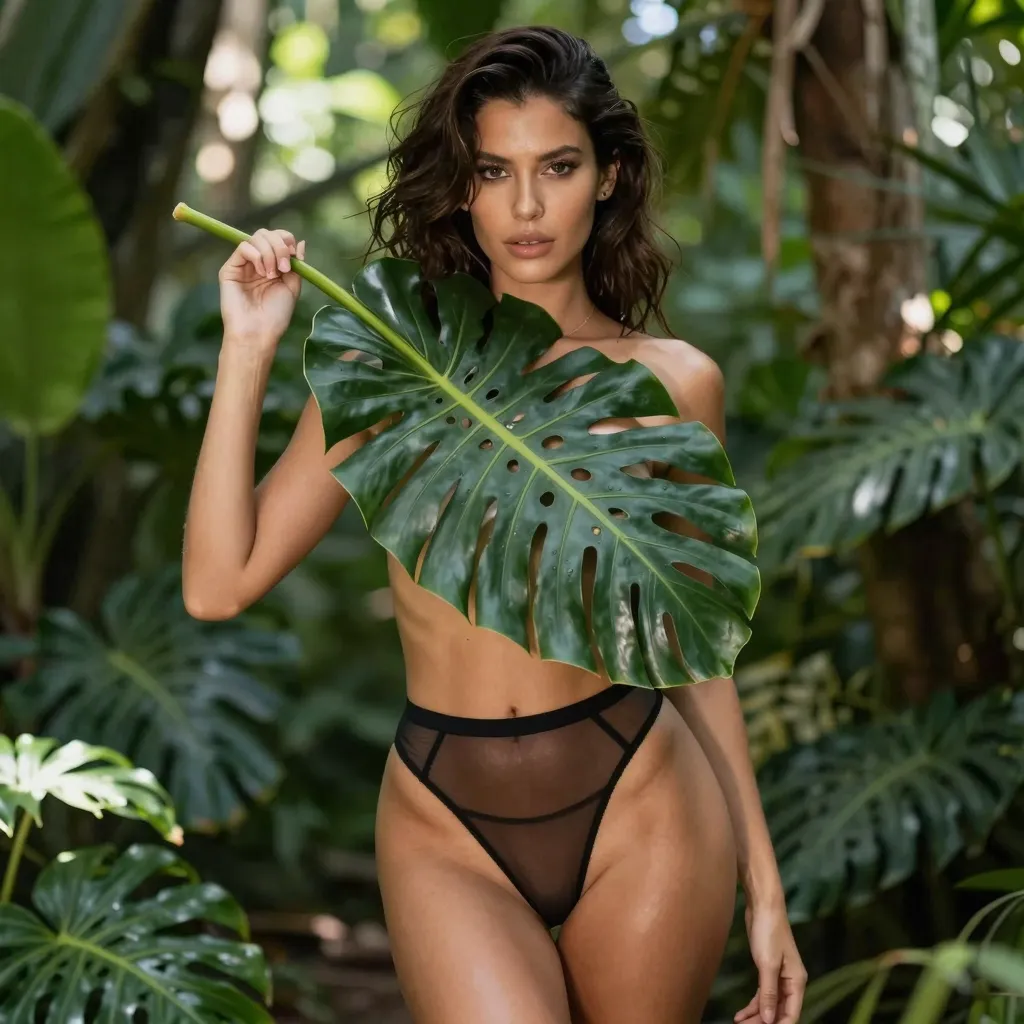
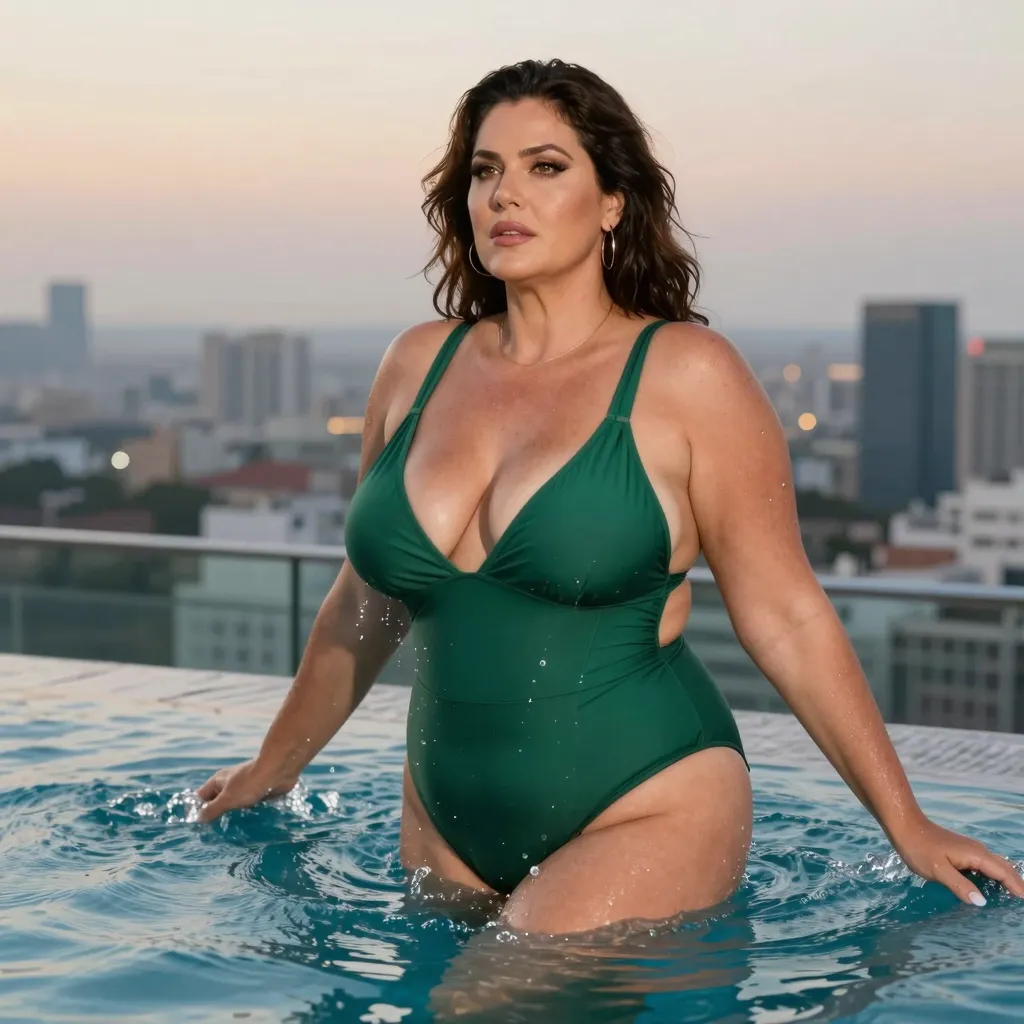
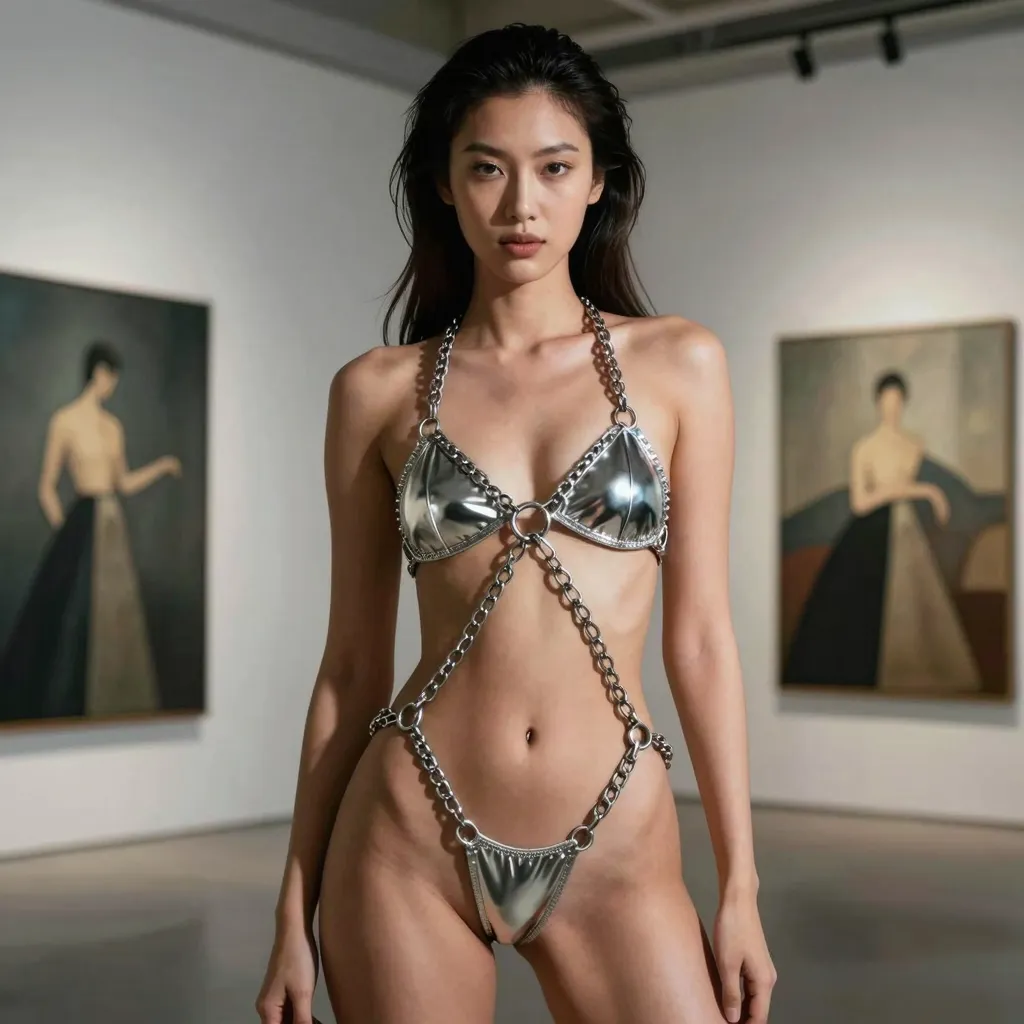
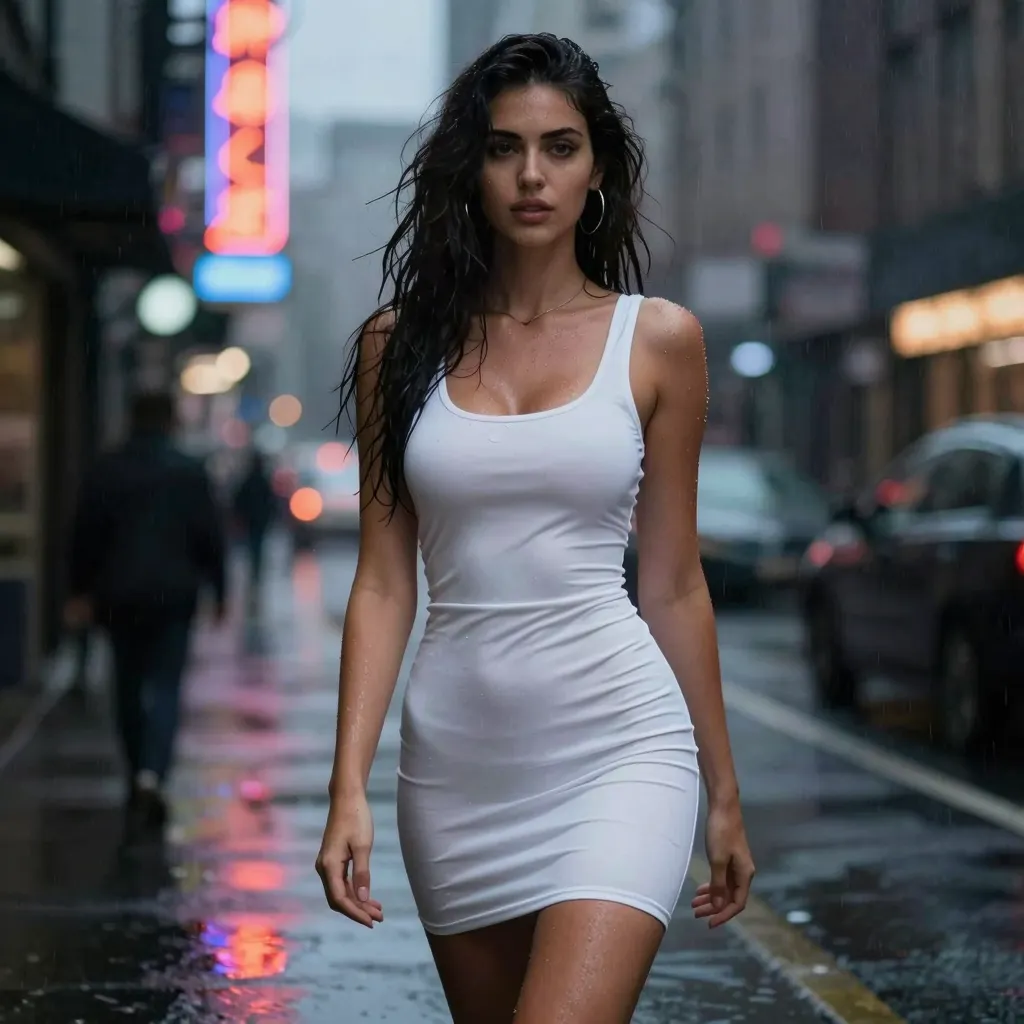
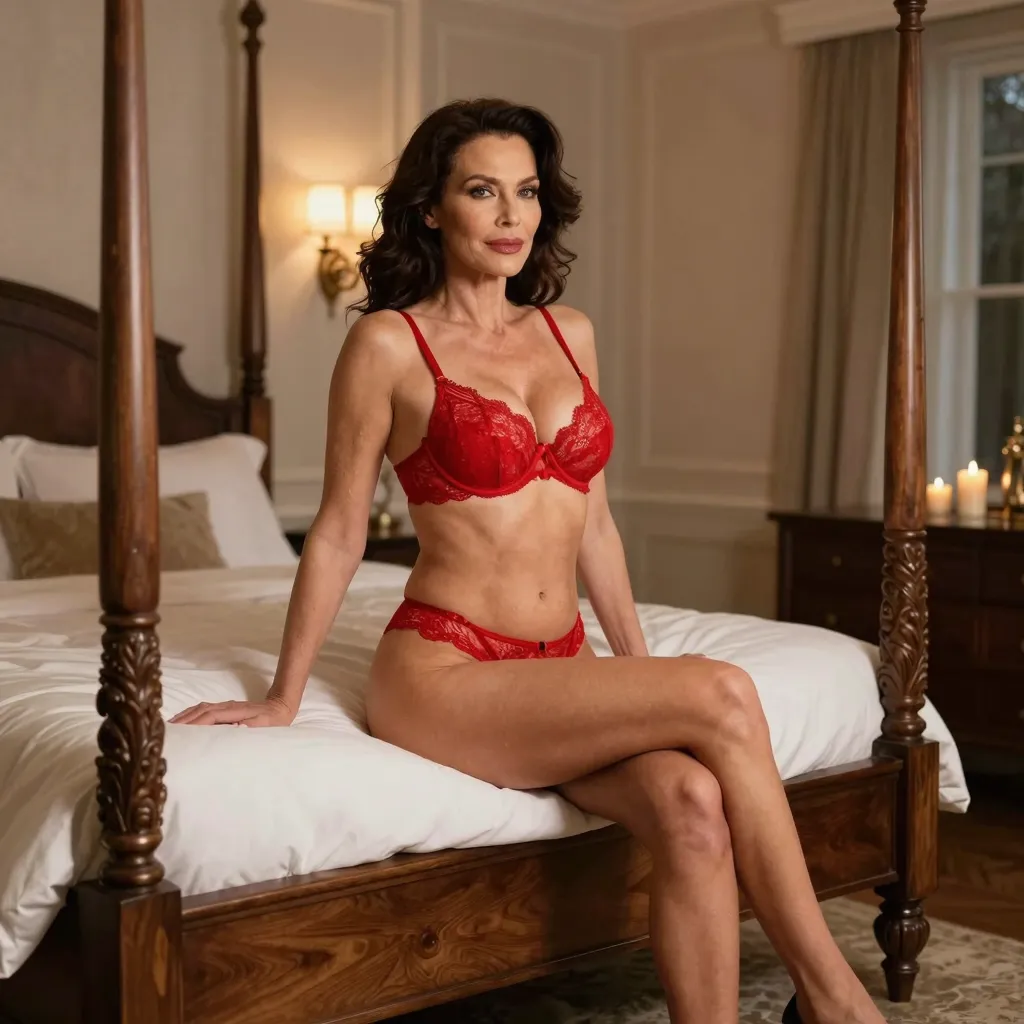
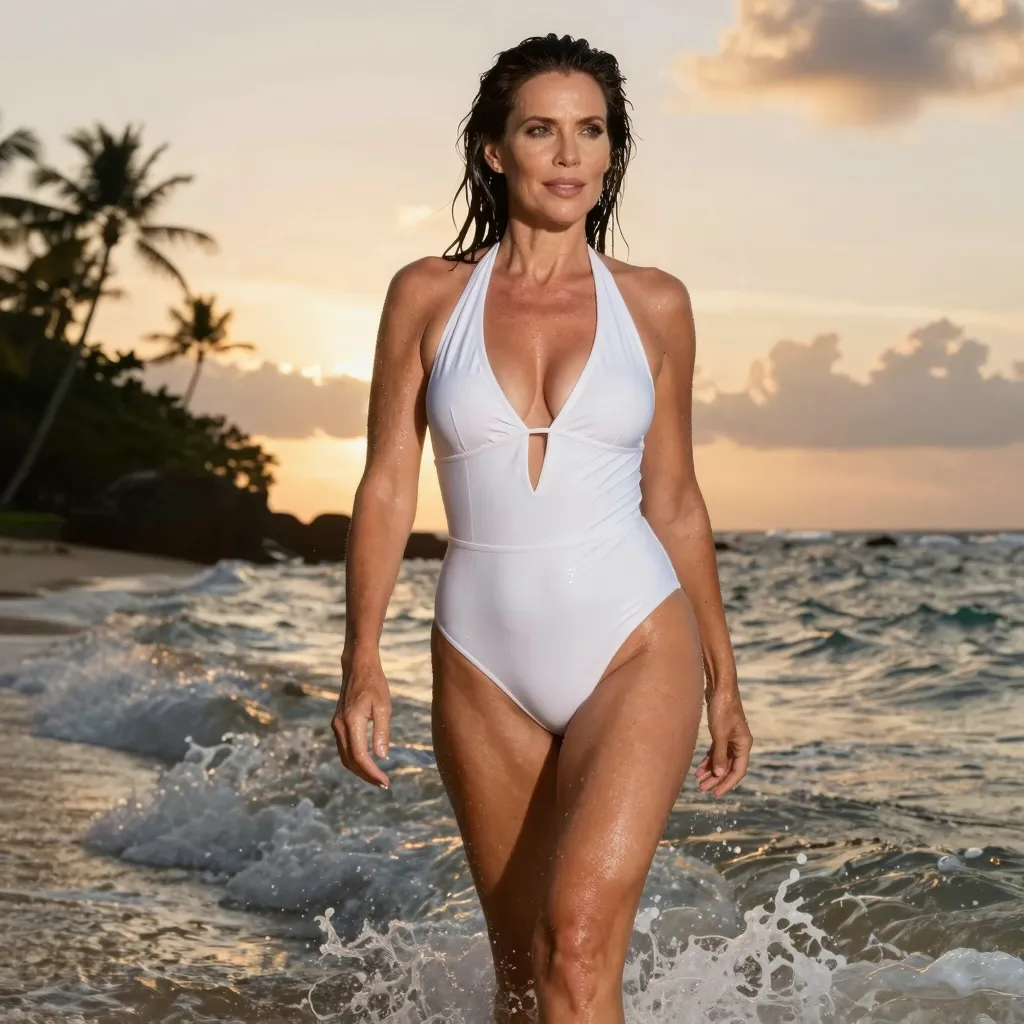
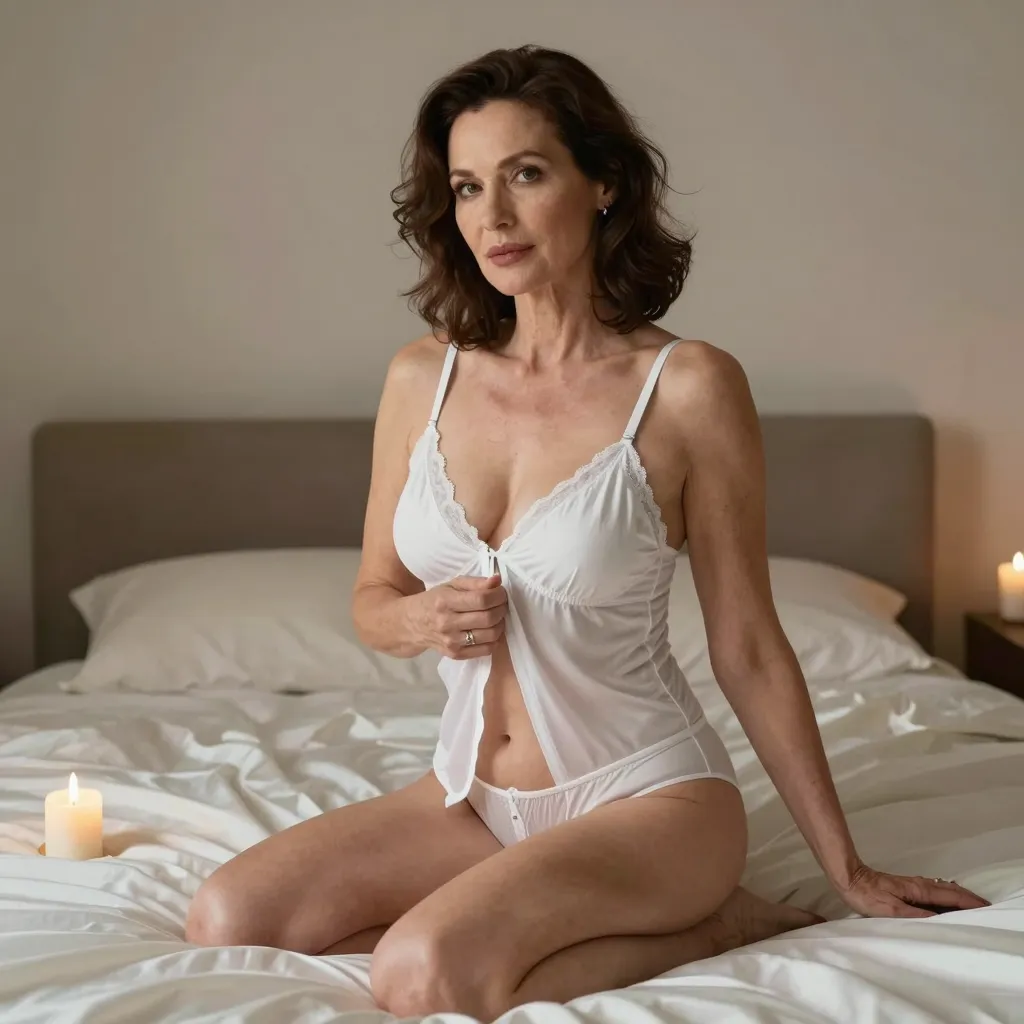
How These Realistic NSFW Images Were Generated
Every image in the gallery above came out of Z-Image-Turbo. A 4-step turbo distillation of the Z-Image family, run directly in the browser via our embedded HuggingFace Space. No installations, no comfyUI graphs, no GPU rental. Just prompt → image in roughly 20 to 25 seconds per output.
The prompt structure that produces this kind of realism follows a deliberate pattern. Each prompt opens with a subject anchor (“photorealistic portrait of a woman in her late twenties”), then layers in a style anchor (“captured with a Sony A7IV, 85mm prime, natural window light”), and closes with a quality reinforcement (“8k, sharp focus, no airbrush, real human skin texture”). Z-Image-Turbo responds strongly to camera-equipment vocabulary. Phrases like “shallow depth of field”, “soft golden hour”, and “candid iPhone photo” reliably shift output away from the plastic AI sheen most realistic NSFW models suffer from.
Settings used for the gallery
- Resolution: 1024×1024 (square portraits) and 768×1376 (portrait orientation for full-body shots)
- Steps: 4 (turbo model. No quality gain past 4)
- Guidance scale: 1.0 (turbo models work best at low CFG)
- Negative prompt: “plastic skin, doll, airbrushed, beauty filter, perfectly symmetric face, deformed”
- Seed strategy: random per output. Each image is a fresh roll, not a curated re-render
What separates these from typical NSFW AI output
Three things consistently break realism in NSFW AI image generation: doll skin (uniform smoothness with no pores), posed symmetry (every face perfectly mirrored, eyes identical, jawline geometric), and generic backgrounds (white voids, gradient skies, vague rooms). The gallery above was deliberately curated to dodge all three. Subtle skin texture is preserved because Z-Image-Turbo’s bf16 weights weren’t over-quantised. Faces show natural asymmetry. Eyebrows at slightly different heights, lips tilted, eye color marginally mismatched. And every background contains real-world objects (cafe interiors, beach textures, bedroom drapery, gym equipment) anchoring the scene in something plausible.
For each output you see above, roughly 3 to 5 candidates were generated and one was selected. That curation is what separates a usable gallery from a noise dump. The model produces variance, the operator picks the keepers. If you generate using our free browser tool, expect to roll 3-4 times per concept to land a result this clean.
How to Read the Gallery: Reverse-Engineering Each Image
A gallery of NSFW AI images is more useful when you can extract the technique behind each one. This section walks through the visual cues that reveal what went into producing each kind of result in the gallery above, and how to apply those same techniques to your own work.
Reading lighting in realistic NSFW
Three lighting signatures repeat across the strong examples in the gallery. Soft window backlight produces gentle highlights on hair and shoulders with shadowed front facial features; this signature comes from prompts including ‘window backlight’ plus a specific direction like ‘morning east-facing’. Golden hour direct sun produces warm orange-yellow tones with dramatic shadow contrast; this requires ‘golden hour’ plus ‘direct sunlight’ as explicit terms. Studio three-point lighting produces even illumination with controlled rim light; this signature requires ‘studio lighting’ plus ‘three-point lighting’ plus ‘rim light’ in combination.
Reading composition
- Rule of thirds positioning: subject sits at one of the four intersection points of the rule-of-thirds grid, suggesting a thoughtful composition prompt with terms like ‘rule_of_thirds_composition’ or specific positional language
- Leading lines: architectural or natural lines draw the eye to the subject (window frames, fabric folds, road perspective)
- Negative space: significant unfilled area in the composition gives breathing room, suggests prompt terms like ‘minimal composition’ or ‘simple background’
- Depth of field: blurred foreground or background indicates aperture-specific prompts like ‘f/1.8’ or ‘shallow depth of field’
Reading skin and texture
The difference between a ‘doll’ realistic NSFW image and a genuinely realistic one comes down to skin texture cues. Authentic skin shows: subtle pore visibility at close range, micro-asymmetry between left and right sides of the face, slight redness or warmth in pressure points (cheeks, ears, fingertips), natural skin tonal variation across the body rather than uniform colour. Prompts that produce these include ‘real skin texture’, ‘visible pores’, ‘natural skin tonal variation’, and negative prompting against ‘plastic skin’ and ‘beauty filter’.
Reading camera and lens choices
Different camera and lens choices leave visible signatures in the output. Wide-angle lenses (24mm-35mm) produce mild facial distortion at close range and emphasise environmental context. Standard lenses (50mm) produce undistorted natural-perspective portraits. Portrait lenses (85mm-135mm) produce flattering compression and subject-environment separation. Looking at the gallery images, you can identify which type of lens was prompted by the perspective compression and environmental context visible.
Reading the failure cases
Not every gallery image is perfect. Common imperfections that you can train yourself to spot: hand artefacts at extreme close-up (extra or missing fingers), slight facial asymmetry that looks ‘almost right’ but not quite, pupil shape inconsistency between eyes, occasional context errors like a watch on the wrong wrist or unusual ring placement. Identifying these in others’ work helps you spot them in your own and prompt around them.
Translating gallery examples into your own prompts
The fastest learning curve for realistic NSFW prompting is to pick a specific image in the gallery you want to emulate, write your best guess at its prompt, generate, then iterate by adjusting based on differences from the source. Three rounds of this exercise teach more than reading any prompt guide. For the prompt structure framework and the specific Z-Image-Turbo settings used to produce this gallery, see our realistic NSFW prompting guide.
Frequently Asked Questions
How do I generate realistic NSFW AI images for free?
Use the free AI image generator on our homepage. No sign-up, no credit card, no installs. Type a prompt describing the realistic NSFW image you want, hit Generate, and you’ll get a 1024×1024 photorealistic output in under 20 seconds. The generator runs in your browser using the Z-Image-Turbo model.
What’s the best NSFW AI image generator for realistic photos?
Models built on Z-Image-Turbo and Flux are currently the strongest at realistic NSFW output. They handle anatomy, lighting, and skin texture better than older Stable Diffusion variants. Our free generator uses Z-Image-Turbo by default. For comparisons across other tools, see our best NSFW AI image generators of 2026 roundup.
Can I make NSFW AI images without signing up?
Yes. Our free generator does not require an account, email, or any signup. Visit the homepage and start prompting immediately. Daily generation limits apply per IP address (around 6-8 images per day on the free tier. Sign in to HuggingFace inside the widget for higher quota).
Are AI-generated NSFW images legal?
AI-generated NSFW images of fictional adults are legal in most jurisdictions when produced and consumed by adults (18+). Our service strictly prohibits any prompt that could produce content depicting minors, non-consensual scenarios, or recognizable real people. Always check your local laws before downloading or sharing AI-generated content.
How do I write prompts for realistic NSFW AI generation?
Strong realistic prompts include: subject (e.g., “confident woman in elegant lingerie”), setting (“luxurious penthouse at golden hour”), lighting (“soft natural light through window”), and style cues (“photorealistic, magazine quality”). Browse the gallery above for example prompts and outputs. Avoid vague prompts. Specifics produce better results.
Can I download AI-generated NSFW images?
Yes. Right-click any generated image and save, or use the download button in the generator widget. All images you create are yours to use. Be mindful of the platform you share them on. Some social networks remove NSFW AI content even when legal.
Is there a daily limit on how many NSFW images I can generate?
Free anonymous users get roughly 6-8 generations per day per IP, due to shared GPU quota across users. Logging into a free HuggingFace account inside the widget increases your daily quota substantially. For unlimited generation, see our comparison of unlimited NSFW AI tools.
Why do realistic AI images sometimes look slightly off?
AI image models still occasionally produce minor anatomy errors (especially in hands, eyes, or background elements). For best results: keep prompts under 80 words, focus on one subject, use detailed lighting and setting cues, and try a few different seeds if the first output isn’t perfect. The gallery above shows examples that passed quality review.
More AI Image Galleries
Looking for a different style? Browse our other curated AI image gallery:
- NSFW Anime AI Image Gallery. Catgirls, kitsune fox-girls, dragon-girls, demon-girls, lamias, and other anime creature designs generated with the Wai-Illustrious SDXL model.
- Try the Free AI Image Generator. Create your own NSFW images directly in your browser. No sign-up, no credit card.
Want to create your own? Try the AI image generator NSFW for free. No account required.
Every realistic example here was generated with open Stable Diffusion checkpoints. You can find similar photorealistic NSFW models on Civitai and run them through Hugging Face.
More realistic and uncensored NSFW AI guides:
Related Articles
- NSFW AI Image Generator GitHub: Best Open-Source 2026
- Melhores IAs Sem Restrições 2026: Testadas e Sem Filtros
- Бесплатная нейросеть без очереди: почему приходится ждать и что ускоряет генерацию
- IA NSFW grátis sem cadastro: o que funciona de verdade em 2026
- IA Pornô Grátis 2026: As Melhores Ferramentas Sem Pagar Nada
![NSFW AI Image Generator App: Best Options [2026]](https://aiimagegeneratornsfw.com/wp-content/uploads/2026/04/featured-post-2711.jpg)
![Free NSFW AI Image to Image Generator [2026]](https://aiimagegeneratornsfw.com/wp-content/uploads/2026/04/featured-post-4258.jpg)