Last tested: May 2026 · Tested by: Faz, founder of AI Image Generator NSFW
Photorealistic NSFW AI. Instant, free, no login
Flux Schnell is one of the best photorealism models in 2026. Use it free in your browser.
Generate Realistic NSFW Now →The latest AI models can generate photorealistic NSFW images that are nearly indistinguishable from photographs. Here is which tools produce the most realistic results and how to achieve photorealism in your generations.
Flux Is Currently the Best Free Realistic NSFW Model
For photorealistic NSFW AI in 2026, Flux Schnell (developed by Black Forest Labs) is the strongest free option. It produces photographic results with correct anatomy, realistic skin texture, and accurate lighting. Three areas where older Stable Diffusion 1.5 models struggled badly.
Why Flux wins for realism:
- Modern training data. Trained on higher-quality photographic content than SD 1.5
- Better anatomy understanding. Fingers, faces, eye placement are reliably correct
- Natural lighting. Handles golden hour, studio, indoor light without artifacts
- Free in 4 inference steps. Flux Schnell is fast enough for free hosting (the “Schnell” version, German for “fast”)
You can use Flux Schnell three ways: via our free browser-based generator (easiest), via Hugging Face Spaces (variable availability), or via local install (if you have a 12GB+ VRAM GPU).
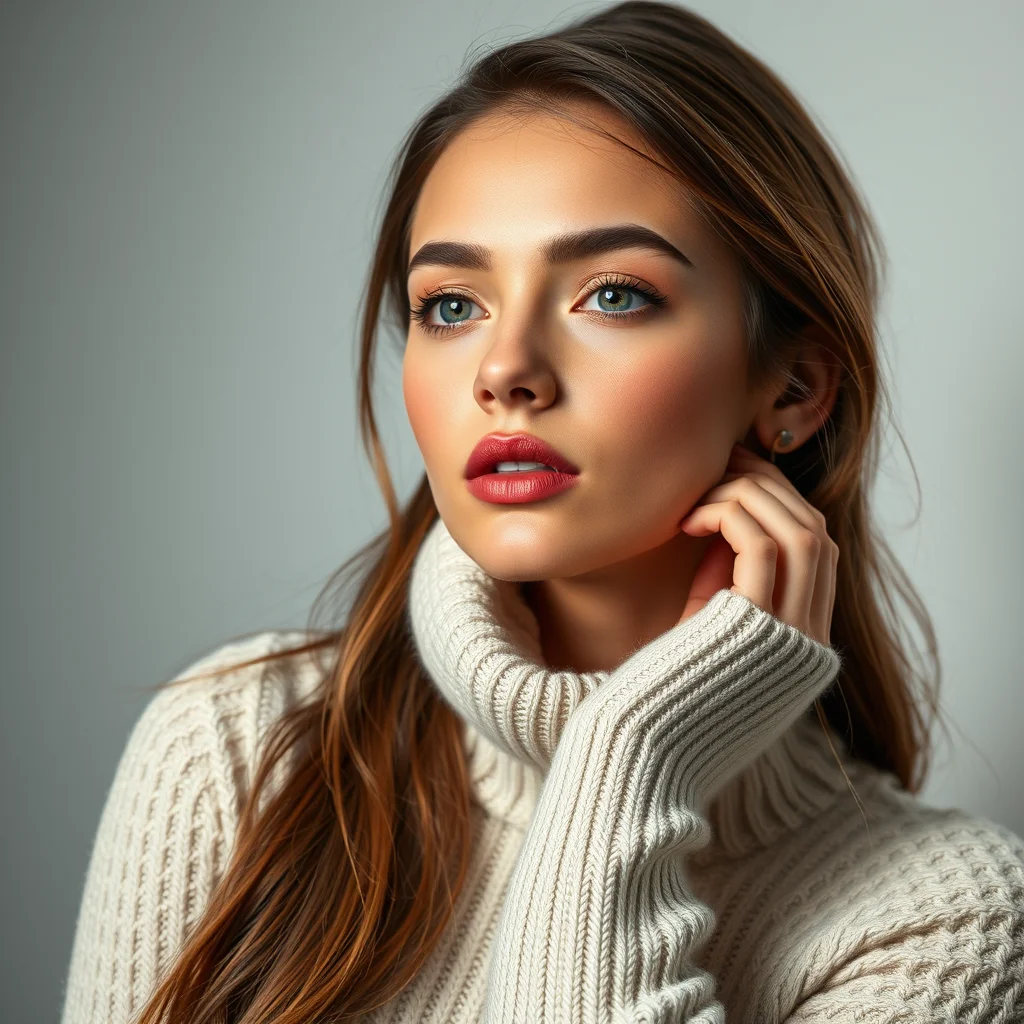
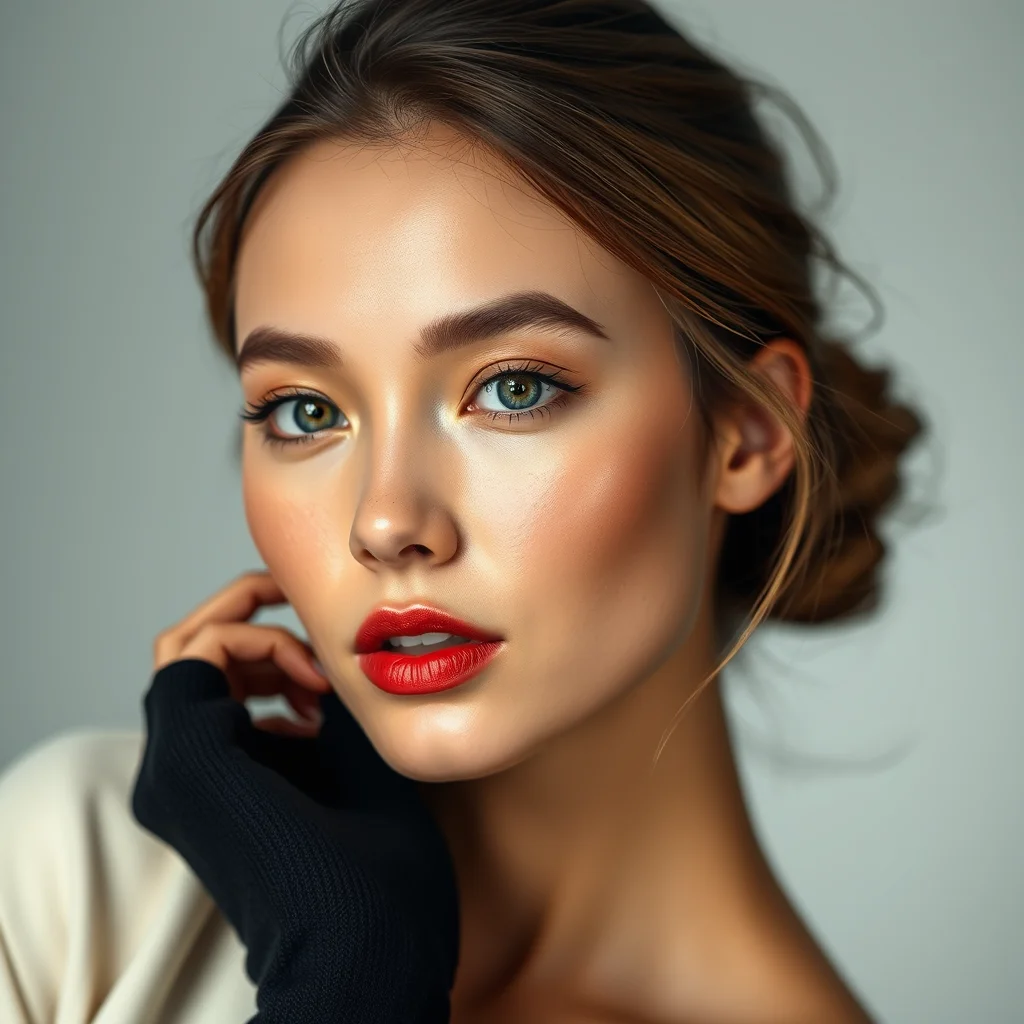
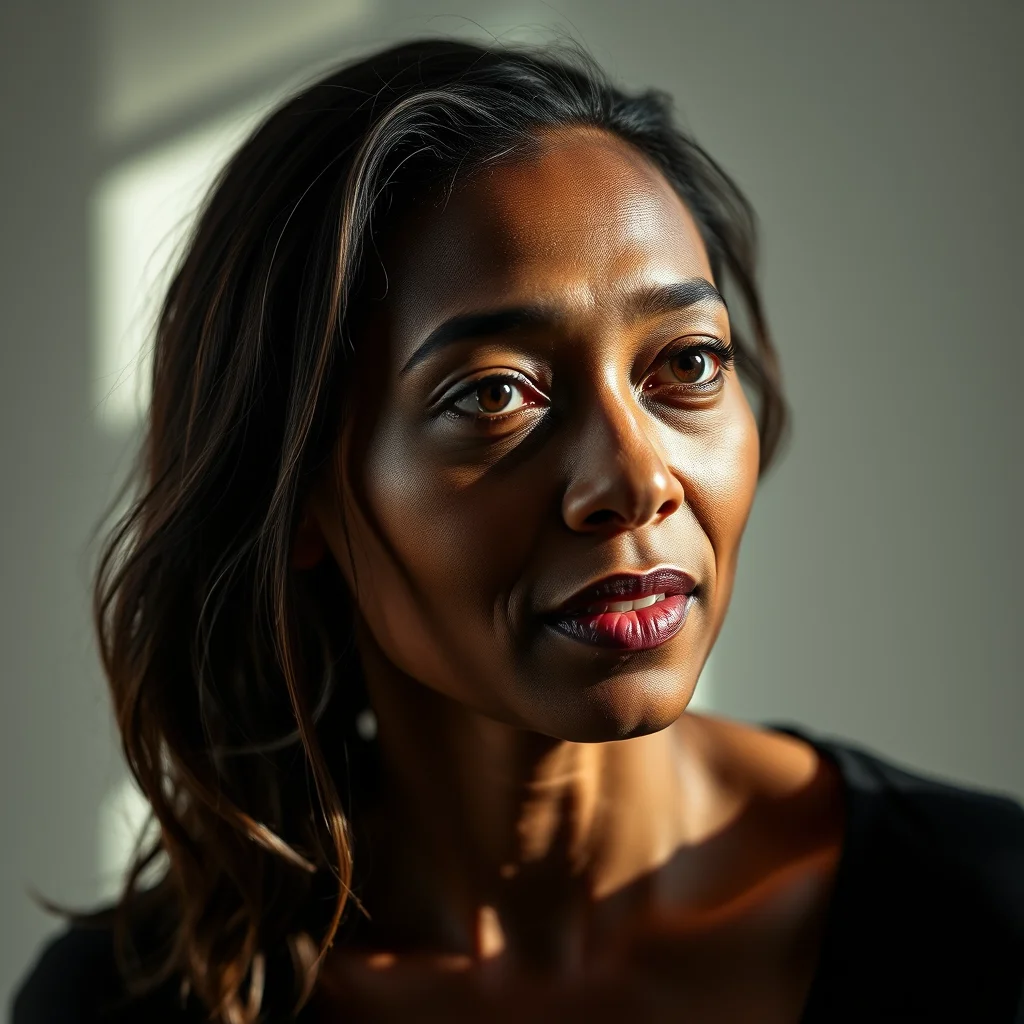
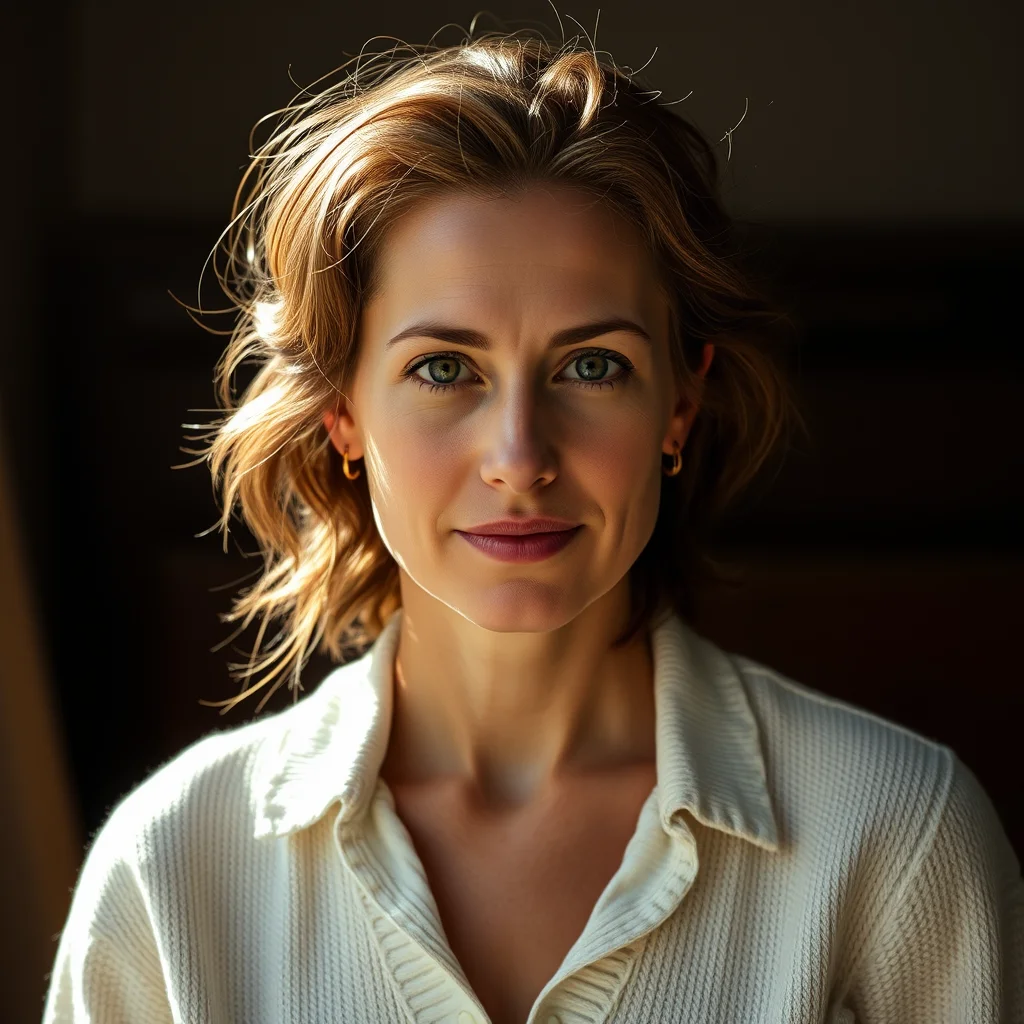
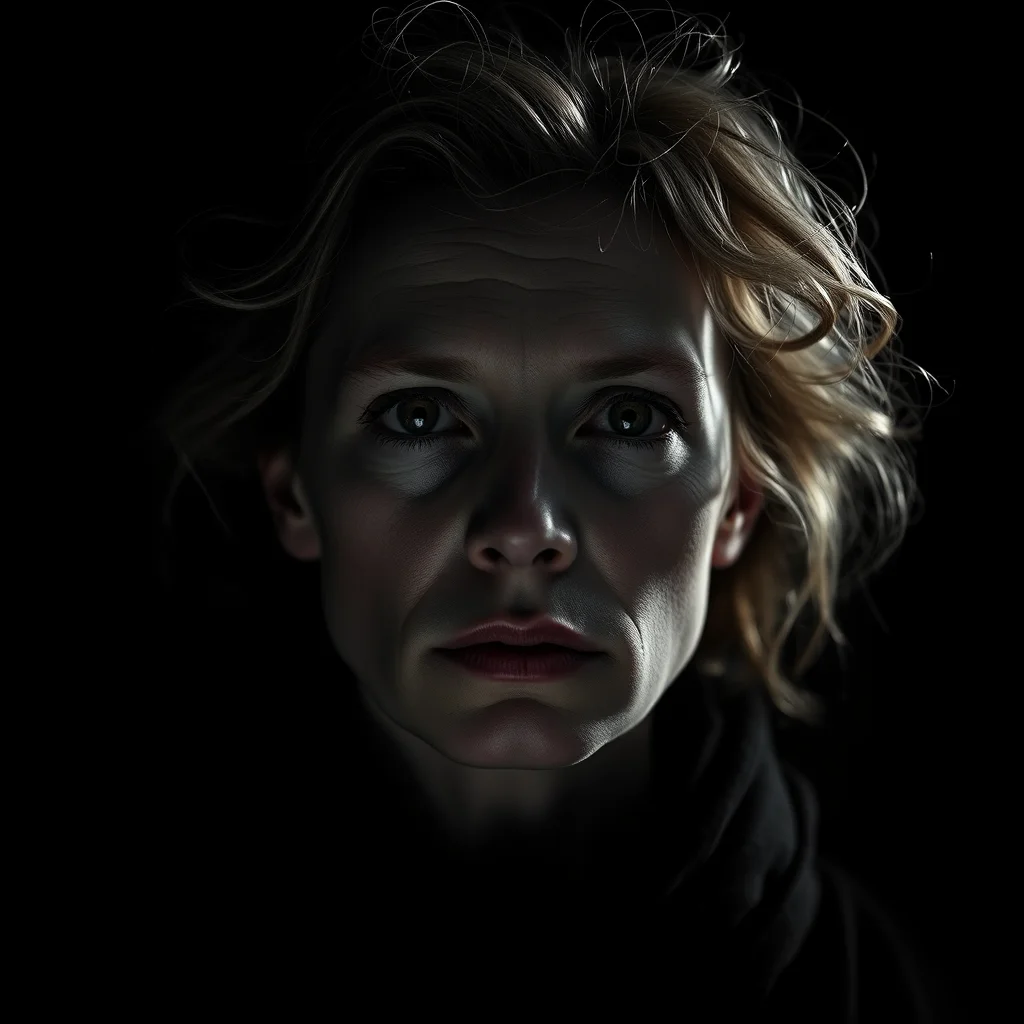
Best Tools for Realistic AI Images
1. Local Stable Diffusion with Realistic Models
For maximum photorealism, local setups with dedicated realistic models are unmatched. Models like RealisticVision, CyberRealistic, and photon_v1 are fine-tuned on photographic data. Combined with ControlNet for pose accuracy, these produce the most convincing results. Setup guide.
2. Aiimagegeneratornsfw.com
For quick realistic generation without setup, our generator supports photorealistic prompts. Add “photorealistic, 8K, detailed skin texture, studio lighting” to your prompt. Free, no sign-up.
Photorealism Prompting Patterns That Work
Photorealistic NSFW AI prompts work differently from anime or stylized prompts. The patterns that consistently produce realistic results:
- Specify camera language: “shot on Canon 5D, 85mm lens, f/1.8, natural light”. Not all of this matters technically, but Flux trained on EXIF-tagged photos and these phrases nudge realism
- Lighting first, then subject: “soft window light, late afternoon, [subject]”. Lighting drives perceived realism more than subject detail
- Avoid cartoon vocabulary: drop words like “cute,” “kawaii,” “anime,” “illustration”. They bleed into your output
- Add film grain or color grading: “Kodak Portra 400 film grain” or “subtle color grading, slightly desaturated”. Adds texture that pure-digital outputs lack
- Negative prompts to keep: “deformed anatomy, plastic skin, oversmooth, cartoon, illustration, painting, anime, 3d render”
Prompting for Photorealism
- Always include: “photorealistic, realistic, photograph, 8K, sharp focus”
- Lighting matters most: “studio lighting,” “natural sunlight,” “golden hour,” “soft diffused light”
- Camera terms help: “85mm lens, shallow depth of field, bokeh background”
- Skin detail: “detailed skin texture, pores, natural skin” for close-ups
- Negative prompts: “cartoon, anime, painting, illustration, 3D render, CGI”
Realistic vs. Stylized: Know the Difference
AI models default to a semi-stylized look. Achieving true photorealism requires explicit prompting and ideally a model fine-tuned on photographs. If you want artistic or anime styles instead, see our AI art generator or anime generator guides.
About the author
Faz built AI Image Generator NSFW using Flux Schnell. Currently the best free model for photorealistic NSFW. Try realistic generation →
What “Realistic” Actually Requires from a Model
Realistic NSFW output is the hardest category for AI image models to do well. Photo-realism demands skin that has correct subsurface scattering, hair with thousands of individual strands, eyes with proper specular highlights and iris detail, and lighting physics that match real-world camera optics. Models that can produce excellent anime or stylised art often produce uncanny photorealism. The kind of output where every individual element looks fine but the whole image feels wrong.
Three model families currently handle realistic output well in 2026: Flux Pro and Flux Dev (best overall, most expensive to operate), the various SDXL realism fine-tunes (RealVisXL, JuggernautXL, RealityVision), and Stable Diffusion 3 Medium (mixed reception, sometimes outperforms SDXL on specific scenes).
Why Most “Realistic” Tools Look Plastic
Three failure modes account for most uncanny-valley realism output. First, over-smoothed skin. The model produces skin without pores, freckles, or natural imperfections, which reads as plastic. Second, perfect symmetry. Real human faces are slightly asymmetric, but models often produce mirror-symmetric faces that feel uncanny. Third, lighting that doesn’t match. Models sometimes apply lighting from one direction to the body and a different direction to the face, breaking the photographic illusion.
Fixes: prompt for skin texture explicitly (“skin pores, freckles, natural skin texture, slight imperfections”), prompt for asymmetry implicitly via specific feature descriptions (“slightly tilted smile, mole on left cheek”), and prompt for consistent lighting (“rim lighting from left, soft fill from right”). The more specific your prompt about photographic details, the more the model produces them.
Camera and Lens Prompts That Work
Realistic models respond strongly to photography vocabulary. Focal length: “shot on 85mm” produces shallow depth of field, “shot on 35mm” produces fuller scene context. Aperture: “f/1.4” produces dreamy bokeh, “f/8” produces sharp full-scene focus. Camera body: “shot on Canon 5D” produces specific colour grading the model has learned from Canon-tagged training images. Film stock: “Kodak Portra 400” produces specific colour palettes. Lighting: “golden hour” or “blue hour” or “studio softbox” sets specific aesthetic anchors.
Stacking 2 to 3 of these vocabulary anchors per prompt reliably pushes output toward photographic rather than illustrative aesthetic. Stacking 6+ tends to produce muddier output.
Pose and Anatomy Failures
Realistic models still fail at hands roughly 30% of the time, eyes 15% of the time, and complex multi-body poses 50% of the time. The fixes are well-known but underused.
Hands. Generate at minimum 1024×1024. Add positive “perfect hands, anatomically correct fingers” and negative “extra fingers, missing fingers, fused fingers, six fingers, deformed hands.” If still broken, inpaint just the hands at 0.5 denoising with a hand-focused prompt.
Eyes. Add positive “detailed eyes, sharp pupils, symmetric eyes.” If pupils look weird or eyes look glassy, generate at higher resolution then downscale.
Multi-subject scenes. Generate single subjects separately and composite, or use ControlNet pose guidance to anchor positions. Pure prompt-based multi-subject realism rarely matches dedicated single-subject generation.
Verifying Realistic Output Wasn’t a Real Photo
One ethical issue specific to realistic generation: outputs sometimes look indistinguishable from real photographs, which raises genuine concerns about misuse. Three tools to verify your own output is AI-generated when needed: reverse image search (Google Lens, TinEye) to confirm the image doesn’t already exist online, AI-detection classifiers (most are unreliable but useful as one signal), and the output’s metadata (some tools embed C2PA provenance markers that confirm AI origin).
None of this matters for personal use, but if you publish realistic AI output anywhere it can be useful to label it explicitly and preserve the provenance metadata.
Z-Image-Turbo: Inside the Model Powering Realistic NSFW
Z-Image-Turbo is the realistic NSFW model powering most free browser-based realistic generators in 2026, including our own. Understanding its architecture and the specific prompt patterns it responds to produces dramatically better output than generic prompting.
Architecture and training
Z-Image-Turbo is a 4-step distillation of the larger Z-Image family. The distillation collapses the multi-step diffusion process into 4 effective steps while preserving most of the quality. Training data is biased toward photographic realism with real human skin texture, natural lighting, and authentic camera optical characteristics. This is why camera-equipment vocabulary in prompts hits the model so precisely.
Settings sweet spot
- Steps: 4 (more does not improve quality due to turbo distillation)
- Guidance scale: 1.0 (turbo models break at higher CFG)
- Resolution: 1024×1024 square or 768×1376 portrait
- Sampler: Euler or DPM++ 2M (both work, Euler is slightly faster)
- Seed: random per generation for variety, then lock and refine on keepers
Photorealism tells to avoid
Even with Z-Image-Turbo, three artifact patterns consistently break realism: doll-skin (no pores, uniform smoothness), posed symmetry (perfect facial mirror), and generic backgrounds (gradient sky, white void). Address each in the prompt: add ‘real skin texture, visible pores’ for skin; specify asymmetric features like ‘slightly tilted head, natural asymmetric expression’ for face; specify the background concretely like ‘Brooklyn apartment interior, late afternoon light, soft window blur’ instead of vague terms.
Where the model falls short
Three areas where Z-Image-Turbo underperforms compared to paid alternatives. Hands at extreme close-up still occasionally show finger artefacts. Multi-subject compositions (more than 2 figures) lose anatomical consistency. Very specific facial structures (specific ethnic features, age over 60) sometimes drift toward an average. For the gallery of what good output actually looks like, see our realistic examples gallery.
Frequently Asked Questions
Why does realistic NSFW AI output sometimes look plastic?
Three common failure modes: over-smoothed skin without pores, perfect mirror-symmetric faces, and inconsistent lighting between body and face. Each has specific prompt fixes around skin texture, asymmetry tags, and lighting direction.
What’s the best realistic NSFW AI model in 2026?
Flux Pro and Flux Dev for highest quality (most expensive to operate). RealVisXL, JuggernautXL, and RealityVision among SDXL fine-tunes. Stable Diffusion 3 Medium handles certain scenes well.
How do I prompt for photographic realism?
Use camera vocabulary: focal length (85mm for portraits, 35mm for full scenes), aperture (f/1.4 for bokeh, f/8 for sharp focus), camera body (Canon 5D, Sony A7R), film stock (Kodak Portra 400), and lighting (golden hour, studio softbox).
Why are hands still broken on realistic generations?
Realistic models fail at hands roughly 30% of the time. Generate at 1024×1024 minimum, add ‘perfect hands’ positive and ‘extra fingers, fused fingers’ negative prompts. If still broken, inpaint just the hands at 0.5 denoising.
Can I tell if a realistic AI image was AI-generated?
Sometimes yes via reverse image search and AI-detection classifiers, but detection is unreliable. Some tools embed C2PA provenance metadata that confirms AI origin. Label your output explicitly when publishing.
What camera and lens vocabulary works best for realistic NSFW prompts?
Specify a real camera body (Sony A7IV, Canon R5, Nikon Z9), a real lens focal length (35mm wide, 50mm normal, 85mm portrait, 135mm telephoto), and aperture (f/1.4 to f/2.8 for shallow depth of field). The model learned associations between these vocabulary tokens and specific visual qualities during training; using them precisely produces more realistic output.
How do I avoid the ‘doll skin’ problem in realistic NSFW generation?
Three techniques: add ‘real skin texture’ or ‘visible pores’ to the positive prompt; add ‘plastic skin, doll, airbrushed, beauty filter’ to the negative prompt; specify the camera as a real photography model rather than a beauty-app filter. The combination of these three eliminates doll-skin artifacts in 80-90 percent of generations.
Can I generate realistic NSFW images with specific ethnic features?
Yes, modern realistic NSFW models handle ethnic diversity well when prompted specifically. Use specific descriptors like ‘East Asian features, single eyelid’ or ‘South Indian features, deep brown skin’ rather than vague ethnic labels. Avoid loaded or pejorative terms which can trigger refusals. Specificity in descriptors produces more accurate results than generic ethnicity terms.
Related: Best NSFW BDSM AI Generators 2026.
More realistic and uncensored NSFW AI guides:
More NSFW checkpoint and model guides:
More NSFW AI guides:
- best nsfw ai art styles
- how to make 3d nsfw ai art
- how to make cartoon nsfw ai art
- how to make comic style nsfw ai art
- how to make fantasy nsfw ai art
- how to make pinup nsfw ai art
- realistic vs anime vs 3d nsfw ai art
Want a specific look? Related archetype guides:
Related guides:
Related guides:
Related photo how-tos:
Related scene how-tos:
Tool not working? More fixes:
More model guides:
More NSFW AI picks by use case: