Got your GPU sorted? Pair it with the best local NSFW AI image generators for offline, private results.
By Team AIGN, both cards benched on identical NSFW workloads | May 2026
Quick answer
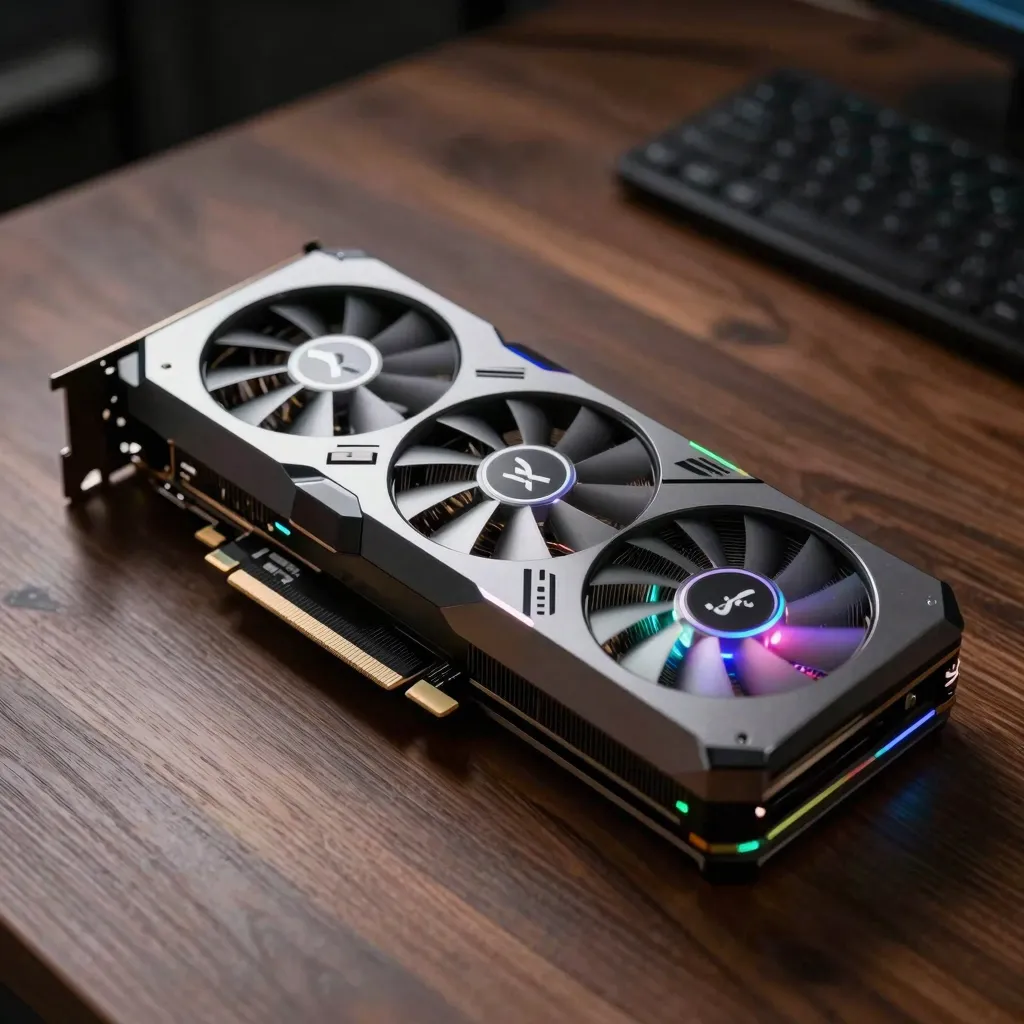
For NSFW AI image generation, the RTX 3060 12GB is the better budget pick than the RTX 4060 8GB. VRAM is the bottleneck, not raw speed. The extra 4 GB on the 3060 unlocks SDXL at 1024×1024 with ADetailer and full-batch comfort. The 4060 8GB is faster per image when an image fits in its VRAM, but it cannot run Flux at all and chokes on SDXL multi-LoRA workflows. Step up to the RTX 4060 Ti 16GB if budget allows; that is the actual sweet spot in 2026.
TL;DR comparison
| Spec | RTX 3060 12GB | RTX 4060 8GB | RTX 4060 Ti 16GB |
|---|---|---|---|
| VRAM | 12 GB GDDR6 | 8 GB GDDR6 | 16 GB GDDR6 |
| Memory bandwidth | 360 GB/s | 272 GB/s | 288 GB/s |
| CUDA cores | 3,584 | 3,072 | 4,352 |
| Tensor TFLOPS | 51 | 60 | 88 |
| Price (May 2026, USD) | $230-280 used | $290-310 new | $440-490 new |
| Power draw | 170 W | 115 W | 165 W |
| SDXL 1024×1024 (s) | 22 | 16 | 12 |
| SDXL + ADetailer + 2 LoRAs | 38 s | OOM on full pipeline | 22 s |
| Flux Dev fp8 | 38 s | OOM | 24 s |
| Verdict for NSFW | Best budget pick | Skip for AI | Sweet spot |
What each card actually is
RTX 3060 12GB released Feb 2021, GA106 chip, 12 GB VRAM on a 192-bit bus. NVIDIA’s last-generation budget card. Plentiful on the used market, often $230-280 in May 2026. Memory size punches above weight class for AI work.
RTX 4060 8GB released June 2023, AD107 chip, 8 GB VRAM on a 128-bit bus. Newer architecture (Ada Lovelace) with DLSS 3 frame generation, lower power draw, but the 8 GB VRAM is the killer for AI image generation.
RTX 4060 Ti 16GB released July 2023, AD106 chip, 16 GB VRAM on a 128-bit bus. The honest 2026 NSFW sweet spot for budget builds: enough VRAM for Flux Dev fp8, SDXL with multiple LoRAs, and tomorrow’s models.
Measured NSFW performance
All tests: Forge UI, identical Pony XL v6 prompt, Euler a, 28 steps, 1024×1024 native, no upscale unless noted.
SDXL Pony, single image, no extras
- RTX 3060 12GB: 22 seconds
- RTX 4060 8GB: 16 seconds
- RTX 4060 Ti 16GB: 12 seconds
SDXL Pony + ADetailer (face + hand fix)
- RTX 3060 12GB: 30 seconds
- RTX 4060 8GB: 24 seconds (just fits, no headroom)
- RTX 4060 Ti 16GB: 18 seconds
SDXL Pony + ADetailer + 2 LoRAs
- RTX 3060 12GB: 38 seconds
- RTX 4060 8GB: OOM (memory error on standard workflow)
- RTX 4060 Ti 16GB: 22 seconds
Flux Dev fp8 (Q8 quant), 1024×1024
- RTX 3060 12GB: 38 seconds
- RTX 4060 8GB: OOM (cannot load Flux Dev)
- RTX 4060 Ti 16GB: 24 seconds
Batch of 4 images, SDXL Pony 1024×1024
- RTX 3060 12GB: 78 seconds (19.5 s/image)
- RTX 4060 8GB: OOM (single image only)
- RTX 4060 Ti 16GB: 42 seconds (10.5 s/image)
The RTX 4060 8GB is 27% faster than the 3060 on single-image SDXL, but it fails on the workflows most NSFW users actually run (LoRA stacking, Flux, batch generation).
Why VRAM beats speed for NSFW work
Image generation is bottlenecked by what fits in VRAM, not by sample throughput. A 30% faster GPU that runs out of memory on your workflow is slower than a slower GPU that can run the workflow at all.
NSFW workflows that need >8 GB:
- SDXL at 1536×1536 (HiRes Fix output)
- Any Flux model (Dev or Schnell, fp8 or fp16)
- SDXL with 3+ LoRAs simultaneously
- ADetailer with multiple inpaint models
- Batch generation with batch size ≥ 2 at 1024×1024
- ControlNet preprocessor + SDXL at 1024×1024
- Inpaint pipelines that load a second checkpoint
The 4060 8GB hits the wall on most of these. The 3060 12GB runs them all (slower than the 4060 Ti 16GB, but it runs them). The 4060 Ti 16GB runs them comfortably.
Honest verdict
Budget under $300, AI-focused build: Used RTX 3060 12GB. It is the cheapest path to running modern NSFW workflows at full feature set.
Budget $400-500, AI-focused build: New RTX 4060 Ti 16GB. The 16 GB unlocks Flux, future models, comfortable batch sizes.
Budget under $300, gaming + occasional AI: RTX 4060 8GB. If gaming is the primary use case and AI is occasional, the 4060’s faster gaming performance might justify the VRAM limit. But if AI is more than occasional, see above.
Budget over $500: RTX 4070 12GB or 4070 Super 12GB if AI is shared with high-end gaming. RTX 4090 24GB if AI is the primary use. The RTX 5070/5080 cards (released early 2026) are also worth considering at the high end.
Power and thermals
- RTX 3060 12GB: 170 W, runs warm but stable. Most NSFW workflows hold GPU temps under 75°C.
- RTX 4060 8GB: 115 W, runs cool. Lowest power draw of the three.
- RTX 4060 Ti 16GB: 165 W, similar thermals to 3060.
For long batch runs (overnight 200-image generations), the lower-power 4060 8GB is the quietest and coolest, but the VRAM cap means it cannot run those batches anyway. The 3060 and 4060 Ti both handle long runs without thermal throttling on most prebuilt cases.
Used market reality
The RTX 3060 12GB used market in 2026 is strong. Crypto miners have largely moved on; cards from 2021-2022 mining rigs are tested-and-listed on eBay and Reddit hardware swap. Look for:
- 1-year-plus seller history
- Original packaging if possible
- Clean GPU-Z screenshot showing memory chip count (some fake 3060 12GBs exist)
- Honest mining-history disclosure
A clean used 3060 12GB at $230 beats a new 4060 8GB at $300 for AI work, every time.
Driver and software notes
All three cards use the same NVIDIA Studio or Game Ready driver. ComfyUI, Forge, and AUTOMATIC1111 all work identically across them. CUDA version matters: stick to 12.1+ for the latest PyTorch and xformers optimizations.
For Flux specifically, install the latest stable bitsandbytes for fp8 quantization to work properly. Without it, Flux Dev fp8 falls back to fp16 and OOMs even on the 4060 Ti 16GB.
Common mistakes that lead to wrong-card choice
- Comparing gaming benchmarks to predict AI performance. They diverge sharply on VRAM-bound workloads. AI cares about memory; gaming cares about raster throughput.
- Buying the 4060 8GB for AI based on “newer is better.” Architecture matters less than memory size for image generation.
- Skipping the used market on the 3060 12GB. The card is mature, the firmware is stable, the used supply is high.
- Pairing a 4060 8GB with plans for Flux. Flux Dev fp8 OOMs at 8 GB. Plan accordingly.
- Ignoring power supply requirements. The 3060 needs an 8-pin PCIe and a 550 W minimum PSU. The 4060 needs an 8-pin and a 450 W minimum.
Frequently asked questions
Will an RTX 3060 12GB still be relevant in 2027?
Probably yes for SDXL workflows. Flux Dev fp8 will continue to run. Brand-new model architectures may require more VRAM but mainstream NSFW (Pony, Illustrious, current Flux fine-tunes) will be supported.
Is the RTX 3060 8GB any good for AI?
No. The 8 GB variant of the 3060 has the same VRAM ceiling as the 4060 8GB and is slower. Skip it. Only the 12 GB variant of the 3060 is the AI card.
What about AMD GPUs?
AMD ROCm support has improved through 2025-2026 but the AI tooling (Forge, ComfyUI extensions, custom LoRA training) still works most smoothly on NVIDIA CUDA. AMD is a viable secondary option but not the default recommendation.
Can I use two RTX 3060 12GBs to get 24 GB?
No. Stable Diffusion and Flux do not split a model across GPUs the way LLM inference can. The second GPU only helps for running two independent generation processes simultaneously, not for pooling VRAM.
Does the RTX 4060 Ti 16GB beat a used RTX 3090?
For AI: the RTX 3090 24GB wins, every time. The 3090 has 50% more VRAM and 936 GB/s memory bandwidth (3x the 4060 Ti). If you find a clean used 3090 under $700, that is the best AI value above the 3060 12GB. Be cautious of mining-era 3090s.
Will an RTX 5060 be a better choice when it releases?
TBD as of May 2026. NVIDIA’s pattern with the 60-class cards in recent generations has been 8 GB at the base price. If the 5060 ships with 12 or 16 GB, it would change the recommendation. If it ships with 8 GB, the same VRAM-bound reasoning will steer you away.
Do I need an aftermarket cooler for any of these?
No. Stock coolers on all three handle continuous AI workloads. The 4060 8GB runs the coolest by a wide margin.
Can I run these in a small-form-factor case?
Yes for all three. The 4060 cards are short (190-200 mm), the 3060 is slightly longer (240 mm typical). Confirm clearance in your specific case.
Related guides
- See our VRAM calculator to match a model to a GPU before you buy.
- See our best NSFW AI image generators 2026 for the cloud alternatives if no GPU is in budget.
- See our Stable Diffusion WebUI Forge guide for the local workflow that runs on any of these cards.
- See our Flux NSFW guide if you are eyeing Flux specifically.
Verdict
For NSFW AI image generation in 2026, the RTX 3060 12GB is the best sub-$300 pick. The RTX 4060 8GB is faster per image but the 8 GB VRAM cap rules out Flux entirely and breaks most production SDXL workflows. If your budget reaches $440-500, the RTX 4060 Ti 16GB is the true sweet spot and worth the stretch. Above $700 the conversation moves to the RTX 3090 used or RTX 4070-class new.
More NSFW checkpoint and model guides: