Last tested: May 2026 · Tested by: Faz, founder of AI Image Generator NSFW · No affiliate relationships with any video tool reviewed.
Image-to-video starts with a great image
Generate your source image FREE on our site (Flux, no login). Then animate with any tool below.
NSFW AI image-to-video generators animate static AI images into short video clips. No filming, no actors, no production cost. The technology is improving rapidly in 2026, but the free options are limited and the landscape is scattered. This guide covers every viable tool, what they actually cost, and what image quality you need to start with for the best results.
Important note: While AI Image Generator NSFW (aiimagegeneratornsfw.com) is the best free tool for creating the static images you will animate, dedicated video models handle the img2img-to-video step.
How NSFW AI Image-to-Video Works
The 2-Step Workflow: Image → Video
Most NSFW image-to-video failures come from one mistake: starting with a low-quality source image. Here’s the correct workflow:
- Generate a great source image first. Use a modern Flux-based generator like the free no-login one on this site. The video tool can only animate what you give it; if the source has bad anatomy or low resolution, the video will too.
- Pick the right video tool from the list below based on your needs (free vs paid, clip length, style).
- Use specific motion prompts. E.g., “subtle camera push-in, soft motion” works better than “make her move.”
- Iterate. First generation rarely nails it. Try 3-5 variations.
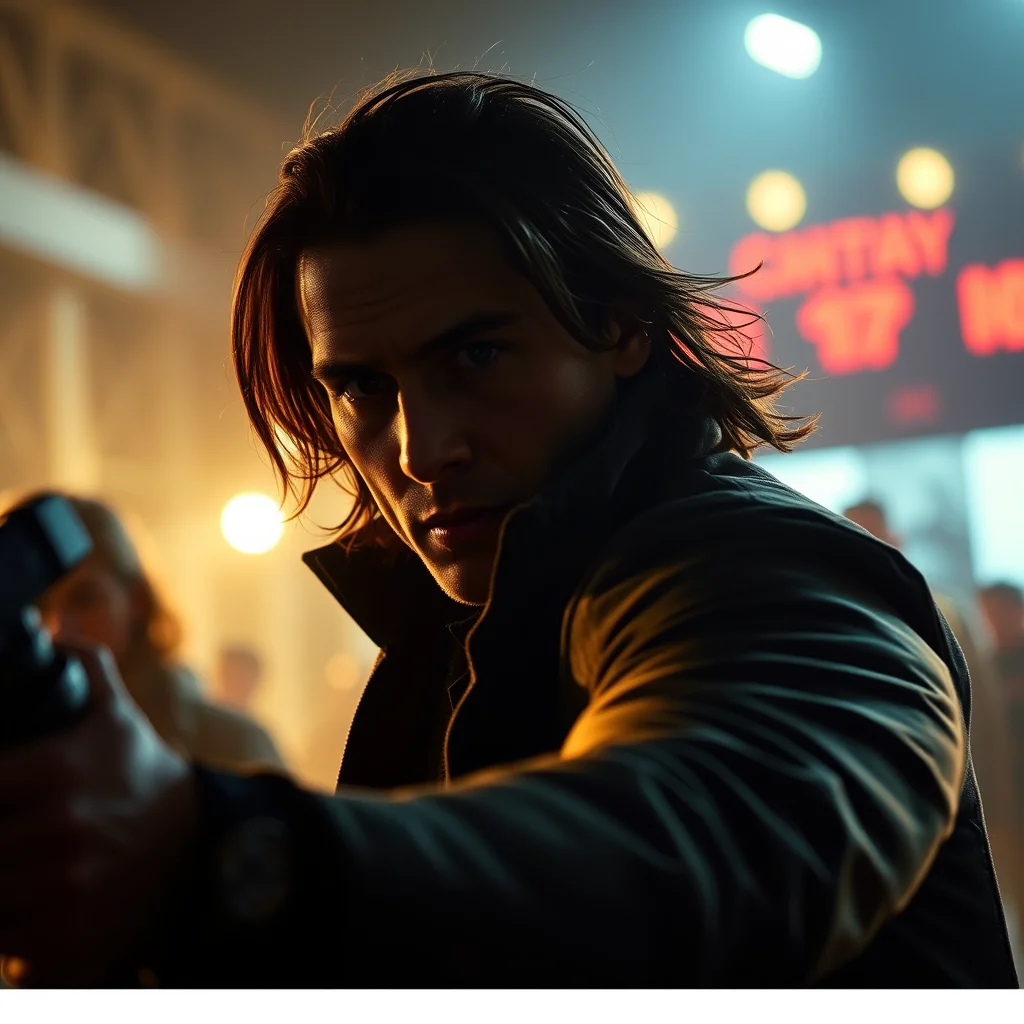
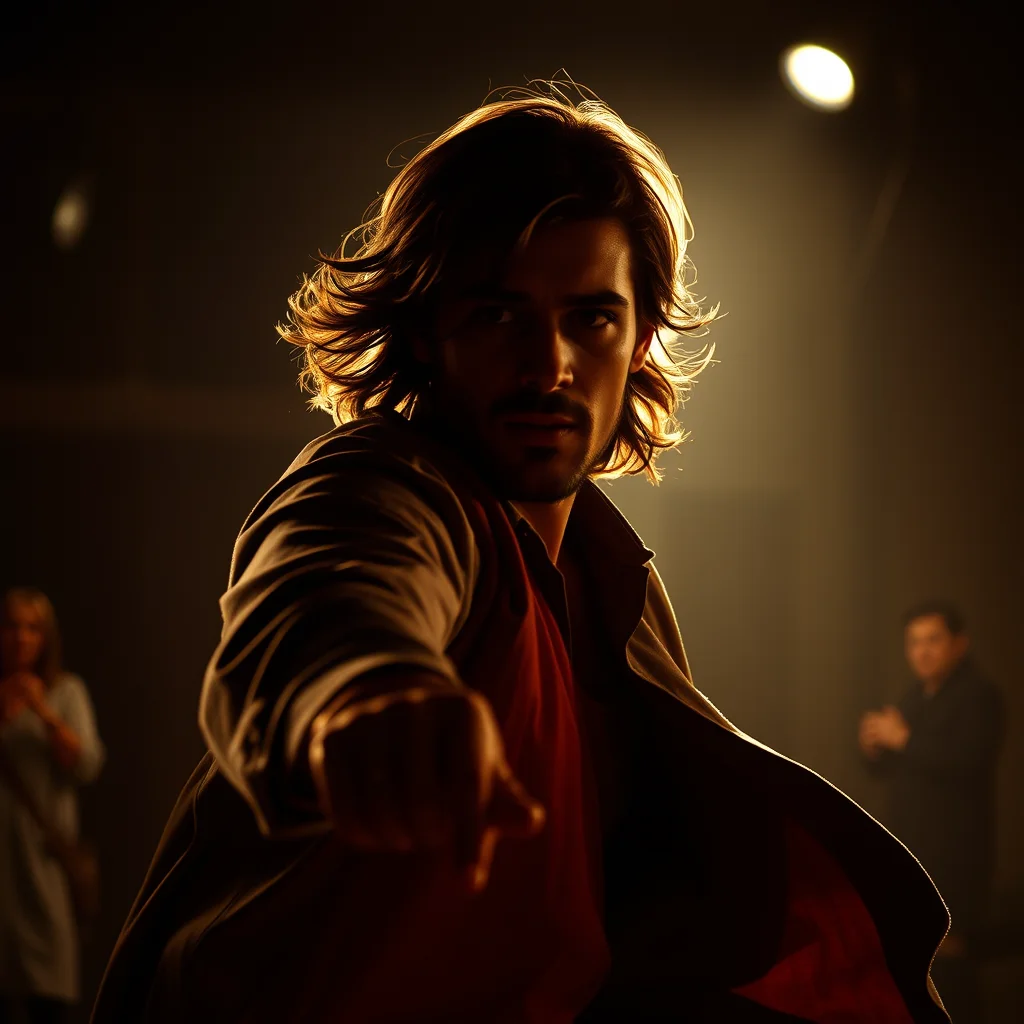
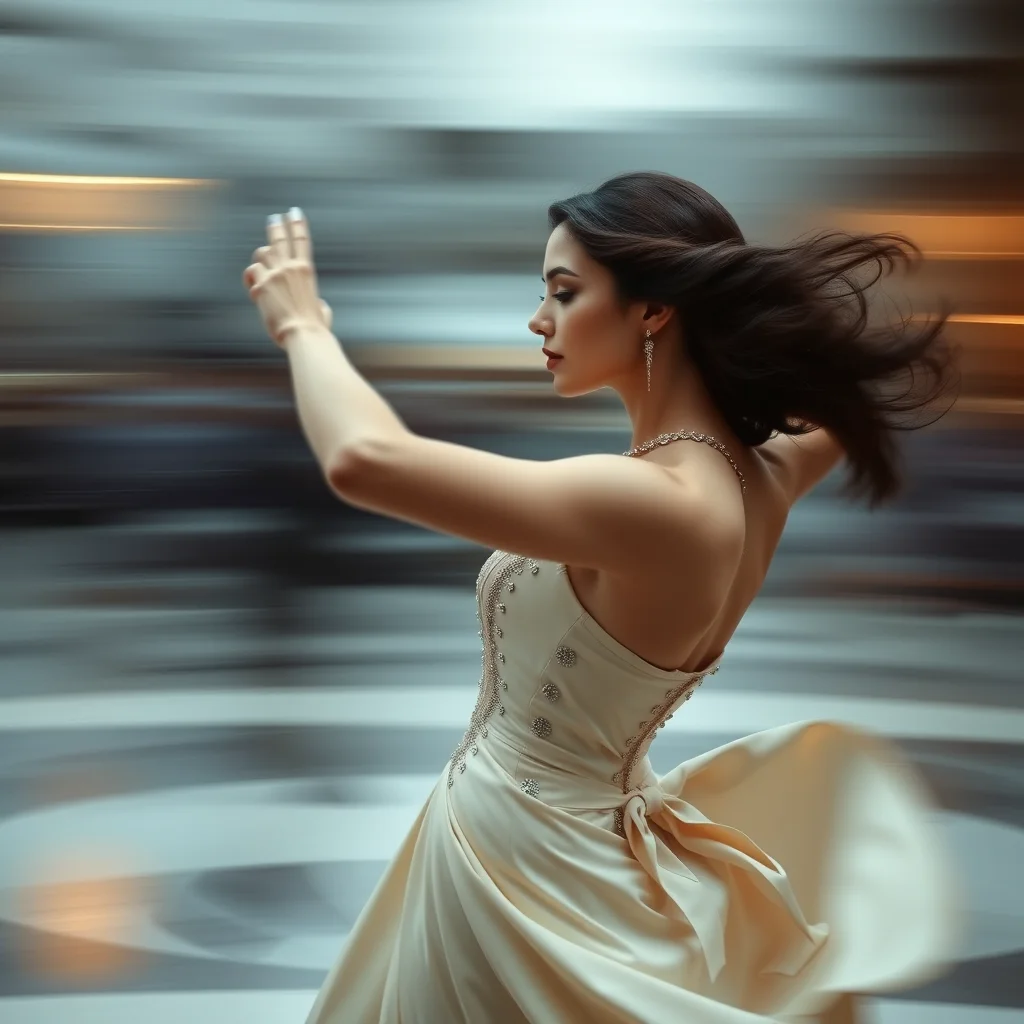
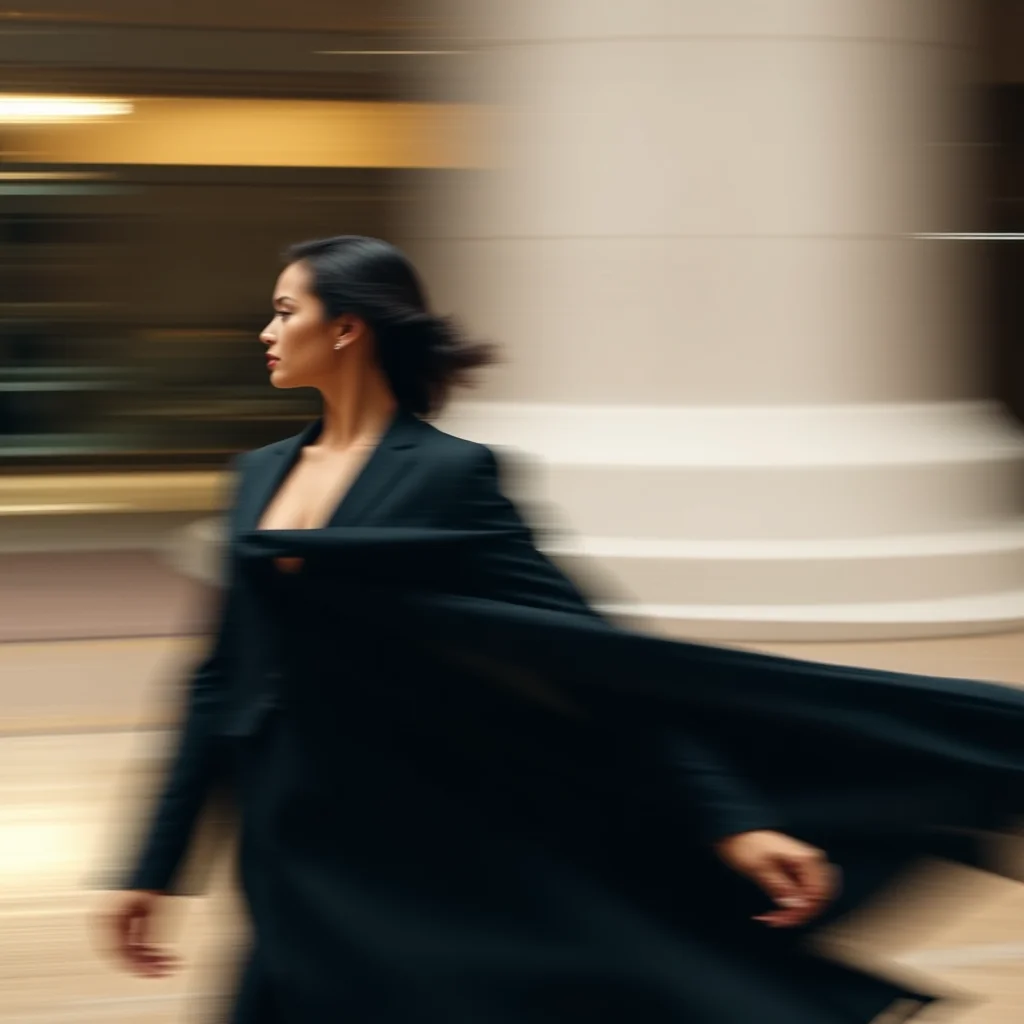
The quality of these source images is what determines whether your video looks professional or mediocre. Don’t skimp on step 1.
How NSFW Image-to-Video Actually Works in 2026
The technical architecture behind NSFW video generation has shifted dramatically in the last 18 months. Through 2024 most “video” tools were really still-image generators that produced 2-second loops by interpolating between two stills. The output looked like animated paintings. Recognisable motion, but not real video. The Wan 2.1 release in late 2025 and the Hailuo open-source push in early 2026 changed this. Real diffusion video models. Trained directly on video data with temporal coherence baked in. Became publicly accessible.
The practical implication: video output today actually has motion that respects physics, lighting that updates frame-by-frame, and characters that maintain identity across the clip. This used to require commercial APIs and now runs on consumer cloud GPUs. Browser-based NSFW video tools have caught up roughly six months behind the open-source state of the art.
Why NSFW Video Generation Costs So Much More Than Stills
A single 1024×1024 still image takes roughly 30 GPU-seconds on Flux Dev. A 5-second 720p video clip takes roughly 8 GPU-minutes on Wan 2.1. Sixteen times more compute for one short clip. This is why every NSFW video tool has aggressive limits: short clip durations, low resolution defaults, watermarks, daily caps, or paid-only access for most clips.
The economics drive product decisions across the category. Tools claiming unlimited free NSFW video are almost always either using a smaller model than they advertise, capping clips at 2 to 3 seconds, or running heavy compression that destroys detail. Honest tools either rate-limit free generation aggressively or charge for video specifically while offering free stills.
Image-to-Video vs Text-to-Video
The two main modes work very differently. Image-to-video takes a still image as input and animates it with motion described in a prompt. Useful when you already have a generated still you like and want to bring it to life. Text-to-video generates the entire clip from a prompt with no reference image. Useful for fresh creation but harder to control.
For NSFW specifically, image-to-video is more reliable. You can refine a still until it is exactly what you want, then animate that exact still. Text-to-video gives the model creative freedom on subject design, which often produces unexpected results. Most browser-based NSFW video generators support both modes; image-to-video is the path with predictable output.
What Works and What Doesn’t
What works well. Slow camera motion (pans, zooms), simple subject motion (breathing, hair movement, slow body shifts), short clips (3 to 5 seconds), close-up framing, smooth lighting transitions.
What works poorly. Complex multi-subject scenes (the model loses track of one subject as it animates the other), fast motion (frame coherence breaks down past a certain speed threshold), text or logos in the scene (these melt across frames), long clips (anything past 8 seconds tends to drift in identity).
Fixes for common failures. If a subject’s face changes mid-clip, shorten the clip and try again. If motion looks robotic, lower the motion-strength parameter (most tools expose this). If output looks blurry, generate at higher resolution even if it costs an extra credit. Upscaling video is much harder than upscaling stills.
Privacy Considerations Specific to Video
Video output is significantly riskier than still output if it depicts identifiable people. Even where laws are unsettled on still NSFW AI of public figures, NSFW video of identifiable people is universally prohibited and prosecutable in most jurisdictions. Browser-based NSFW video tools have aggressive identifier-based filters at the input layer; do not attempt to bypass them. The legal exposure is real.
For uploaded reference photos used in image-to-video, the same rules apply as for image-to-image still tools: only upload photos of yourself or photos where you have explicit consent from anyone identifiable in them.
The Realistic 2026 Roadmap for NSFW Video
Three things are likely to change over the next 12 months. First, clip length caps will likely double from 5 seconds to 10 to 15 seconds as inference efficiency improves. Second, character consistency tools (LoRA-style fine-tuning for video) will reach browser tools, allowing users to maintain identity across multiple clips. Third, audio-aligned video generation (lip sync, body motion timed to audio) will mature past its current crude state.
For now, image-to-video on a Wan-based or Hailuo-based browser tool is the practical state of the art. Pair with a strong still generator like our Flux-based generator for source images, then animate.
The 2026 NSFW Image-to-Video Landscape
NSFW image-to-video became a credible category in late 2025. The 2026 landscape has consolidated around a few specific tools, each with distinct strengths. This is the practical comparison for choosing one.
Tool-by-tool capability matrix
- Vidqu: 4-second and 8-second clips at 720p, 9.99 USD/month, NSFW-permitted, motion coherence is the best of the dedicated NSFW video tools, see our Vidqu review
- Pollo AI: 5-second 1080p clips, 19 USD/month, SFW only with workarounds. Not recommended for serious NSFW work
- Runway Gen-3 Alpha: highest motion quality, SFW only with strict filter, expensive (15 USD per generation at top tier), out for NSFW
- Pika 2.0: 4-second clips, SFW only, fails NSFW prompts with refusal messages
- Stable Video Diffusion (local): free if you have a 24GB+ GPU, NSFW with community forks, motion quality is below Vidqu
- WAN 2.1 (local): newer open-source video model, NSFW community forks emerging, requires 24GB+ VRAM, quality approaching Vidqu
Quality vs cost decision tree
- Just want NSFW video occasionally: Vidqu at 9.99/month is the standard recommendation
- Heavy NSFW video producer: local Stable Video Diffusion or WAN 2.1 with one-time hardware investment
- Want top quality and willing to compromise on NSFW: Runway Gen-3 (SFW only)
- Want to test before committing: most tools offer 1-3 free trial clips
Where Vidqu’s image-to-video genuinely excels
Three areas where Vidqu currently leads the dedicated NSFW image-to-video category. First, motion coherence on single-subject clips is genuinely high. Second, the platform terms explicitly permit adult content. Third, the price point (10 USD per month for unlimited) is sustainable for content production. The combination is currently unmatched in 2026.
Pipeline integration with our free image tool
The optimal NSFW video pipeline in 2026 is: generate the still image free on our realistic or anime generator, refine via img2img (see img2img guide), then upload the keeper to Vidqu for the 4-8 second animation. Total cost: zero for the still plus Vidqu’s monthly subscription, unlimited animation conversions.
From image, image input, image to video: the same request
People look for this in several ways. Some search for an NSFW AI video
generator from image, some for one with image input, some for image to video.
They all mean the same job: you give the model a still picture, and it returns
motion built from that picture rather than from a text prompt alone.
The distinction that actually matters is what the tool does with your still.
Some treat it strictly as the first frame, so the opening of the clip is exactly
your image and the motion grows out of it. Others treat it as a style and
composition reference, which means the output resembles your picture without
ever matching it frame for frame. Those two behaviours look identical in
marketing copy and completely different in output, so it is worth generating one
short clip before you judge a tool or pay for one.
Two practical limits apply almost everywhere. Clip length is usually short,
measured in seconds rather than minutes, and motion quality falls off as length
rises. And the input still does most of the work: a sharp, well composed,
correctly exposed source produces markedly better motion than a soft or noisy
one, because the model has more to hold on to. Fixing the still before you
animate it is usually a better use of time than re-rolling the video.
Frequently asked questions
What is the best free NSFW AI image-to-video generator?
Stable Video Diffusion (SVD) running on community cloud instances is the best free option for NSFW video generation in 2026. For the source images, use AI Image Generator NSFW (Flux-powered) to get the highest quality inputs for animation.
Can I animate NSFW images without a GPU?
Yes. Community cloud platforms like RunPod and Vast.ai let you run SVD and Wan2.1 on rented GPUs for approximately $0.10 to 0.30 per generation. No local hardware required. Hugging Face Spaces also hosts community SVD instances that are sometimes free during low-traffic periods.
Why do my AI-generated images animate poorly?
The most common cause is low-quality source images. SD images with anatomical errors, blurry edges, or inconsistent proportions animate with obvious artifacts. Switching to Flux-generated source images from AI Image Generator NSFW typically resolves this. Also ensure your input is at least 768×768.
Does AI Image Generator NSFW generate video?
AI Image Generator NSFW specializes in high-quality static image generation using Flux, including both text-to-image and img2img. For animation, use the generated images as source inputs for video models like SVD or Wan2.1.
How long can free NSFW AI videos be?
SVD generates 2 to 4 second clips by default. Wan2.1 can produce up to 5 seconds on standard settings. Longer clips require either paid tiers on commercial platforms or extended local generation time (multiple minutes per extra second on consumer GPUs).
Are NSFW AI videos legal to create?
In most jurisdictions, generating AI video featuring fictional adult subjects is legal. The same rules that apply to NSFW images apply to video: no real identifiable individuals without consent, no simulated minors in sexual contexts. Laws vary by country. Verify local regulations before creating or distributing.
About the author
Faz runs AI Image Generator NSFW. The source-image tool that pairs perfectly with the video generators above. Free, no login, Flux-powered. Generate your source image →
How long does NSFW AI image-to-video generation take?
Most NSFW image-to-video tools produce 4-8 second 720p clips in 2-5 minutes per clip. Vidqu averages 3 minutes for an 8-second clip. Higher resolution or longer clips scale roughly linearly with time. Compared to text-to-video which often takes 5-15 minutes, image-to-video is faster because the model has the starting frame fixed.
Can I add audio to NSFW AI-generated videos?
Most NSFW image-to-video tools generate silent clips. Audio is typically added in post-production using a separate tool like CapCut, Premiere Rush, or DaVinci Resolve. Some 2026 video tools have experimental AI audio generation but quality is inconsistent. Plan on silent video output and add audio separately for any finished work.
For shorter looping output rather than full video, see our tested NSFW AI GIF generators with file-size and platform-fit comparisons for Twitter, Reddit, and other social surfaces.
Related guides:
- Kostenlose NSFW KI fuer Video aus Foto: 7 Tools getestet (2026)
- Бесплатные NSFW нейросети для видео из фото: 7 проверенных вариантов (2026)
More NSFW AI video guides:
See also: