Last tested: May 2026. A practical guide to NSFW AI character generation. The workflow for creating distinctive characters that stay consistent across multiple images, the tools that handle character work well, and the limits that still apply in 2026.
Want a quick generation right now? Use aiimagegeneratornsfw.com for single-shot character generation. For consistent characters across many images, the workflow below is what professional AI artists actually use.
What “Character Generator” Means in NSFW AI
Two distinct workflows get called “character generation”:
Single-shot character creation. Write a prompt describing a person, get one image. Every text-to-image tool does this. Quality and style depend on the underlying model.
Consistent character generation. Produce many images of the SAME character (same face, body, hair, distinguishing features) across different poses, scenes, and outfits. This is dramatically harder and requires specific tools, techniques, or trained models.
Most users wanting a “character generator” actually want the second workflow. And most free tools deliver only the first. Knowing the difference saves you frustration.
How to Get a Distinctive Character on First Shot
Specific feature anchors beat vague descriptions. “A woman” gives the model unlimited freedom; “Tall woman in her late twenties, dark auburn hair in a low bun, hazel-green eyes, light freckles across the bridge of her nose, slight gap between front teeth when she smiles” produces a recognisable, repeatable character.
Anchor 5 to 7 specific features the model can latch onto: hair (colour, style, length), eyes (colour, shape), face (notable features like freckles, dimples, scars), body type (height, build descriptor), and one distinguishing detail (gap teeth, asymmetric eyebrow, distinctive jewellery).
Lock the seed once you find an output that captures your character. Same seed plus same feature anchors produces stable identity across pose and outfit changes. Though not perfectly consistent without character LoRAs.
Achieving Cross-Image Consistency
Three approaches in increasing order of consistency:
Seed-locked prompt iteration (free, easiest). Generate variations with the same seed, only changing pose or outfit prompts. Identity is mostly preserved but minor face drift is visible across images. Good enough for casual series.
Reference-image platforms (free tier with credits). Tools like SeaArt accept an uploaded reference image and use IP-Adapter to maintain character identity across new generations. Far more consistent than seed-locking. Free tier credits typically allow 20 to 50 reference-driven generations per day.
Character LoRA training (local install required). The professional approach: train a small fine-tuning model on 15 to 30 images of your target character. Once trained, the LoRA loads onto the base model and produces near-perfect identity consistency. Requires a GPU with 12GB+ VRAM and 1 to 4 hours of training time per character. See our local generator guide for the setup walkthrough.
Best Browser Tools for Character Work
SeaArt (best overall for character consistency): Reference-image system with IP-Adapter is the strongest in browser-based NSFW. Free tier with daily credits. Login required.
aiimagegeneratornsfw.com (best for fast iteration): Use it to generate base character options quickly, then bring the best one into a consistency-focused tool. Flux output with no login means rapid testing.
Tensor.art (best for community character LoRAs): Marketplace of community-trained character checkpoints and LoRAs. If someone has already trained a character archetype you like, you can use it without local installation.
Pornpen.ai (best for tag-driven character creation): Structured tag interface lets you build a character through specific feature selections. Less flexible than free-text but more consistent for users who don’t want to learn prompting.
Common Character Creation Pitfalls
Over-specifying. Listing 15 features dilutes the model’s attention. 5 to 7 anchored features is the sweet spot.
Adjective stacking. “Beautiful, gorgeous, stunning, attractive, lovely woman” is wasted tokens. Specific descriptive features outperform praise adjectives.
Style without subject anchors. Heavy style prompts (“oil painting, masterpiece, hyperdetailed”) with weak subject descriptions produce stylish output but not your specific character.
Switching models mid-series. Different base models interpret the same prompt very differently. Stay on one model throughout a character series.
Ignoring negative prompts. “Multiple people, group, background characters” as negatives keep solo character output clean. Without these, the model occasionally adds extras.
Privacy and Ethics for Character Generation
Two clear lines.
Never use real-person reference images without consent. Uploading a photo of someone you know, a celebrity, or a public figure to generate NSFW versions is illegal in most jurisdictions regardless of how the output is used. Beyond the legal exposure, every reputable tool now blocks named-celebrity prompts and many flag uploaded photos that match training-data faces.
Original characters are fine. Generating non-existent fictional characters is the standard use case and isn’t legally restricted in most jurisdictions. Personal use is unrestricted; commercial use varies by tool license.
Sample Character Generations
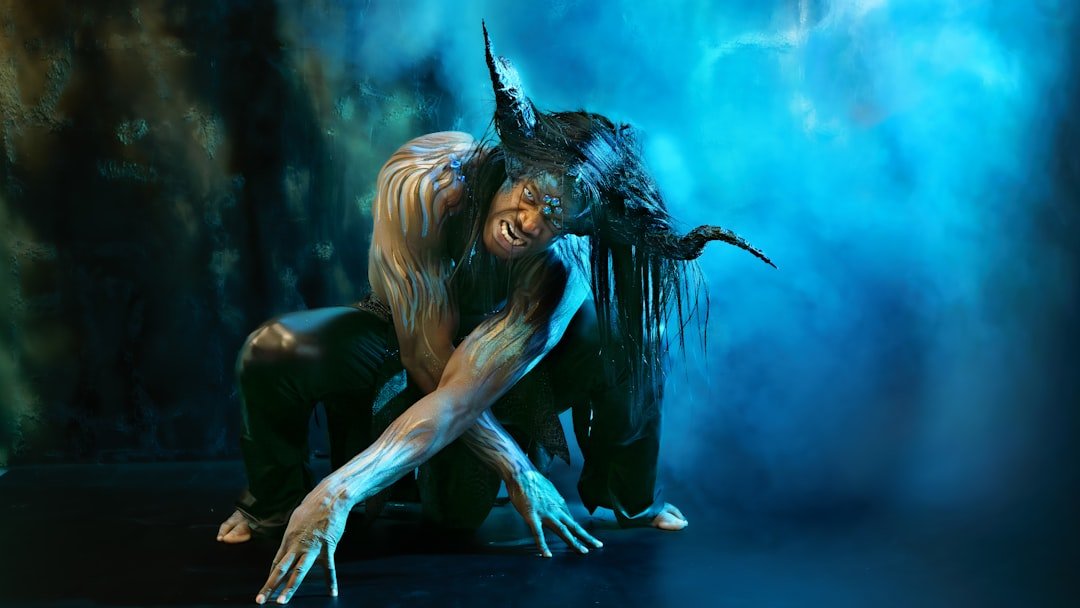
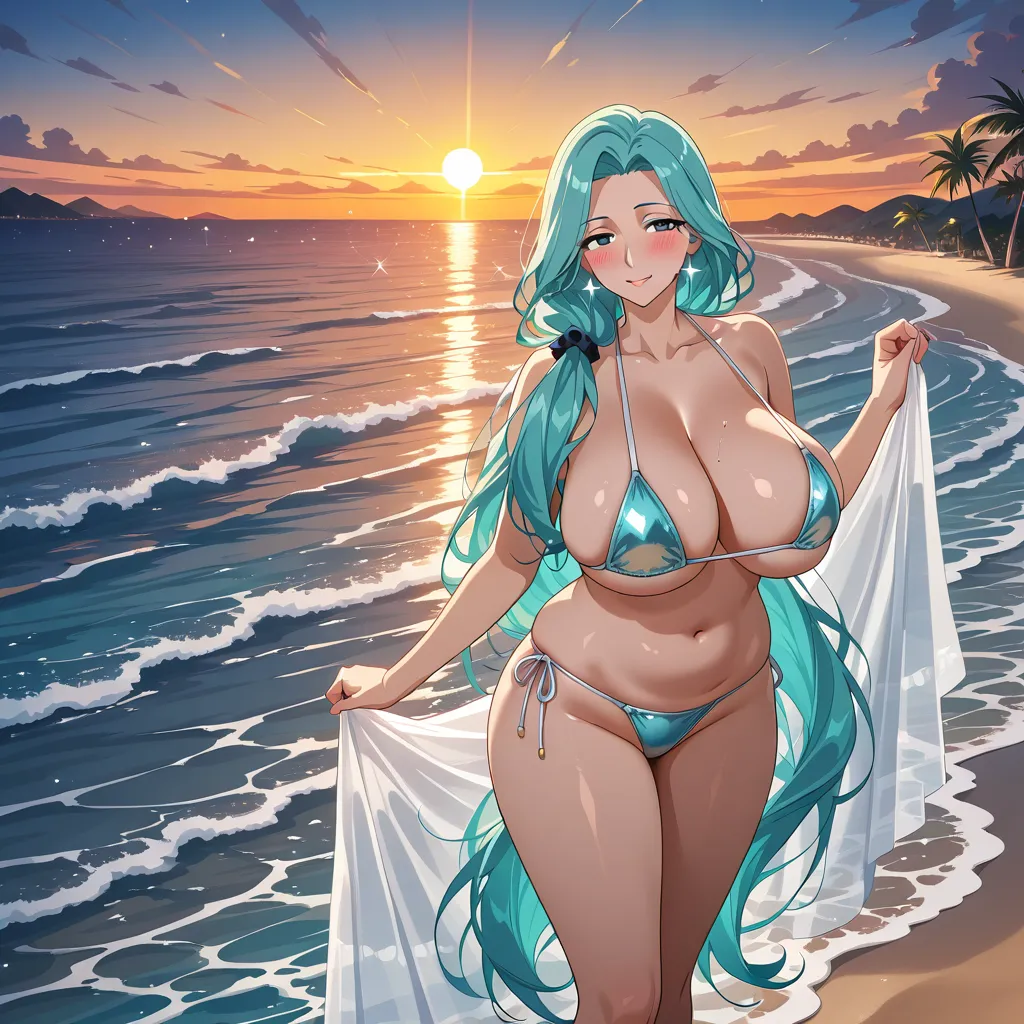
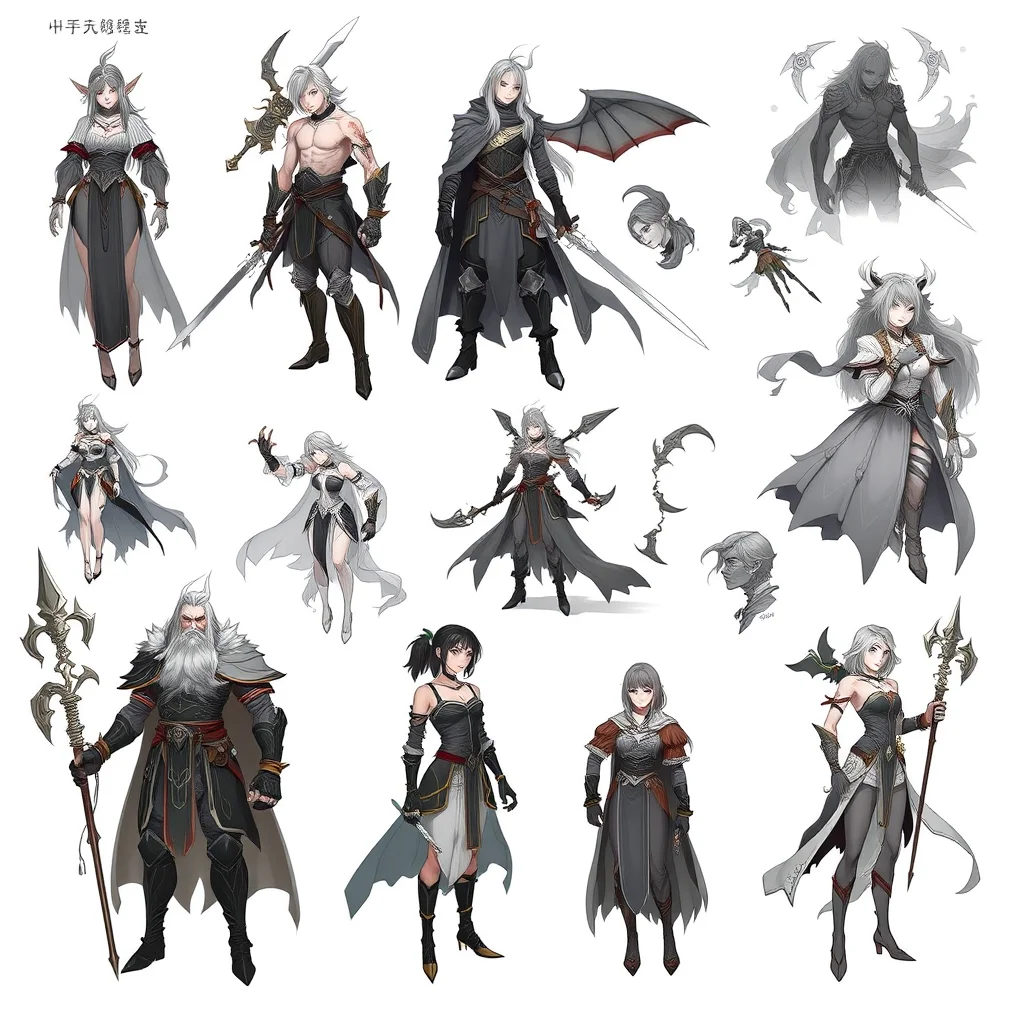
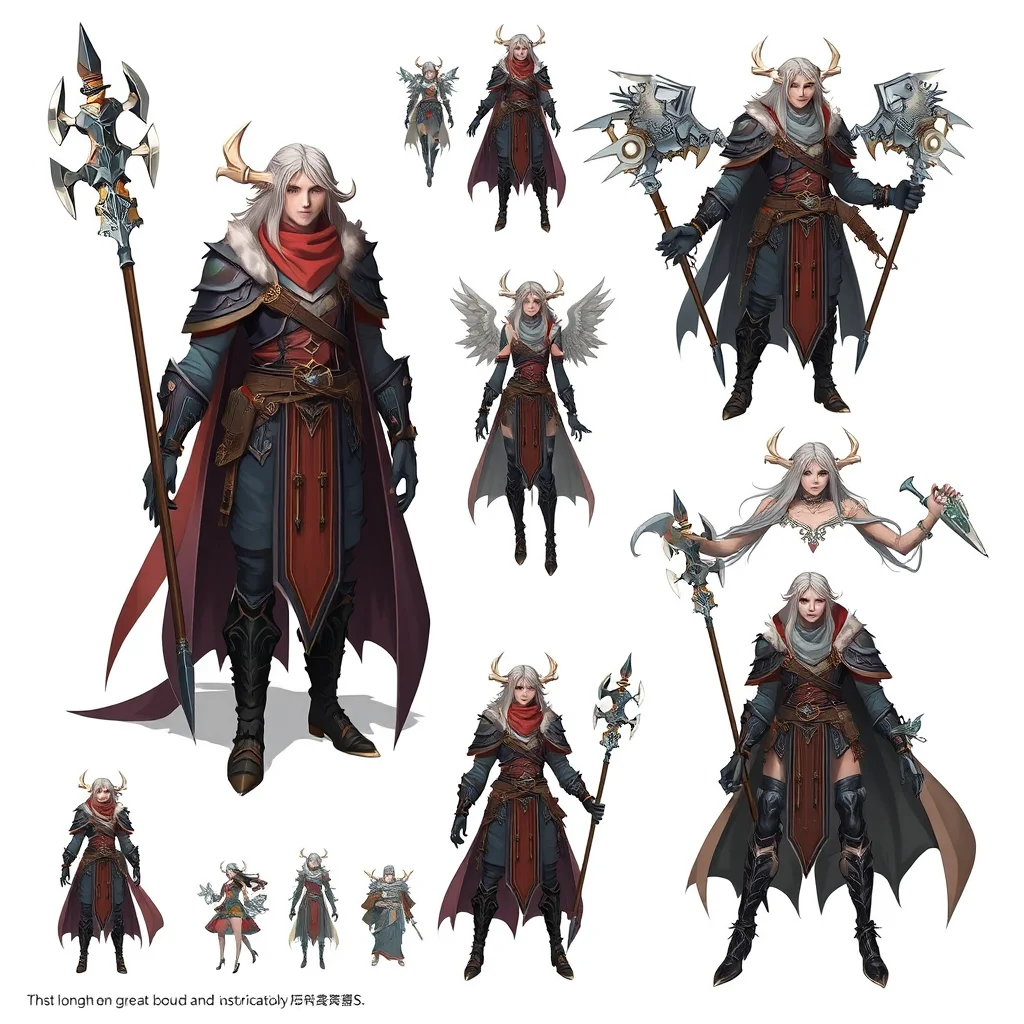
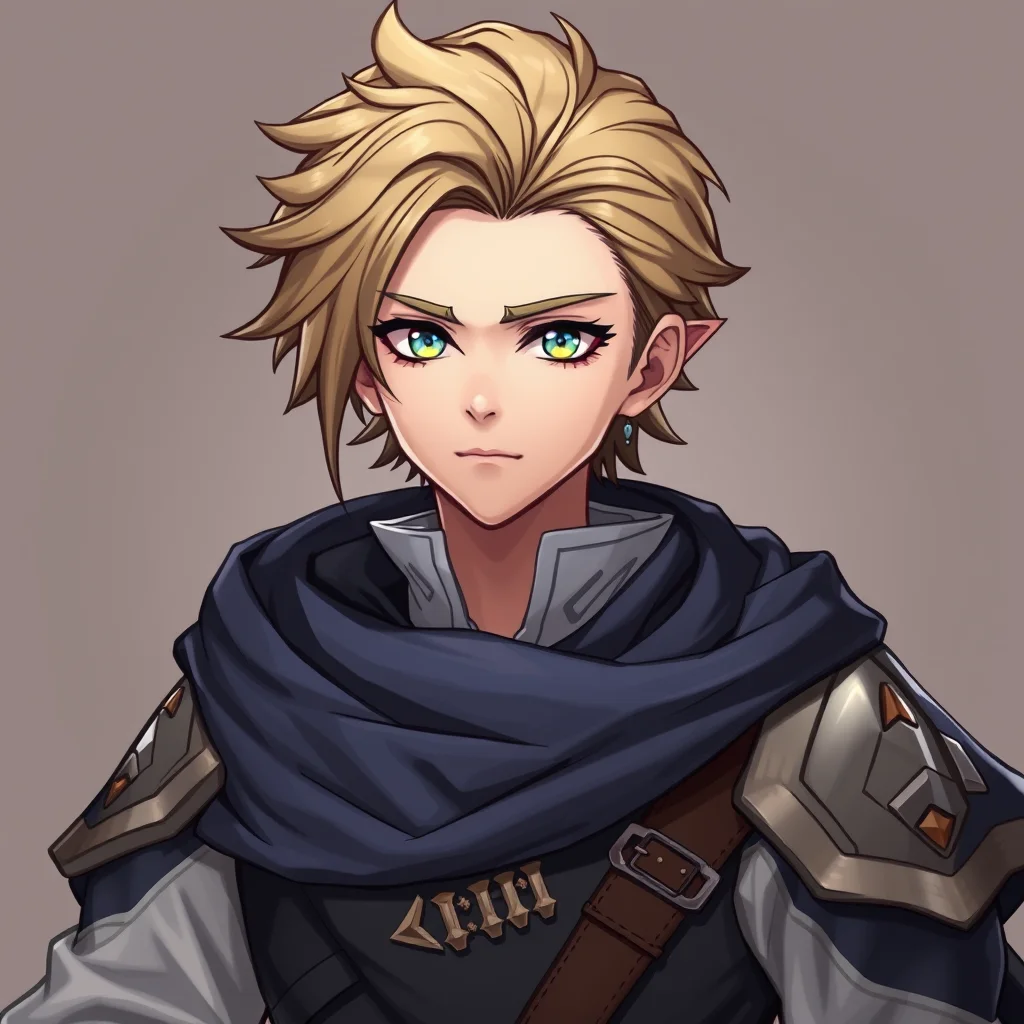
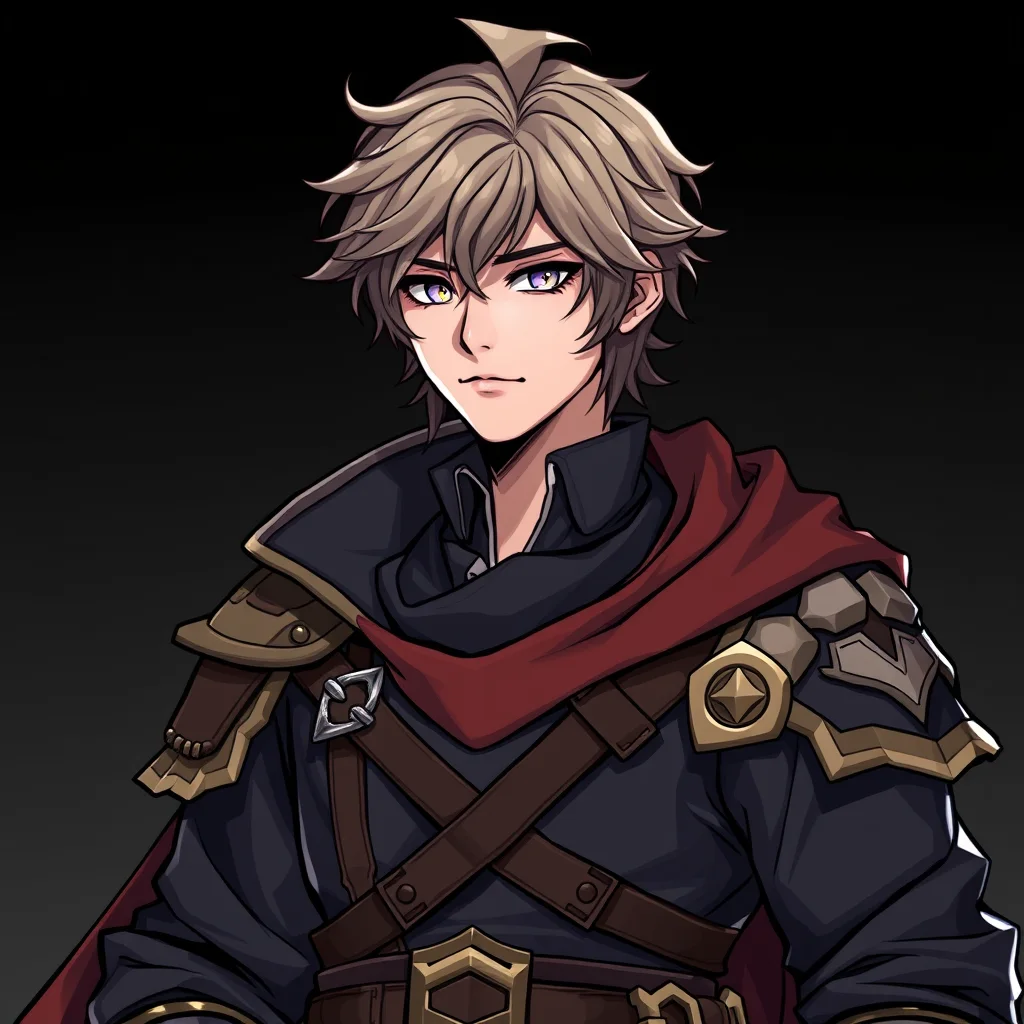
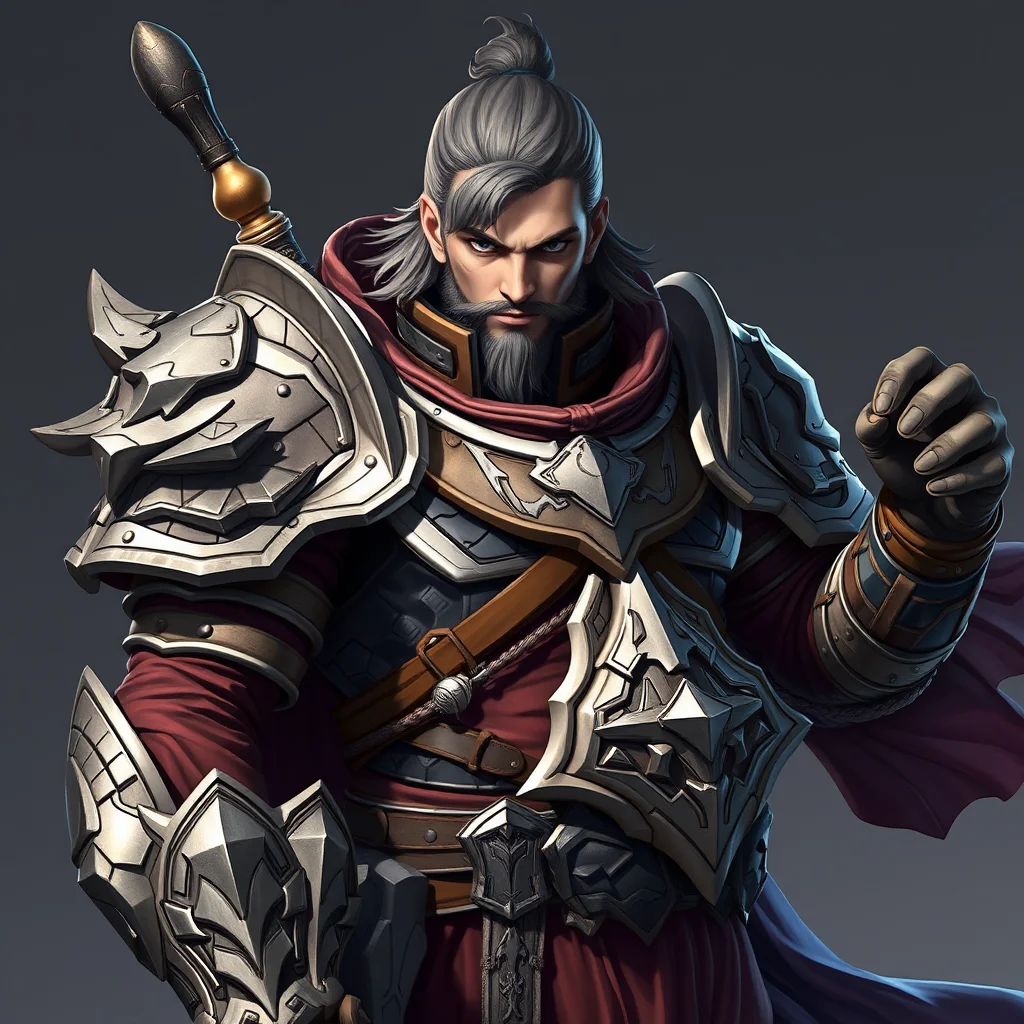
Each character below was generated using the feature-anchor approach described above. Note how distinctive feature combinations produce repeatable, recognisable characters.
Building a Consistent NSFW Character: Complete Pipeline
Character consistency across an image series is the highest-skill task in NSFW AI image generation. The difference between a one-off image and a coherent character series spans three orders of magnitude in technical difficulty. This is the step-by-step pipeline for going from idea to a reliably-reproducible character.
Step 1: Define the character before generating anything
Write a 100-word character bio covering physical traits (height, build, hair, eyes, distinctive features), wardrobe defaults, age range, and personality if it affects pose and expression. This is the prompt foundation you will reuse across every generation. Concrete trait descriptions like ‘5’8″ with auburn shoulder-length hair, green eyes, light freckles across nose and cheekbones’ produce more consistent output than vague qualitative descriptions.
Step 2: Generate 10-20 reference images of your character
On aiimagegeneratornsfw.com or a similar tool, generate 20-30 images using the character bio as the consistent core prompt with varying scene tokens. Cherry-pick 10-20 images where the character looks identifiable and consistent. These become your reference set. Save them at 1024×1024 minimum. The cherry-picking is the highest-leverage step; bad references produce a bad LoRA.
Step 3: Train a character LoRA
Upload your 10-20 reference images to fal.ai’s LoRA training endpoint. Cost: approximately 5 USD per training run, takes 15-25 minutes. Configure: 1500-2500 training steps, learning rate 1e-4, network rank 16-32. Fal.ai returns a LoRA file (.safetensors, ~50-150MB) you can use with any compatible base model. Free alternative: train locally with Kohya_ss on a 12GB+ GPU, takes 1-3 hours.
Step 4: Use the LoRA for new generations
Load the LoRA into ComfyUI, Forge, or your tool of choice. Apply at strength 0.7-1.0 (start at 0.85). New generations using your standard character bio as the prompt will now produce consistent character identity across any scene or pose. Quality holds best in scenarios similar to your training set; novel scenarios (unusual lighting, extreme angles) may degrade consistency.
Step 5: Alternative path with Wireflow Nano Banana 2
If LoRA training feels too technical, Wireflow’s Nano Banana 2 (Google’s December 2025 image model) provides character consistency from a single reference image. Upload one good image of your character, write a prompt for the new scene, and the model preserves identity. Cost: 0.025 USD per image. No training step required. Trade-off: Nano Banana 2 is only soft-NSFW; explicit content needs a separate tool.
Common pitfalls in character pipelines
- Reference set is too small (under 10 images). LoRA overfits to those specific poses
- Reference set has inconsistent character (different faces from generation noise). LoRA learns the average and loses sharpness
- Training too long. LoRA reproduces references too literally and cannot generalise to new scenes
- Using LoRA with the wrong base model family. Flux LoRAs do not work on SDXL or vice versa
- Forgetting to also include the character bio in the prompt. LoRA needs prompt scaffolding to fire correctly
Cross-Tool LoRA Compatibility
LoRA files trained on one base model do not work on a different base model family. A LoRA trained on Flux.1-dev will not function on SDXL or Stable Diffusion 1.5, and vice versa. This matters because if you train a character LoRA, you commit to a specific base model family for future generations.
Family compatibility map
- Flux LoRAs work on: Flux.1-dev, Flux.1-schnell, Flux-NSFW community forks. Do NOT work on SDXL or SD1.5.
- SDXL LoRAs work on: SDXL base, Pony Diffusion V6 XL, Wai-Illustrious-SDXL, Animagine XL. Do NOT work on Flux or SD1.5.
- SD1.5 LoRAs work on: SD1.5 base and its many community fine-tunes only. Do NOT work on SDXL or Flux.
- Choose your base model family BEFORE training. Switching later means retraining the LoRA.
For custom character work, the strongest NSFW character checkpoints and LoRAs are community-made and hosted on Civitai, while the base models they build on come from Hugging Face.
Related: Best NSFW BDSM AI Generators 2026.
Related: Best NSFW Femboy AI Generators 2026.
Frequently Asked Questions
What is an NSFW AI character image generator?
An NSFW AI character image generator is a tool designed to produce images of consistent characters with NSFW content, where the same character appears across multiple generations. The core technical challenge is character consistency: making sure the face, body, and styling stay recognizable from one image to the next.
Why is character consistency hard in NSFW AI generation?
Standard text-to-image models produce a fresh random output for each generation. Without conditioning (a reference image, a LoRA, or a character-locked checkpoint), the same prompt yields different faces and bodies each time. Maintaining character identity across a series requires either reference conditioning, LoRA training, or a model with built-in identity tokens.
What are the best methods for NSFW character consistency in 2026?
Three methods work well: 1) Reference-image conditioning using IP-Adapter or InstantID, available in ComfyUI and some browser tools; 2) Training a custom LoRA on 10-30 images of your character via fal.ai or local Kohya; 3) Using a model like Nano Banana 2 (via Wireflow) that has strong native consistency from a single reference.
Can I create a consistent NSFW character without any technical skills?
Yes, via Wireflow’s Nano Banana 2 integration. Upload one reference image of your character, write a prompt for the scene you want, and the model generates new poses while preserving the character’s identity. Quality is very high, cost is 0.025 USD per image. No LoRA training required.
How much does it cost to train a custom NSFW character LoRA?
On fal.ai, training a LoRA on 10-30 reference images costs around 5 USD and takes 15-25 minutes. Once trained, the LoRA can generate unlimited new images of that character at the standard model inference cost (typically 0.003-0.025 USD each). Best for creators who want a persistent recurring character.
Can I use real-person photos to train an NSFW character LoRA?
Legally and ethically, no, unless the subject has explicitly consented in writing. Training NSFW AI on real-person photos without consent constitutes a deepfake violation in most jurisdictions including the US, UK, and EU. Use only AI-generated reference images or images of consenting subjects you have rights to.
What models are best for anime NSFW character consistency?
Wai-NSFW-Illustrious-SDXL combined with character-specific LoRAs from Civitai is the standard 2026 setup. Animagine and Pony Diffusion V6 are alternatives. The free anime mode at aiimagegeneratornsfw.com runs Wai-Illustrious; pair it with a Civitai LoRA for specific characters using ComfyUI for the full workflow.
Should I use a free tool or paid for character work?
For one-off character images, free browser tools at aiimagegeneratornsfw.com are sufficient. For a recurring AI influencer or character series, the 5 USD LoRA training on fal.ai (one-time) or Wireflow Nano Banana 2 (0.025 USD per image, no training) is worth the investment because consistency is dramatically better.
Related guides:
More NSFW AI picks by use case: