Lingerie prompts work best when you name the garment type, the fabric, and the color or detail as separate tags, then defend against the model’s habit of warping straps and melting fabric with targeted negatives and inpainting. This bank covers bras, panties, teddies, corsets, garters, and stockings, plus the fabric and fit tags that make them read as real garments.
Lingerie is trickier than a dress because it is thin, strappy, and often symmetrical, which is exactly what diffusion models struggle with. Extra straps sprout, cups go asymmetric, garters float unattached, and lace turns to mush. The fix is precise garment naming plus a workflow for cleaning up the inevitable strap chaos. This guide gives you the full tag bank and the repair steps, along with the fabric and weighting knowledge that keeps a delicate piece from melting in the first place. All subjects described here are adult, fictional characters, and the whole approach is built around naming specific garments rather than leaving the model to guess.
What lingerie prompts control and why they matter
Broad outfit prompts cover clothing in general, but lingerie needs its own vocabulary because the model has specific tokens for these garments and specific ways of failing them. Three levers:
- Garment type decides the silhouette and coverage. A balconette bra with a thong reads very differently from a full teddy or a corset with a garter belt.
- Fabric decides how light passes through and how the material sits. Sheer mesh, satin, lace, and latex each behave differently under the same light.
- Color and detail (embroidery, straps, cutouts) is where you add specificity so it does not default to plain black.
Because straps and symmetry are the danger zone, weighting matters. Read the prompt weighting guide so you can dial a garment up without blowing out the rest of the frame. If you want to skip the local pipeline entirely, a hosted NSFW generator like AI Nudez runs tuned models where lingerie tends to come out cleaner out of the box.
Copy-paste lingerie tag bank
Garment: bras and tops
bra, balconette bra, push up bra, demi bra, bralette, lace bra, sports bra, strapless bra, underwire bra, plunge bra, bandeau
Garment: bottoms
panties, thong, g-string, boyshorts, high waisted panties, cheeky panties, lace panties, crotchless panties, side tie panties
Garment: one piece and structured
teddy, bodysuit, babydoll, chemise, slip, corset, bustier, basque, merrywidow, open cup lingerie, strappy lingerie, harness lingerie
Legwear and support
garter belt, suspender belt, garter straps, stockings, thigh high stockings, fishnet stockings, sheer stockings, lace top stockings, hold ups, seamed stockings
Fabric
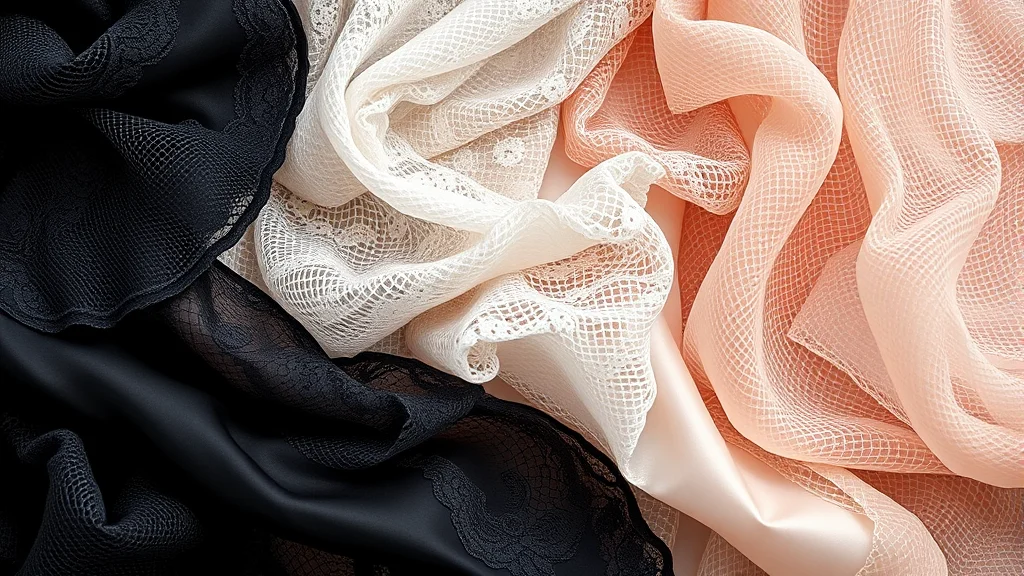
lace, floral lace, satin, silk, sheer, see through, mesh, fishnet, chiffon, velvet, leather, latex, wet look, sequined
Color and detail
black lingerie, red lingerie, white lingerie, pastel lingerie, emerald green lingerie, embroidered, scalloped edges, bow detail, cutouts, strappy detail, rhinestone straps, matching set
Fit and coverage
fitted, tight, barely covering, loose fit, sheer coverage, partially sheer, low cut, high cut, full coverage
A practical way to use this bank: build the garment left to right in the same order every time, type first, then fabric, then color, then one detail, then fit. So lace balconette bra, black, scalloped edges, fitted rather than scattering those words through the prompt. Reading in that order gives the model a clean, unambiguous description and makes your prompts easy to reuse as a fixed block across a set. It also makes failures easier to diagnose, because when a strap multiplies you know exactly which token to weight down or move.
Reference grid: garment to fabric to failure watch
| Garment | Example fabric tags | Reads as | Failure to watch |
|---|---|---|---|
| Balconette bra plus thong | lace, floral lace |
Classic matching set | Asymmetric cups, extra straps |
| Teddy or bodysuit | sheer, mesh |
One piece, high coverage | Fused seams, melted crotch panel |
| Corset plus garter belt | satin, leather |
Structured, retro | Floating garter straps, warped boning |
| Babydoll | chiffon, sheer |
Flowy, loose | Fabric merging with skin |
| Stockings plus suspenders | fishnet, lace top stockings |
Legwear focus | Straps not connecting, broken pattern |
| Harness lingerie | leather, strappy detail |
Bold, geometric | Extra straps, crossed lines |
Full example prompts
Positive (realistic photo):
photorealistic photo of an adult woman, wearing a (black lace balconette bra:1.1) and matching thong, floral lace, scalloped edges, garter belt, thigh high stockings, standing by a window, soft morning light, detailed fabric, high detail, 85mm, shallow depth of field
Negative:
extra straps, warped straps, asymmetric cups, floating garter, melted fabric, fused fabric, deformed lingerie, extra limbs, blurry, low detail, plastic skin
For a sheer, high fabric detail look:
Positive:
photorealistic photo of an adult woman, (sheer mesh teddy:1.15), partially see through, embroidered detail, bow detail, red lingerie, lying on satin sheets, warm rim light, detailed fabric texture, high detail
Negative:
extra straps, melted fabric, seams merging with skin, asymmetric, deformed, extra limbs, blurry
The best NSFW AI image generators roundup notes which platforms and models render fine lace and mesh without turning it to soup, which saves a lot of retries.
Common failure modes and the fix
Lingerie fails on straps and symmetry more than anything else. Here is the repair playbook.
Extra or warped straps
The most common failure: three shoulder straps, straps crossing at random. Fix: add extra straps, warped straps to the negative, lower the garment weight slightly, and inpaint the shoulder and back region. Straps are almost always an inpaint job, not a prompt job. The inpainting guide walks the mask and denoise settings.
Melted or fused fabric
Lace or mesh becomes a smeared texture with no structure, or fabric fuses into skin. Fix: add melted fabric, fused fabric, seams merging with skin to the negative, and run hires fix so the fabric weave resolves. If one panel is bad, inpaint only that panel.
Asymmetric cups
One cup larger, or a bra that only exists on one side. Fix: this is a symmetry weakness in diffusion. Inpaint the weaker side using the good side as visual reference, or generate at a higher resolution where the model has room to balance both cups.
Floating garters and disconnected suspenders
Garter straps hang in air without meeting the stocking top. Fix: describe them simply (garter belt, garter straps, lace top stockings) rather than over-specifying, and inpaint the strap-to-stocking join. Over-describing straps tends to multiply them.
Color or set mismatch
You wanted a matching set but got mismatched pieces. Fix: add matching set to the positive and name one color for the whole outfit rather than per garment. Consistent color naming reduces the model inventing a second palette.
Keeping lingerie consistent across a set
For a set where the subject wears the same lingerie across poses, three tactics:
Lock the garment tag block. Same garment, fabric, and color tags, same order, every frame. If frame one is black lace balconette bra, matching thong, garter belt, so is frame twelve.
Fix the seed and vary the pose carefully. Keeping the seed and only changing the pose tag holds fabric character better than a fresh seed each time. Combine with a character LoRA from character consistency techniques so the outfit reads as one continuous shoot.
Inpaint drift, do not re-roll. When a strap multiplies or the color shifts in one frame, mask and inpaint it back to the reference rather than rerunning the whole image. For the end to end approach see how to make a consistent NSFW AI photo set.
If strap wrangling is not how you want to spend your time, the hosted generator mentioned earlier handles a lot of this automatically, which is the trade for less manual control.
Fabric behavior: how light reads through each material
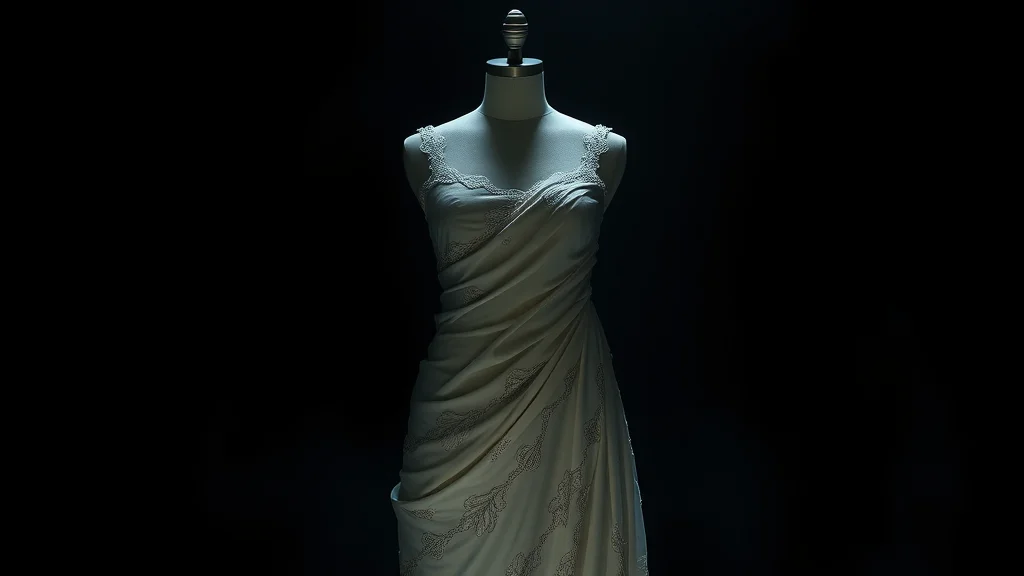
The material tag does more than name a texture, it tells the model how light should pass through and reflect off the garment, and getting this right is most of what makes lingerie look expensive rather than cheap.
Sheer and mesh are the signature NSFW fabrics because they are partially transparent. The model has to decide how much skin shows through, so pair sheer or see through with a coverage tag like partially sheer to control it, and expect to inpaint if the transparency lands too strong or too weak. Lace is opaque thread over open space, so it reads as pattern plus skin, and it is the fabric that smears worst at low resolution because the fine repeating pattern needs pixels to resolve. Satin and silk are opaque with a soft directional sheen, so they catch a broad highlight and drape in smooth folds. Latex and wet look are opaque with a hard specular shine, almost mirror like, so they depend entirely on your lighting to look right, a latex piece in flat light looks like matte rubber.
The practical lesson: choose the fabric to match the light you are giving it. Satin and lace forgive soft lighting, latex and sheer demand directional light to show their character. When a fabric looks wrong, the fix is often the lighting, not the fabric tag.
Coverage and framing: making the garment the subject
Lingerie prompts fail when the garment competes with a busy scene. Because these pieces are detailed and the model has limited attention, a cluttered background and a complex pose steal pixels from the lace and straps, which is when melting happens. For clean lingerie renders, simplify everything else: a plain or softly blurred background, a stable pose, and a framing that actually shows the garment.
Coverage tags shape how much of the piece reads. barely covering and high cut push toward more skin and a bolder look, while full coverage and fitted keep the garment as the clear subject. Match the framing to the garment: a full teddy or bodysuit wants a wider frame to show the whole piece, while a bra and thong set can take a closer crop. If you want the classic boudoir look, a shallow depth of field keeps the garment sharp and softens the room, which also hides background artifacts. These framing choices layer directly on top of the broader outfit prompts and pinup styling approaches.
Weighting lingerie without breaking the body
Weighting is the tool that gets a specific garment to appear without distorting the figure. If the model keeps defaulting to a plain bra when you asked for a strappy harness, bump it: (harness lingerie:1.2). But push a garment tag too hard and it starts to warp the torso around it, growing extra straps and pulling the body out of proportion, because the model is trying too hard to satisfy an over-weighted token.
The safe range for most garment tags is 1.0 to 1.2. Above that, watch for the body distorting to accommodate the garment. When you need a piece to be prominent and clean, it is almost always better to keep the weight moderate and inpaint the detail in afterward than to crank the weight and fight the distortion. The full mechanics of how far to push before things break are in the prompt weighting guide, and for a from scratch rebuild of a failed render, the inpainting workflow guide walks the whole repair loop.
Color and detail without visual noise
Color and trim are what turn a plain garment into a specific piece, but they are also where prompts get greedy and the render turns to soup. The rule is to commit to one color story and a small number of detail tags rather than describing every element. A single strong color (black lingerie, red lingerie, emerald green lingerie) plus one or two detail tags (scalloped edges, bow detail, embroidered) reads as a designed piece. Five competing detail tags read as a smeared mess, because the model cannot render every requested element at the small scale of a bra cup or a garter clasp.
Detail tags also want resolution. Embroidery, scalloped lace edges, and rhinestone straps are fine features that only resolve at hires, so if you want them crisp, generate large and expect to inpaint the trim. Cutouts (cutouts, strappy detail) are effective for a bold modern look but they compound the strap problem, so treat any cutout piece as an inpaint job from the start. When a set needs a signature garment, pick the simplest version that still reads as the piece you want, since simple garments repeat far more reliably across frames. For matching the palette to skin and scene, the color grading prompts bank keeps the lingerie color consistent from image to image, and the best NSFW AI image generators roundup notes which platforms hold fine trim without smearing.
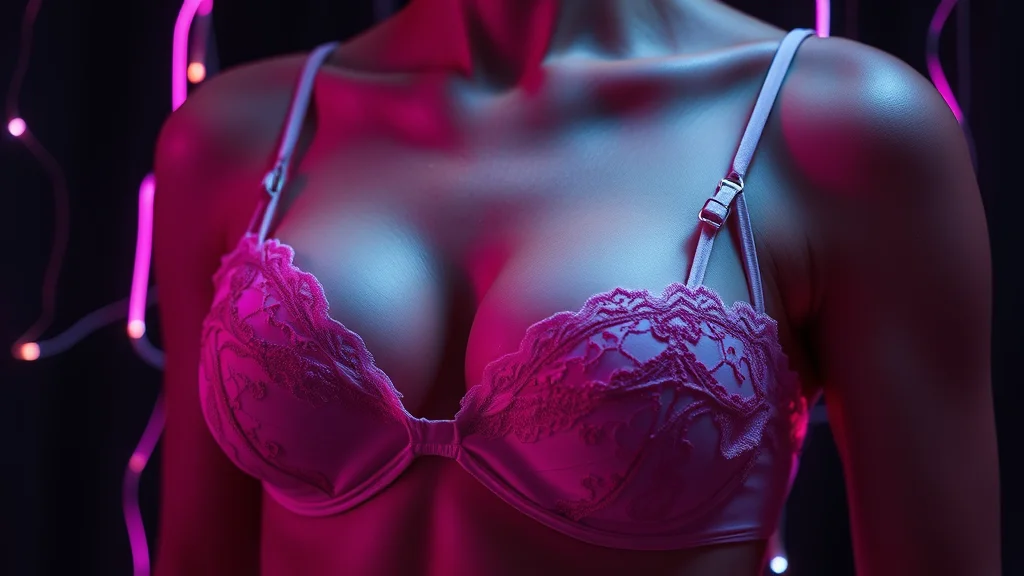
A lingerie render checklist
Before you accept a lingerie render, run through five quick checks. One, count the straps, shoulder and back straps are the most common failure and the easiest to miss. Two, check cup symmetry, one cup larger than the other is a frequent diffusion slip. Three, follow every garter strap to confirm it connects to a stocking rather than floating. Four, look for fabric fused into skin, especially along seams and the crotch panel. Five, confirm the color story is one coherent set, not a mismatched pair the model invented. Anything that fails these five is an inpaint fix, not a re-roll, so mask the offending region and repair it against the good areas. This habit turns a batch of near misses into finished images without burning generations on a fresh seed each time.
Where to go next
Lingerie is one piece of the styling stack. Round it out with outfit prompts for everything worn over or instead of it, lace and fabric friendly makeup prompts to match the mood, jewelry and piercing prompts to accessorize the set, and mood and atmosphere prompts to set the scene the lingerie lives in.
Frequently asked questions
Why does my AI lingerie keep sprouting extra straps?
Straps are thin, symmetrical, and repetitive, which is exactly what diffusion models struggle to keep to a fixed count. Add extra straps and warped straps to your negative, avoid over-describing the straps in the positive, and plan to inpaint the shoulder and back region since strap errors are usually a cleanup job.
How do I keep lace from turning into a smeared mush?
Lace weave needs resolution to resolve. Run hires fix at 1.5x or higher, use fabric tags like floral lace and detailed fabric texture, and add melted fabric to the negative. If only one section smears, inpaint just that panel rather than re-rolling the whole image.
Why is one bra cup bigger than the other?
Asymmetric cups are a known symmetry weakness in diffusion. Generate at a higher resolution so the model has room to balance both sides, or inpaint the weaker cup using the good side as a reference. Naming the garment clearly, like balconette bra, also helps the model commit to one structure.
What fabric tags read most realistically for lingerie?
Lace, satin, silk, sheer, mesh, and fishnet all render well when paired with hires fix. Sheer and mesh give see through effects, satin and silk give a soft sheen, and leather or latex give a wet-look shine. Combine the fabric tag with detailed fabric texture for the crispest weave.
How do I fix garter straps that float without connecting to the stockings?
Describe them simply with garter belt, garter straps, and lace top stockings rather than over-specifying, since extra description tends to multiply straps. Then inpaint the point where the strap should meet the stocking top so the connection is drawn cleanly.
Can a hosted generator render lingerie more cleanly than a local setup?
Often yes, because hosted NSFW generators run models tuned for exactly these garments, so straps and lace come out cleaner with less manual repair. The trade is less fine control than a local pipeline, but for quick clean lingerie sets it saves a lot of inpainting time.
What is the difference between lingerie prompts and general outfit prompts?
Outfit prompts cover clothing broadly, while lingerie needs its own garment vocabulary such as teddy, corset, garter belt, and balconette bra, plus a specific failure playbook for straps and symmetry. Use the outfit bank for outerwear and the lingerie bank when the undergarments are the focus.
How do I get a matching lingerie set instead of mismatched pieces?
Add matching set to the positive prompt and name a single color for the whole outfit rather than a separate color per garment. Per garment colors invite the model to invent a second palette. Keep the same garment tag block across a set so the pieces stay coordinated frame to frame.