Category: Image-to-Image, Video & Text Generation
NSFW AI generation comes in three flavors: text-to-image (you describe, it draws), image-to-image (you upload a starting image, it transforms), and image-to-video (you upload a still, it animates). Each format requires different tools, different prompting strategies, and produces different quality outputs. This category covers all three so you can pick the right format for your goal.
Image-to-image is the most flexible — start with a sketch, photo, or earlier generation and refine it. Image-to-video is the newest and rapidly improving — clips are still short (3-10 seconds typical) but quality has jumped massively in 2026. Text-to-image is the most mature and the easiest entry point.
What to look for
- Format match to your goal — img2img for refinement, img2video for motion, text2image for from-scratch
- Resolution support — 1024×1024 minimum for current quality standards
- Input file format flexibility — JPG, PNG, WebP support; some tools also accept video frames
- Strength/denoise controls — for img2img, the ability to control how much the source is preserved
- Clip length and FPS — for video — current best free tools deliver 5-second clips at 24fps
Frequently Asked Questions
What’s the difference between text-to-image and image-to-image?
Text-to-image generates an image from a text prompt only. Image-to-image takes an input image plus a prompt and transforms the image based on the prompt. Image-to-image gives more control over composition and style; text-to-image gives more variety.
Can NSFW AI image-to-image work on my own photos?
Technically yes, but proceed carefully. Generating NSFW content using photos of real identifiable people without consent is illegal in many jurisdictions and unethical regardless. Use art, AI-generated source images, or stock with model releases.
How long does image-to-video generation take?
Free tools currently take 30-90 seconds to generate a 3-5 second clip on shared infrastructure. Paid services with dedicated GPUs are 2-3x faster. Expect quality to vary more than text-to-image — video models are still maturing.
What’s the best NSFW AI for image-to-image?
Flux-based image-to-image with adjustable denoise strength is currently the best free option. Tools like the embedded generator on this site support img2img mode. See our 2026 img2img guide for ranked alternatives.
Why does image-to-image sometimes ignore my prompt?
Denoise strength is too low. At low denoise (0.2-0.4), the output stays close to the input and ignores prompt edits. Increase to 0.6-0.8 for stronger prompt influence; go to 0.9+ if you want the prompt to dominate.
Can I generate longer NSFW AI videos than 5 seconds?
Free tools cap at 3-5 second clips because longer clips require more compute. Workarounds: generate multiple clips with consistent prompts and stitch them, or use paid services that offer 10-30 second outputs.
What input image resolution should I use for img2img?
Match the model’s native resolution — usually 1024×1024 or 1024×1536 for SDXL/Flux. Smaller inputs get upscaled and lose detail; much larger inputs get downscaled and the upscaling artifacts pass through to your output.
Does NSFW AI image-to-video preserve faces from the input?
Best-case yes, but motion can introduce face drift across frames. Newer models (2026 video diffusion architectures) are dramatically better at face consistency than 2024-2025 versions. Test with your specific inputs.
Can I do text-to-video for NSFW AI?
Direct text-to-video for NSFW is limited compared to image-to-video. Workflow: generate the still with text-to-image first, then animate it with image-to-video. This two-step approach gives more control over the final composition.
What file format do these tools output?
Images: PNG (most tools default to this) or JPG. Videos: MP4 with H.264 encoding. Resolution and bitrate vary by tool. Most free tools output at moderate bitrates that work for online sharing but may need re-encoding for editing.
-
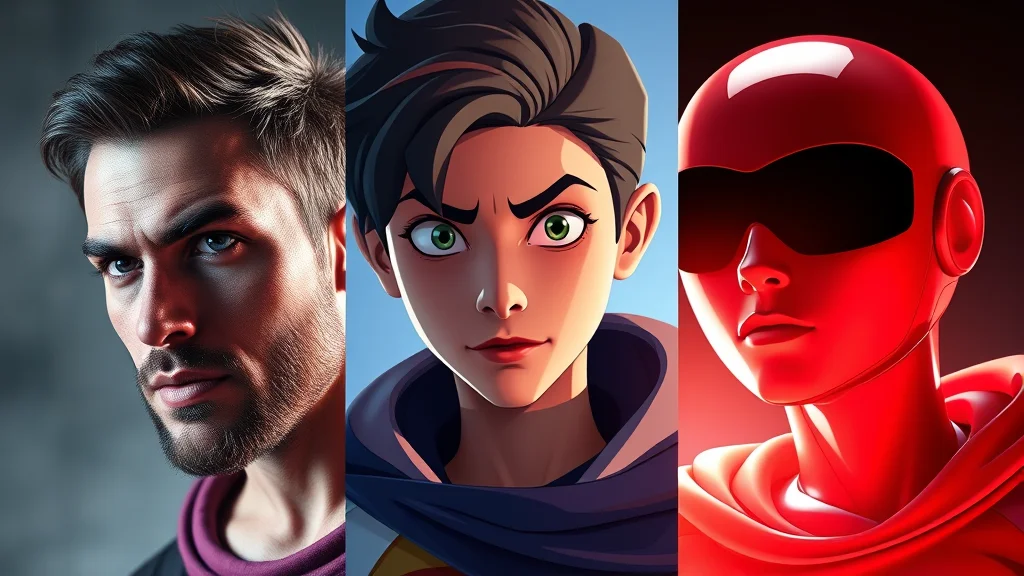
Realistic vs Anime vs 3D NSFW AI Art (2026)
Realistic NSFW AI art looks like a photo and is least forgiving, anime is 2D and hides anatomy errors, and…
-

How to Make Painterly NSFW AI Art (2026)
To make watercolor NSFW AI art, prompt for watercolor washes, soft pigment bleeds, visible brush strokes, and a traditional-media or…
-
How to Make Comic Style NSFW AI Art (2026)
To make comic NSFW AI art, prompt for bold ink lineart, halftone shading, flat primary colors, dynamic poses, and speed…
-
How to Make Fantasy NSFW AI Art (2026)
To make fantasy NSFW AI art, prompt for the race or creature (adult elf, succubus, fae, sorceress), an enchanted setting…
-
How to Make Cyberpunk NSFW AI Art (2026)
To make cyberpunk NSFW AI art, prompt for neon lighting, a rain-slick futuristic city, cybernetic implants, holographic UI, and a…
-
How to Make Goth NSFW AI Art (2026)
To make goth NSFW AI art, load a realistic checkpoint or Pony and prompt with goth, dark makeup, smokey eyes,…
-
How to Make Pinup NSFW AI Art (2026)
To make pinup NSFW AI art, load a realistic checkpoint with a retro or pinup LoRA and prompt with pinup,…
-
How to Make Cartoon NSFW AI Art (2026)
To make cartoon NSFW AI art, load Pony with a toon LoRA or a western-cartoon checkpoint and prompt with cartoon,…
-
How to Make 3D NSFW AI Art (2026)
To make 3D NSFW AI art, load Pony or a realistic SDXL checkpoint, optionally add a 3D-render LoRA, and prompt…
-
Best NSFW AI Art Styles and How to Make Them (2026)
The best NSFW AI art styles in 2026 are photorealistic, anime/2D, 3D render, western cartoon, retro pinup, goth/alt, cyberpunk, fantasy,…