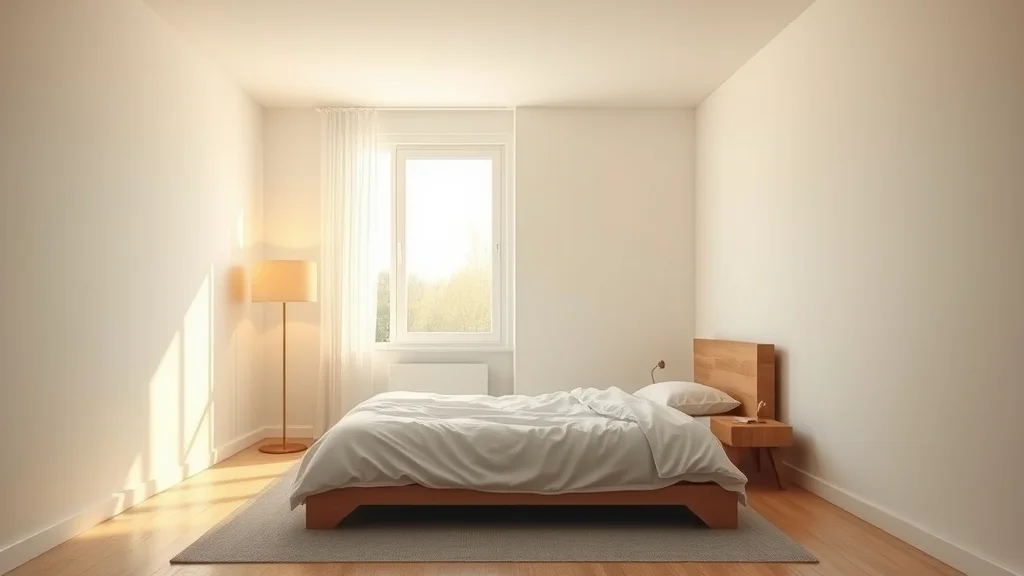
To make believable bedroom NSFW AI scenes, build the room first: rumpled linens, a solid headboard, a nightstand with a lamp, and a curtained window. Light it with soft daylight or a warm bedside lamp, anchor your adult subject on the mattress with real weight and contact shadows, then inpaint any warped furniture.
Why the bedroom is trickier than it looks
The bedroom is the most requested NSFW setting, and also the one models fumble most often. It looks simple: a bed, a wall, a person. But a bedroom is packed with straight lines and repeating geometry, and diffusion models hate straight lines. Headboards bend, mattress corners melt into the floor, nightstands sprout a second drawer, and the duvet folds in ways that defy gravity. Add an adult subject who has to sit or lie with believable weight, and you have a scene where any single failure breaks the illusion.
The fix is to treat the room as the primary subject and the person as the object placed inside it. Most people prompt the person first and let the room fall out as an afterthought, which is exactly backwards. When you describe the environment with the same care you give the figure, the model has enough context to keep furniture solid, shadows consistent, and depth readable. This guide walks through the props, the lighting, the staging, a full copy-paste prompt, sampler settings, and the specific ways a bedroom scene breaks so you can fix each one.
There is also a consistency payoff. Bedrooms are where creators most often want a matched series rather than a single frame: the same adult character across several poses in the same room. That only works if the room itself is describable and repeatable. A vaguely prompted bedroom shifts its headboard, wall color, and window position on every seed, which makes a coherent set impossible. A precisely prompted bedroom locks those anchors down, so the same lamp sits on the same nightstand from image to image. Everything below is written with that repeatability in mind, because a room you can describe exactly is a room you can reproduce exactly.
If you are new to composing whole environments, skim our NSFW AI setting prompts reference and the realistic AI porn walkthrough first, since both establish the vocabulary this post builds on.
The bedroom prop prompt tags
A convincing bedroom is a short list of objects arranged with intent. You do not need twenty props. You need five or six that read instantly as “lived-in bedroom” and give the eye something to travel across. The table below groups the tags by role so you can mix and match without overloading the prompt.
| Prop role | Prompt tags that work | Why it helps |
|---|---|---|
| The bed | rumpled linen sheets, unmade bed, soft duvet, tufted headboard, stacked pillows | Anchors the scene and gives the subject a surface with weight |
| Bedside layer | wooden nightstand, warm table lamp, open book, water glass, phone face down | Adds a believable foreground and a warm practical light source |
| Window and depth | curtained window, sheer curtains, morning light, city view softly blurred | Creates a background plane and a daylight direction |
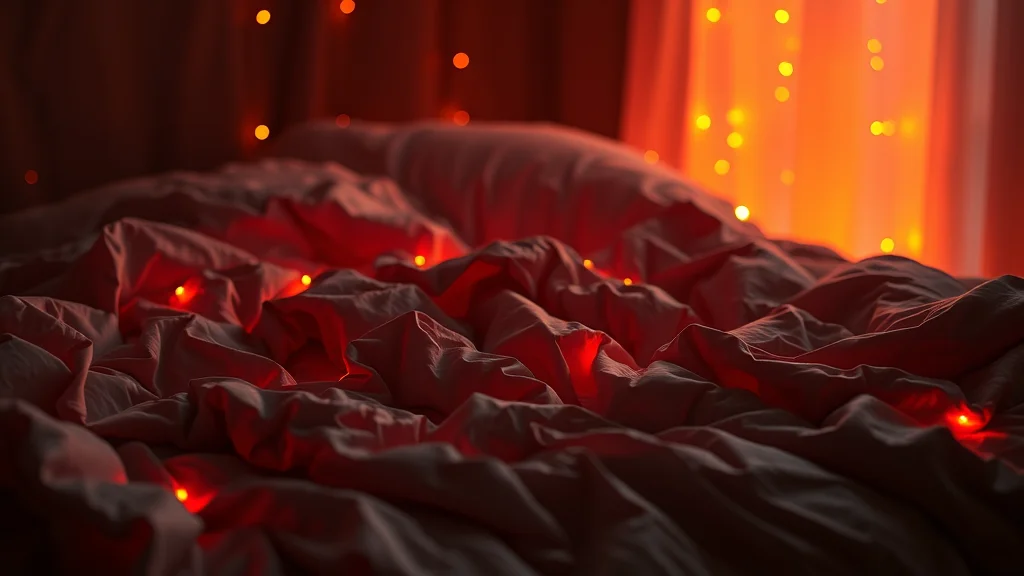
| Soft decor | potted plant, framed art on wall, string lights, folded throw blanket | Fills corners so the room does not feel empty or staged |
| Floor and texture | hardwood floor, soft rug, scattered clothing on floor | Grounds the bed and implies the story without stating it |
Keep the descriptors concrete. “Tufted headboard” gives the model a clear shape to build; “nice bed” gives it nothing. Order matters too: front-load the bed and the subject, then the lamp and window, then the decorative fillers. The model weights earlier tokens more heavily, so the things that must be solid should come first.
One caution on quantity. If you list a plant, art, lamp, book, glass, rug, and string lights all at once, the model tends to render half of them as garbled blobs in the background. Pick three or four props for any single image and let the rest of the room stay softly out of focus. That soft falloff is what real cameras do anyway, and it hides a multitude of rendering sins.
How to light a bedroom
Bedroom lighting comes in two reliable flavors, and you should commit to one per image rather than blending them into mud.
The first is soft window daylight. You prompt “soft morning light through sheer curtains, gentle diffused daylight, window light from left,” and you get an even, flattering wash that wraps around skin without harsh shadows. This reads as calm and intimate. Name the direction (“from left,” “from camera right”) so the model commits to a single light source instead of lighting the subject from everywhere at once, which flattens the body and kills depth.
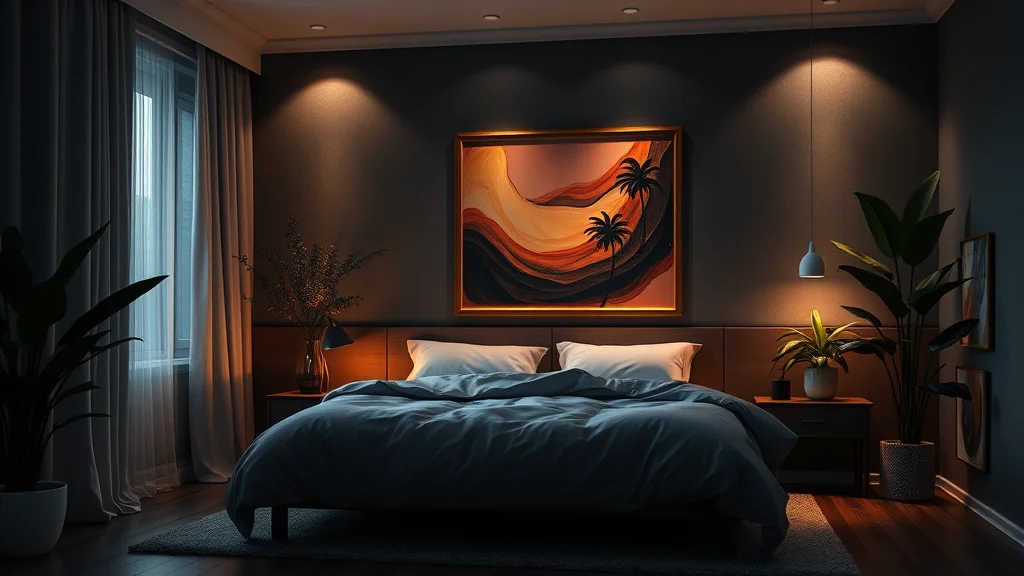
The second is a warm bedside lamp, which is the classic intimate look. Prompt “warm tungsten lamp glow, low warm lighting, single bedside lamp, soft shadows, cozy amber light.” The single practical source creates a natural falloff: bright near the lamp, shadowed across the room. This is far more atmospheric than flat overhead light, which no one should ever prompt for a bedroom because it looks like a rental listing.
Golden hour is a strong third option when you want drama. Low sun raking through the window throws long warm streaks across the sheets and the subject. Our dedicated guides on golden hour photos and general lighting prompts go deeper, and both apply cleanly here. Whatever you choose, keep the light motivated by something in the room. Motivated light (a lamp you can see, a window you can point to) always looks more real than light that arrives from nowhere.
Staging, subject placement, and depth
Depth is what separates a flat AI render from a photograph. A bedroom gives you three natural planes: a foreground (the nightstand or the edge of the bed), a midground (the subject on the mattress), and a background (the headboard, wall, and window). Build your composition so the eye can read all three.
Place the adult subject with contact in mind. A body lying on a mattress should sink slightly into it, with the duvet bunching where a knee or elbow presses down. Prompt for that: “lying on rumpled sheets, weight pressing into mattress, sheets bunched around body.” Without those cues the figure floats a centimeter above the bed like a sticker, and your eye catches it instantly even if it cannot name why.
Use the window or lamp to set a clear depth cue behind the subject. A softly blurred window with a hint of city light tells the viewer the room continues past the bed. Shallow depth of field helps enormously here: “shallow depth of field, background softly blurred, subject in sharp focus” pushes the messy background details out of scrutiny while keeping the subject crisp. For camera framing choices that flatter the pose, our camera angle prompt guide pairs well with this section.
For pose and interaction language that stays tasteful while implying the scene, the scene action prompts list is the right companion, and if you want to build a whole matching series in one room, follow the consistent photo set method so the headboard and lamp stay identical frame to frame.
A full copy-paste example prompt
Here is a complete prompt block you can drop into an SDXL or Pony based checkpoint and adjust. It follows the front-load order: subject, bed, lamp, window, then style and camera. Swap the bracketed subject description for your own original adult character.
Positive:
(masterpiece, best quality, photorealistic, 8k, raw photo),
beautiful adult woman [your character description, age 20s],
lying on rumpled white linen sheets, relaxed intimate pose,
weight pressing into soft mattress, sheets bunched around hips,
tufted upholstered headboard, stacked pillows,
wooden nightstand with warm glowing table lamp, open book,
curtained window with soft morning light, sheer curtains,
potted plant softly out of focus, framed art on wall,
warm cozy bedroom, intimate atmosphere,
soft warm tungsten lamp light from right, gentle shadows,
shallow depth of field, background softly blurred,
detailed skin texture, natural skin, subsurface scattering,
shot on 50mm lens, cinematic color grade

Negative:
(worst quality, low quality, jpeg artifacts), warped furniture,
bent headboard, melting mattress, floating body, flat lighting,
overhead fluorescent light, extra limbs, deformed hands,
mutated fingers, plastic skin, oversaturated, cartoon,
cluttered background, duplicate objects, watermark, text,
crooked window frame, distorted perspective
For deeper skin realism, layer in the skin texture prompt tags, and if the mood you want is more sultry than cozy, the mood and atmosphere prompts give you the adjectives that shift the emotional read without changing the room.
Sampler, CFG, and checkpoint notes
Settings matter more in interior scenes because clean furniture edges need a sampler that resolves detail well. Here is a reliable starting point.
Use DPM++ 2M Karras or DPM++ 3M SDE Karras at 28 to 35 steps. Fewer steps leave furniture edges soft and let straight lines wobble. Keep CFG in the 4.5 to 7 range: too high and the linens turn crunchy and oversaturated, too low and the room loses definition. For photoreal bedrooms, a strong realism checkpoint is the foundation. EpicRealism and RealVisXL both handle soft interior light beautifully, while CyberRealistic Pony gives you stronger pose control if you are working from a Pony base. Our full checkpoint roundup compares them side by side.
Generate at a portrait aspect like 832×1216 for a standing or seated subject, or a wider 1216×832 when you want the whole bed and nightstand in frame. Then upscale. A bedroom benefits massively from a proper upscale pass because that is when the linen weave, the wood grain on the nightstand, and the lamp glow gain their final texture. Follow the upscaling guide and dial denoise to about 0.3 so the upscaler sharpens without reinventing your furniture. Full CFG and sampler reference here.
If you would rather skip the local setup entirely and generate realistic bedroom scenes in a browser, a hosted no-install option like AI Nudez handles the model, the sampler, and the upscale for you, which is useful when you just want a fast result without managing checkpoints.
Where it breaks and how to fix it
Bedroom scenes fail in predictable ways. Knowing the failure lets you fix it in seconds instead of rerolling a hundred times.
Warped or bent furniture is the most common problem. The headboard curves, the nightstand has impossible geometry, or the bed frame melts into the floor. The fix is targeted inpainting: mask the broken furniture, drop the denoise to around 0.4, and regenerate just that region with a tight prompt like “solid wooden headboard, straight edges.” The inpainting guide covers the exact workflow.
Floating subject is the second classic. The body looks pasted onto the bed with no contact shadow. Fix it by prompting for weight and by inpainting a soft contact shadow where the body meets the mattress. Even a subtle darkening under the hip sells the contact.
Muddy background clutter happens when you list too many props. The plant, art, and lamp all fuse into a brown smear. The fix is either fewer props or more background blur. Push shallow depth of field harder, or mask the background and regenerate it cleaner.
Wrong or missing lamp light is subtle but deadly: the lamp is visibly on, yet the room is lit from the opposite side. Fix by naming a single light direction that matches the visible source, and inpaint the falloff so the glow actually radiates from the lamp.
Blurry or soft overall output usually means too few steps or a weak upscale. Bump steps, then run the blurry image fix routine and add detail with a light detail pass. For anatomy slips, mask and regenerate hands and feet rather than rerolling the whole frame.
Building a matched bedroom series
Most creators eventually want more than one frame in the same room. A believable set (the same adult character across several poses on the same bed) is one of the strongest formats you can produce, because it reads like a real photo shoot rather than a lucky single generation. The bedroom is ideal for this because everything is fixed: the headboard, the lamp, the window, and the art on the wall should not move between frames.
The method is to lock your environment description word for word and reuse it across every generation, changing only the pose and camera language. If your prompt says tufted headboard, warm lamp on the right, sheer curtained window on the left in image one, it must say exactly that in image five. Any drift in wording lets the model reinvent the furniture. Keep the same seed family or use image to image from a hero frame so the room stays consistent, and follow the character consistency techniques so the face and body hold steady too. The img2img workflow is the fastest way to hold a room while changing a pose, since you feed the model your established bedroom and only nudge the subject.
Once you have a strong hero frame, treat it as your anchor. Regenerate variations at low denoise so the lamp, headboard, and window barely move, then inpaint only the pose changes. This keeps the whole set feeling like it was shot in one session in one real bedroom, which is exactly the impression you want. A final unified color grade across every frame, applied with the color grading prompts or in a quick edit pass, ties the set together so no single image looks like it came from a different room or a different afternoon. If you want to touch up any frame after the fact, the photo editing workflow and the best NSFW photo editors cover the cleanup tools worth using.
Conclusion
A great bedroom NSFW scene comes down to one shift in thinking: build the room before you place the person. Give the model a solid headboard, rumpled linens, a single motivated light, and three or four believable props, and it rewards you with depth and warmth. Place your adult subject with real weight on the mattress, keep one clear light direction, and inpaint the furniture that inevitably warps. Nail those four things (props, light, weight, and cleanup) and your bedroom scenes will read as photographs instead of renders. Pair this with a strong realism checkpoint and a proper upscale, and you have a repeatable recipe you can run for an entire matched set.
Frequently asked questions
What makes a bedroom AI scene look real instead of rendered?
Depth and contact. Build three planes (a foreground nightstand, the subject on the bed, a blurred window behind), use one motivated light source, and make the body press into the mattress with a visible contact shadow. Those cues sell realism more than any single prompt tag.
Why does my headboard or nightstand keep warping?
Diffusion models struggle with the straight lines and repeating geometry of furniture. Front-load the furniture tags, use enough sampler steps (28 to 35), and inpaint any warped piece at around 0.4 denoise with a tight prompt like solid wooden headboard, straight edges.
What lighting works best for an intimate bedroom?
Two reliable looks: soft window daylight through sheer curtains for a calm even wash, or a single warm bedside lamp for a cozy amber falloff. Golden hour raking through the window is a strong dramatic third option. Avoid flat overhead light, which reads like a rental listing.
How do I stop the subject from looking like it floats above the bed?
Prompt for weight: lying on rumpled sheets, weight pressing into mattress, sheets bunched around body. Then inpaint a soft contact shadow where the body meets the mattress. Even a subtle darkening under a hip fixes the floating sticker effect.
How many props should a bedroom scene include?
Three or four in focus, no more. Listing a plant, art, lamp, book, glass, rug, and string lights all at once makes the model fuse them into a muddy background blob. Pick a few, keep the rest softly out of focus with shallow depth of field.
Which checkpoint is best for photoreal bedroom scenes?
EpicRealism and RealVisXL handle soft interior light very well, and CyberRealistic Pony gives stronger pose control from a Pony base. Any strong realism checkpoint works if you pair it with 28 to 35 steps, CFG around 5 to 7, and a proper upscale pass.
What sampler and CFG settings should I use?
DPM++ 2M Karras or DPM++ 3M SDE Karras at 28 to 35 steps, CFG between 4.5 and 7. Higher CFG makes linens crunchy and oversaturated; lower CFG loses furniture definition. Generate at 832×1216 and upscale at about 0.3 denoise.
Can I make bedroom scenes without installing Stable Diffusion?
Yes. A hosted browser generator like AI Nudez runs the model, sampler, and upscale for you, so you can produce realistic bedroom scenes without managing local checkpoints. Local setups give more control, but a hosted option is faster for quick results.