To make believable beach NSFW AI scenes, build a natural shoreline: fine sand with footprints, breaking foam waves, a clean horizon where sea meets sky, and a few palms. Light it with bright midday sun or warm golden hour, place your adult subject on a towel with real sand contact, then fix repeating waves and muddy horizons in post.
Why the beach fools AI models
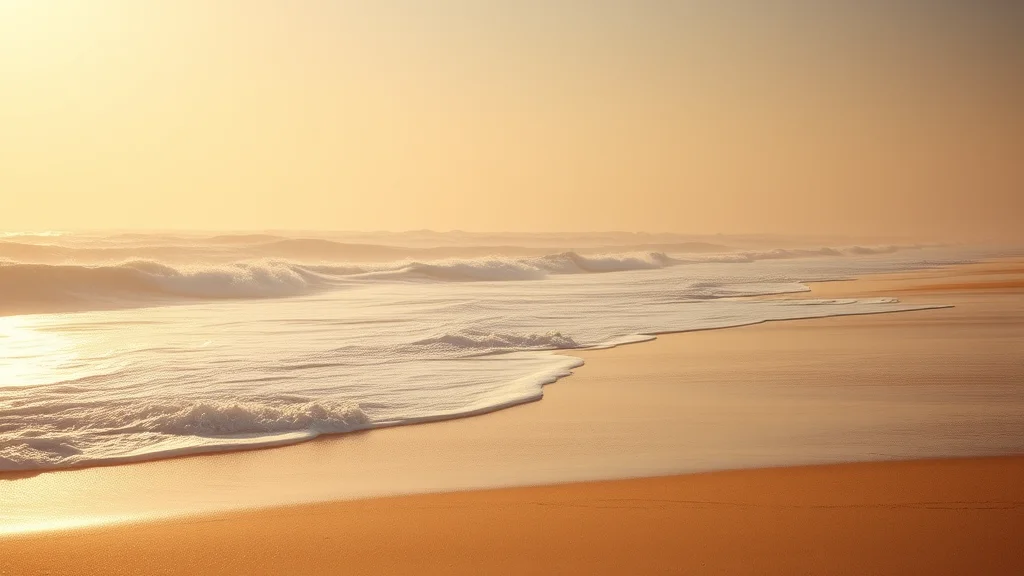
A beach looks like the easiest setting in the world: sand, water, sky, done. In practice it is one of the harder environments to render because almost everything in it is a texture with no hard edges, and diffusion models love to cheat on textures. Sand becomes a flat plastic sheet with no grain. Waves repeat in an obvious tiled pattern that no real ocean ever makes. The horizon (the single most important line in the frame) bends, doubles, or dissolves into a smear where the sea meets the sky. Palms grow at impossible angles or fuse into green blobs.
The reason is that a beach has no convenient geometry for the model to lock onto. A bedroom at least has a headboard and a window frame. A beach is three enormous gradient fields (sand, water, sky) stacked on top of each other, and the model has to invent believable detail across all three at once. When it guesses wrong, the whole image reads as fake instantly, because everyone on earth knows what a real beach looks like. Your job is to give the model enough concrete anchors that it stops guessing.
The key distinction to hold in your head, especially if you also make poolside scenes, is that a beach is a natural shore. There is no tiled deck, no built edge, no turquoise rectangle. It is organic: irregular foam lines, wet and dry sand, scattered shells, a wind-bent palm. Lean into that organic irregularity and the scene comes alive. Try to make it too clean and it tips over into the uncanny. For the broader vocabulary of outdoor environments, our setting prompts reference and the outdoor nature scene guide are worth reading alongside this one.
The beach prop and environment tags
A beach scene is built from environmental layers rather than discrete props, so your tags should describe those layers with texture words the model can actually render. The table below breaks the shore into the elements that matter and the phrasing that keeps each one honest.
| Layer | Prompt tags that work | Why it helps |
|---|---|---|
| Sand | fine golden sand, sand grain texture, footprints in sand, wet sand near waterline, scattered seashells | Kills the plastic-sheet look and grounds the subject |
| Water and foam | breaking waves, white foam, sea spray, gentle surf, turquoise shallows, wet reflective sand | Gives motion and stops the water from looking like glass |
| Horizon and sky | clear horizon line, distant ocean, soft clouds, blue sky, hazy sky at horizon | Anchors the single most important line in the frame |
| Vegetation and framing | palm trees, palm fronds, beach grass, driftwood, distant coastline | Adds depth and a natural frame at the edges |
| Subject props | beach towel, straw hat, sunglasses, light sarong, sunscreen bottle | Grounds the adult subject and implies the story |
Notice the emphasis on texture words: grain, foam, spray, wet. Those are what pull sand and water back from the plastic default. Notice also that the props for the subject are minimal. A beach does not need clutter; a towel, a hat, and maybe sunglasses are enough to place an adult figure believably in the scene without competing with the landscape.
Order your tags from the subject outward, then the sand, then the water, then the horizon and sky. That front-loading tells the model what must be sharp (the subject and the near sand) and what can stay soft (the far water and haze). If you invert it and lead with “vast ocean, huge sky,” the model tends to shrink the subject into an afterthought.
How to light a beach
Beach lighting is dominated by the sun, and you have two strong choices.
Bright midday sun is the postcard look. Prompt “bright direct sunlight, high sun, hard shadows, sparkling water, high key daylight.” This gives you punchy contrast, glittering highlights on the water, and short dark shadows directly under the subject. It reads as energetic and hot. The risk is that hard noon light can flatten skin and blow out highlights, so pair it with skin texture cues and keep an eye on the brightest areas. Our studio flash guide is not a beach guide, but its notes on controlling harsh highlights transfer directly.
Golden hour is the more flattering and more popular option for NSFW beach work. Prompt “golden hour, warm low sun, long shadows, backlit, rim light on skin, warm orange glow, sun near horizon.” The low warm sun wraps around the body, throws a glowing rim along the shoulders and hips, and turns the wet sand into a mirror of warm color. This is the look most beach scenes are reaching for. Our dedicated golden hour photo guide and the backlit photo guide both go deep on getting that rim light to read correctly, and the general lighting prompts list gives you the full vocabulary.
Whichever you pick, commit to a single sun direction and keep the shadows consistent with it. The fastest tell of a fake beach is a subject lit from the front while the waves are backlit from behind. Name the direction (“sun from left, backlight”) and let every shadow in the frame obey it.
Staging, subject placement, and depth
Depth on a beach comes from the recession of the shoreline. The waterline should sweep from the foreground toward the horizon, giving the eye a path into the distance. Place your adult subject in the near-to-mid ground, on a towel on the dry sand or standing at the wet edge where the foam runs up. Prompt for contact: “lying on beach towel on sand, sand clinging to skin, relaxed pose, weight sinking into towel.” That contact is what stops the classic floating-subject problem where the figure hovers a hair above the sand.
Use the horizon as your depth anchor and keep it level. A tilted or bent horizon is jarring, so if you want a dynamic angle, tilt the whole camera intentionally rather than letting the sea line wobble. Shallow depth of field helps here too: “subject in sharp focus, background ocean softly blurred, bokeh on water sparkles” pushes the repetitive wave detail out of scrutiny and hides the model’s weakest area. For framing choices that flatter a reclining or standing pose, the camera angle prompts guide pairs well.
If you are building a full matched series on one beach, the consistent photo set method keeps the same coastline, palms, and light across frames, and the scene action prompts give you tasteful interaction language for the poses. The prompt formula guide ties the whole structure together if you want a repeatable template.
A full copy-paste example prompt
Here is a complete golden hour beach prompt for an SDXL or Pony based checkpoint. Swap the bracketed subject for your own original adult character and adjust the sun direction to taste.
Positive:
(masterpiece, best quality, photorealistic, 8k, raw photo),
beautiful adult woman [your character description, age 20s],
lying on a beach towel on fine golden sand, relaxed sunbathing pose,
sand grain texture, footprints in sand, scattered seashells,
breaking foam waves, gentle surf, wet reflective sand near waterline,
clear level horizon, distant ocean, soft hazy sky,
palm trees framing the edge, distant coastline,
golden hour, warm low sun from left, backlit rim light on skin,
long soft shadows, warm orange glow, sparkling water bokeh,
shallow depth of field, subject in sharp focus, ocean softly blurred,
detailed skin texture, natural skin, subsurface scattering,
shot on 85mm lens, cinematic warm color grade

Negative:
(worst quality, low quality, jpeg artifacts), plastic sand,
flat smooth sand, tiled repeating waves, doubled horizon,
bent horizon, muddy horizon line, floating body, extra limbs,
deformed hands, mutated fingers, plastic skin, oversaturated,
cartoon, fused palm trees, watermark, text, blurry foreground
For stronger skin under harsh sun, layer in the skin texture prompt tags, and to warm or cool the overall feel, the color grading prompts let you dial the mood without touching the composition.
Sampler, CFG, and checkpoint notes
Beaches reward a sampler that resolves fine texture, because sand grain and foam are exactly where cheaper settings fall apart. Use DPM++ 2M Karras or DPM++ 3M SDE Karras at 30 to 36 steps. The extra steps matter more here than in a simple portrait because the model needs them to break up the flat sand and water into believable texture.
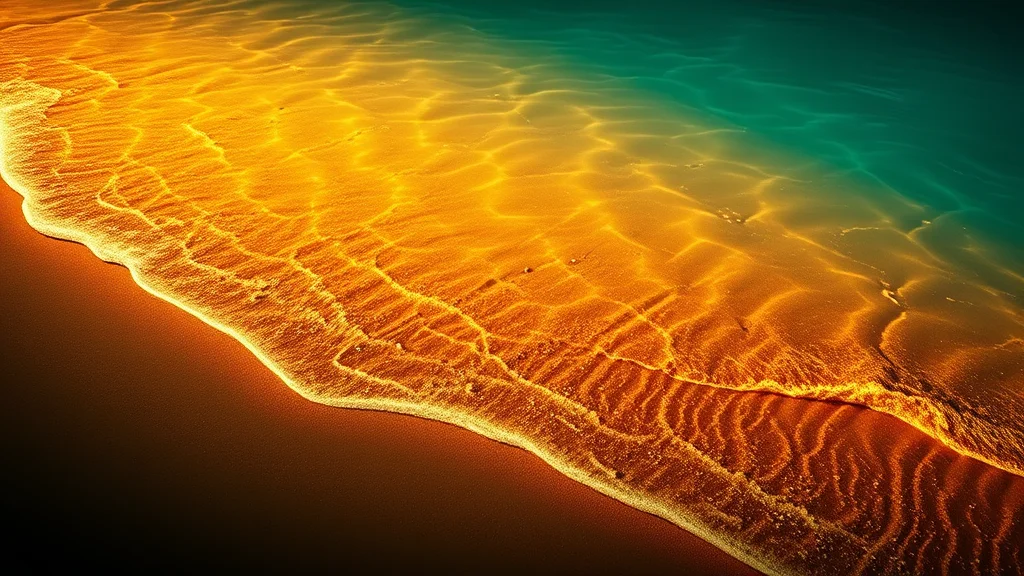
Keep CFG around 4.5 to 6.5. Push it higher and the golden hour warmth turns radioactive orange and the water oversaturates into unnatural teal. For photoreal shorelines, a strong realism checkpoint is essential. RealVisXL and EpicRealism both render natural landscapes and skin convincingly, and Lustify SDXL is a solid NSFW-tuned option. The full checkpoint comparison and the CFG and sampler reference cover the trade-offs in detail.
Generate wide (1216×832 or wider) so the shoreline has room to recede, then upscale. The upscale pass is where sand grain, foam detail, and the sparkle on the water gain their final crispness, so do not skip it. Follow the upscaling guide at around 0.3 denoise so the upscaler sharpens texture without inventing a new coastline. If your first pass comes out soft, run the get better results checklist before rerolling.
Where it breaks and how to fix it
Beach scenes fail in four signature ways, and each has a clean fix.
Repeating or tiled waves are the most obvious tell. The foam pattern copy-pastes across the surf in a way no ocean ever does. The fix is to mask the water and inpaint it with a lower denoise and a prompt that stresses irregularity: “natural irregular breaking waves, varied foam, no repeating pattern.” The inpainting guide walks through masking just the water plane.
Muddy or doubled horizon is the second killer. The line where sea meets sky bends, smears, or splits into two. Fix it by masking a thin band across the horizon and regenerating it clean, or by cropping so the horizon sits on a rule-of-thirds line where the model handles it more reliably. Keeping the horizon level in the base prompt prevents most of this.
Plastic sand is the third. The sand reads as a smooth plastic sheet with no grain. Prompt harder for texture (“coarse sand grain, individual sand particles, footprints”) and add a detail pass. Our add detail guide is built for exactly this kind of texture rescue.
Floating subject rounds out the list: the body sits on top of the sand with no dent, no shadow, no clinging grains. Prompt for weight and sand contact, then inpaint a soft contact shadow and a little sand on the skin. For overall softness, the blurry image fix routine sharpens without a full reroll, and for any anatomy slips, mask and regenerate the hands and feet rather than the whole frame.
Building a matched beach series
A single beach frame is nice, but a matched set on the same stretch of coast is far more convincing, because it reads like a real day at a real beach rather than one lucky render. To pull that off, lock the environment description word for word and reuse it across every generation, changing only the pose and camera language. If your hero frame says golden hour, sun low on the left, two palms framing the right edge, distant headland, then every other frame in the set must say exactly that. Any drift lets the model move the sun, swap the palms, or invent a new coastline, and the set falls apart.
Use image to image from your strongest frame to hold the shoreline while you change the pose. The img2img workflow feeds the model your established beach and only nudges the subject, which keeps the horizon, the palms, and the light direction stable. Pair it with the character consistency techniques so the face and body hold across frames, and apply a single unified warm color grade to every image so the whole set feels shot in one golden hour rather than assembled from separate afternoons.
Beaches also reward a little variety in framing within that consistency. Alternate a wide establishing frame that shows the full sweep of the shore with tighter frames that push the subject forward and let the ocean blur into bokeh behind. The wide frames sell the location; the tight frames flatter the subject and hide the model’s weakest area (the repetitive water). Balancing the two across a set gives it the rhythm of a real editorial shoot. For the tighter frames, the DSLR realism guide and the bokeh photo guide both help push the background into that creamy, believable blur. Finish any weak frame with the photo editing workflow, which is where a muddy horizon or a stray plastic-sand patch gets its final cleanup before the set ships.
Conclusion
A convincing beach NSFW scene lives or dies on texture and the horizon. Give the model gritty sand with footprints, irregular foam, a clean level sea line, and a committed sun direction, and it stops cheating on the gradients that usually give it away. Place your adult subject with real sand contact, lean into golden hour for flattering rim light, and keep the background soft so the repetitive water detail never comes under scrutiny. Then fix the four usual suspects (tiled waves, muddy horizon, plastic sand, floating subject) with targeted inpainting and a detail pass. Do that and your shoreline reads as a real photograph taken on a real coast, not a stack of three flat gradients.
Frequently asked questions
How is a beach scene different from a poolside scene in AI prompts?
A beach is a natural shore with irregular foam, gritty sand, and an open horizon, while poolside is a built deck with tiled edges and a turquoise rectangle of water. Beaches reward organic irregularity; pools reward clean geometry. Prompt them with opposite mindsets.
Why does my ocean look like it has repeating tiled waves?
The model copy-pastes foam across the water because it has no geometry to anchor to. Mask the water plane and inpaint it at lower denoise with prompts like natural irregular breaking waves, varied foam, no repeating pattern. Keeping the horizon level also helps.
What lighting is best for a beach NSFW scene?
Golden hour is the most flattering: warm low sun for a glowing rim light on skin and a mirror of color on wet sand. Bright midday sun gives punchy postcard contrast but can flatten skin. Whichever you choose, commit to one sun direction and keep every shadow consistent.
How do I stop the sand from looking like plastic?
Use texture words the model can render: fine golden sand, sand grain texture, footprints in sand, scattered seashells. Then run a detail pass on the upscale. Plastic sand is almost always a case of too few steps plus vague texture prompting.
How do I keep the horizon from bending or doubling?
Prompt clear level horizon line and crop so the sea line sits on a rule-of-thirds line, where the model handles it best. If it still smears, mask a thin band across the horizon and regenerate just that region clean.
Which checkpoint works best for realistic beaches?
RealVisXL and EpicRealism render natural landscapes and skin convincingly, and Lustify SDXL is a strong NSFW-tuned option. Pair any of them with 30 to 36 steps, CFG around 5 to 6.5, a wide aspect ratio, and a proper upscale pass.
What settings give the cleanest beach texture?
DPM++ 2M Karras or DPM++ 3M SDE Karras at 30 to 36 steps, CFG 4.5 to 6.5. Generate wide at 1216×832 so the shoreline recedes, then upscale at about 0.3 denoise so sand grain and foam sharpen without the coastline changing.
Why does my subject look like it floats above the sand?
The body has no dent, shadow, or clinging grains. Prompt lying on beach towel on sand, sand clinging to skin, weight sinking into towel, then inpaint a soft contact shadow and a little sand on the skin where the body meets the ground.